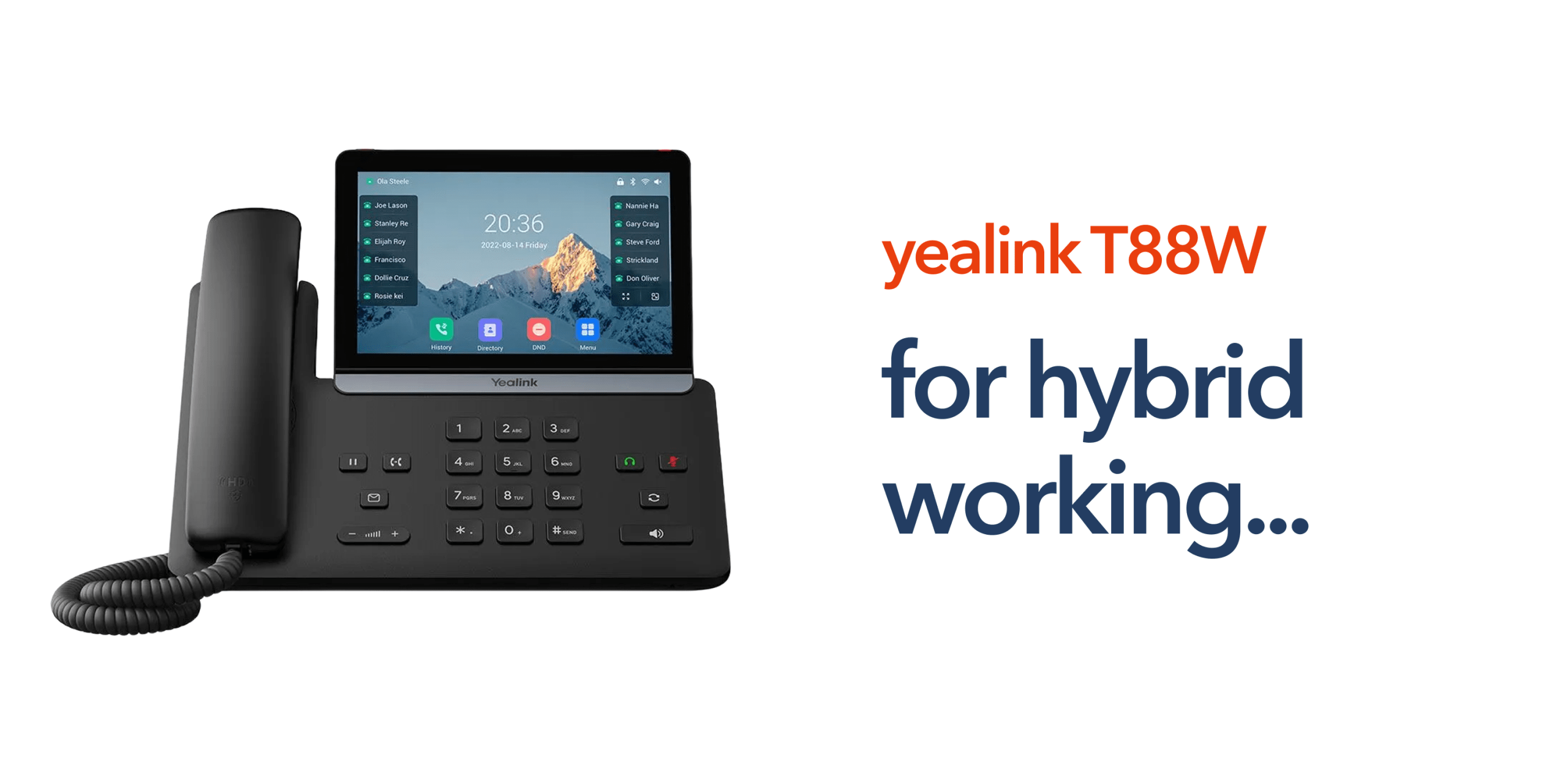
Modern businesses no longer operate from a single office. Teams now work across multiple locations, home offices, and shared workspaces. That shift has placed new demands on business telecoms. Employees still need reliable voice communication, but traditional desk phones were designed for fixed office environments. They depend on legacy infrastructure, such as the public switched telephone network and lack the flexibility required for modern work.
Cloud telephony and Voice over Internet Protocol have changed how organisations communicate. Businesses can now run their phone systems through internet connectivity rather than physical lines. Devices such as the Yealink T88W Pro have been designed specifically for this new environment. When configured correctly, they allow employees to maintain professional communication regardless of where they work.
Understanding how to deploy the device properly is key to getting the most value from it.
Why the Yealink T88W Pro Works Well for Hybrid Teams
The Yealink T88W Pro is designed for modern working environments where employees move between the office, home, and shared workspaces. Traditional desk phones were built for fixed locations and legacy telecom infrastructure. They often struggle to support the flexibility required by hybrid teams. The Yealink T88W Pro takes a different approach. It combines VoIP capability with wireless connectivity and a modern interface that integrates easily with cloud phone systems. This allows businesses to maintain consistent communication even when staff are working across multiple locations.
For organisations running cloud telephony or VoIP phone systems, the device provides a reliable and adaptable communication tool that fits naturally into hybrid work models. Several features contribute to its effectiveness in these environments, including wireless connectivity, VoIP compatibility with cloud platforms, and DECT support for expanded workplace mobility. Let’s take a look at these features:
Wireless Connectivity
The device supports both Ethernet and Wi-Fi connectivity, giving businesses flexibility in how the phone is deployed. In a traditional office environment, an Ethernet connection provides stable network performance and consistent call quality. However, Wi-Fi support allows the phone to operate in locations where network cabling may not be available. This is particularly useful for remote workers, temporary workspaces, or flexible office layouts. By allowing the device to connect wirelessly, businesses can deploy the phone quickly without complex installation, helping teams stay connected regardless of where they work.
VoIP and Cloud Telephony Compatibility
The Yealink T88W Pro integrates easily with modern VoIP phone systems, allowing businesses to manage calls through cloud telephony platforms rather than relying on legacy PSTN infrastructure. This approach gives organisations greater flexibility, enabling employees to access the same business phone system whether they are in the office or working remotely.
Calls can be routed through extensions, call groups, or automated systems without requiring physical phone lines. As the UK prepares for the PSTN switch-off, businesses are increasingly moving towards Voice over Internet Protocol solutions. Devices that support VoIP, such as the Yealink T88W Pro, help organisations transition to cloud-based communications while maintaining reliable and professional voice connectivity.
DECT Integration
The Yealink T88W Pro also supports Digital Enhanced Cordless Telecommunications technology, allowing businesses to extend communication coverage through compatible wireless handsets. This can be particularly useful in environments where employees need to move around while remaining reachable on the business phone system.
In settings such as retail stores, warehouses, or multi-floor offices, DECT connectivity enables staff to take calls away from a desk without losing connection to the main telecom infrastructure. This improves internal mobility while keeping communication consistent across the organisation, all without introducing additional complexity to the system setup.
Best Practices for Deploying the Yealink T88W Pro
Deploying the device successfully requires more than simply connecting it to the network. Businesses should follow several best practices to ensure reliable performance.
Choose a Reliable Network Connection
Voice over Internet Protocol depends heavily on network stability. Poor internet connectivity can lead to dropped calls, audio delays, or poor call quality. Businesses should prioritise stable business broadband connections rather than consumer-grade internet services. If the device is deployed remotely, employees should use reliable business internet connections wherever possible.
Use a Cloud-Based Business Phone System
The Yealink T88W Pro performs best when connected to a cloud-based business phone system. Cloud telephony platforms provide features such as call routing, voicemail management, call recording, team extensions, and remote access. These capabilities allow organisations to maintain consistent communication across remote and office-based staff.
Configure SIP Credentials Correctly
To register the phone with a VoIP platform, businesses must enter SIP credentials, including SIP server address, extension or username, and authentication password. Correct configuration ensures the phone connects securely to the company’s telecommunications platform.
Test Calls and Audio Quality
Once configured, businesses should test the system thoroughly. Testing should include:
- Inbound calls
- Outbound calls
- Voicemail access
- Headset compatibility
- Speakerphone quality
This step confirms the phone integrates correctly with the wider telecom infrastructure.
Network Requirements for VoIP Desk Phones
Reliable VoIP communication depends heavily on network performance. Even high-quality devices such as the Yealink T88W Pro can experience call quality issues if the underlying network is unstable. Businesses should ensure several key requirements are met before deploying VoIP desk phones. These include:
Stable Business Broadband
A reliable business broadband connection is essential for voice traffic. Consumer-grade internet connections may work for small deployments, but business environments typically require higher reliability and consistent bandwidth.
Quality of Service (QoS)
Many organisations configure Quality of Service settings on their routers or network switches. This prioritises voice traffic over other data, such as file downloads or video streaming. By prioritising voice packets, businesses can reduce latency, jitter, and dropped calls.
Secure Network Configuration
VoIP devices should operate on secure networks with proper firewall configuration and strong authentication credentials. This protects the telecommunications infrastructure from unauthorised access.
Security and Remote Management Considerations
Hybrid work introduces additional security considerations. Devices may operate outside the office network, increasing exposure to potential risks. Businesses should ensure strong SIP authentication credentials, secure network connections, and regular firmware updates.
Many organisations also use centralised management tools to monitor device performance and update configurations remotely. This approach simplifies administration while maintaining consistent security standards.
Common Mistakes When Deploying VoIP Desk Phones
Many businesses deploy VoIP phones without considering the wider telecom infrastructure. This can lead to avoidable issues. Common mistakes include:
- Using unreliable home internet connections for remote workers
- Failing to configure Quality of Service for voice traffic
- Not testing the SIP configuration before deployment
- Ignoring firmware updates and device security
Planning the deployment properly ensures devices like the Yealink T88W Pro deliver the call quality and reliability businesses expect.
Preparing Your Business for the Future of Telecoms
The UK telecommunications landscape is changing rapidly. The planned retirement of the public switched telephone network means businesses must move toward VoIP-based communication systems. Devices like the Yealink T88W Pro represent part of that transition.
When combined with cloud telephony and reliable business broadband, they give organisations a communication platform designed for modern work. More importantly, they allow teams to remain connected wherever work happens. For businesses embracing remote or hybrid working models, the right telecom infrastructure can make daily communication far simpler.
FAQs
Is the Yealink T88W Pro suitable for remote workers?
Yes. The device supports VoIP connectivity and WiFi networking, which allows employees to use it outside the traditional office environment when connected to a secure internet connection.
Does the Yealink T88W Pro require a traditional phone line?
No. The device operates using Voice over Internet Protocol, meaning calls are routed through internet connectivity rather than traditional PSTN lines.
Can the Yealink T88W Pro connect to cloud phone systems?
Yes. The device is designed to integrate with cloud telephony platforms through SIP configuration.
Is the Yealink T88W Pro suitable for small businesses?
Yes. Many SMEs use VoIP phones alongside cloud-based business phone systems to simplify communication and support remote working.