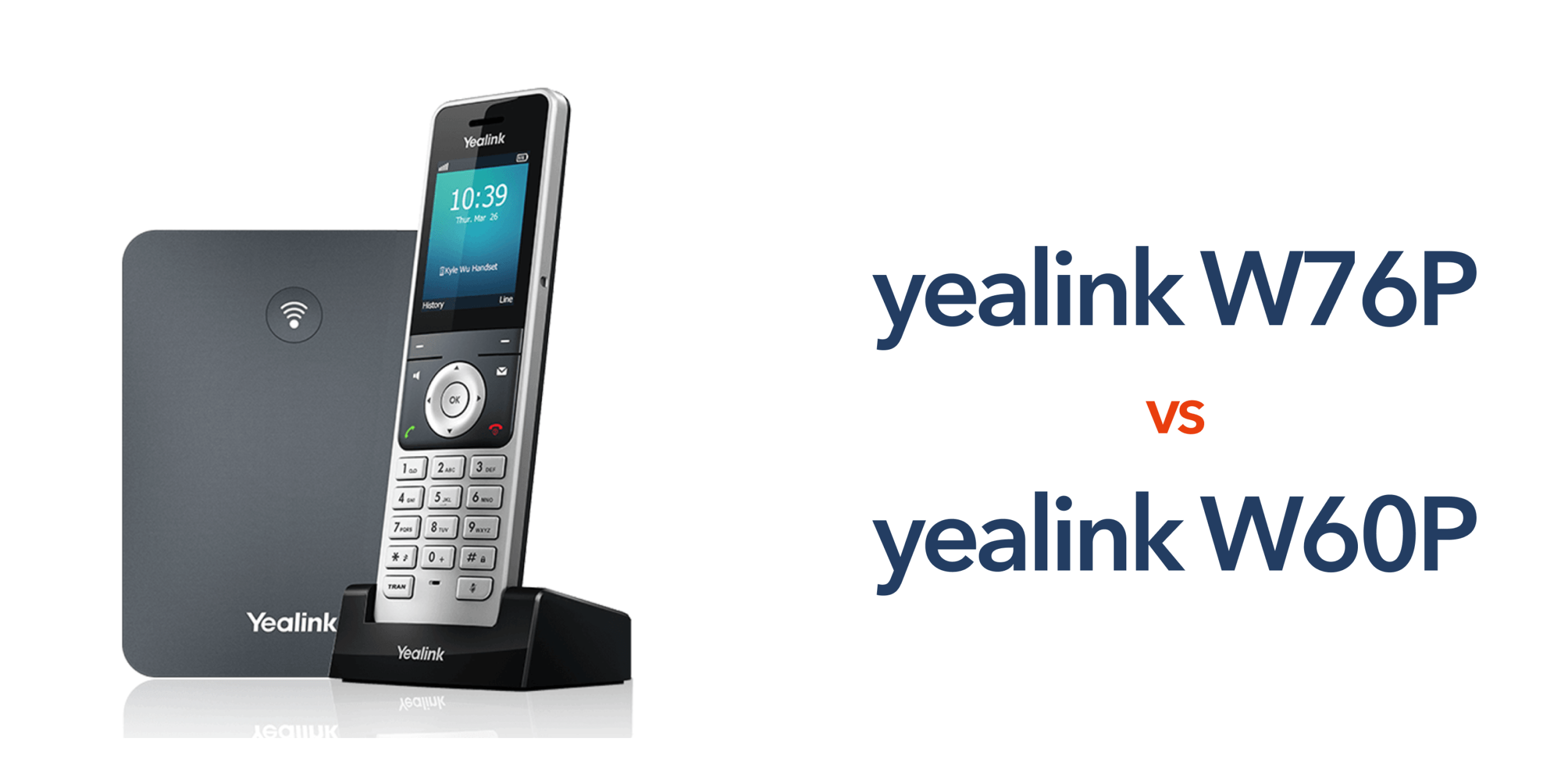
The W60P has been one of Yealink’s most widely used DECT (Digital Enhanced Cordless Telecommunications) systems for years, and many UK businesses still run it successfully today.
However, the W76P is part of Yealink’s newer DECT generation and is its modern replacement. The W60P is officially in its End Of Life (EOL) status.
With the W60P in EOL, Yealink will provide software bug fixes at its discretion. According to Yealink lifecycle guidance, support will eventually end after the final maintenance period. Check with your distributor for exact timelines.
Before writing off the W60P as outdated, it’s worth noting one clear advantage.
The W60P Has a Price Advantage
Being a slightly older piece of hardware, the W60P is also considerably cheaper compared to its replacement.
As mentioned, under Yealink’s EOL policy, the W60P can still receive technical support, firmware fixes, and security maintenance for several years after end-of-sale, depending on distributor availability. However, the clock is ticking, with all after-sales assistance ending next year.
This means a business can install a W60P today and expect serviceability for a limited period.
As a result, the W60P suits budget-conscious buyers or short-term deployments.
However, this isn’t a slam dunk, as spending a bit more on upfront costs for the W76P will mean you get a longer support life for the device and greater long-term value.
For exact lifecycle timelines, we’d strongly suggest confirming with your Yealink distributor or telecom provider directly.
With pricing explained, let’s compare features.
Feature Differences Between the W76P and W60P
At first glance, you might struggle to tell the two DECT systems apart.
After all, both are professional cordless DECT IP phone systems designed to register to SIP (Session Initiation Protocol)-based VoIP (Voice over Internet Protocol) services. If Microsoft Teams calling is part of the wider setup, that’s typically delivered via your voice platform and, where required, an SBC/gateway layer, rather than the DECT system connecting to Teams directly..
However, once you’re using these devices in a real office or multi-site rollout, the differences become much clearer.
As you might have assumed correctly, the W76P is built on newer DECT hardware, which affects capacity, stability, and long-term support.
Let’s break that down.
Base Station Hardware
Both DECT IP phone systems include a base station, a handset, and a charger or power supply unit (PSU).
The W76P uses the newer W70B base station, while the W60P uses the older W60B.
This change is more important than it sounds.
The base station controls how many handsets you can run, how many calls can happen at once, and how smoothly the system performs under load.
For a quick comparison of the improvements between the two models and their base stations:
| Feature | W76P (W70B Base) | W60P (W60B Base) |
| Handsets Supported | Up to 10 | Up to 8 |
| Simultaneous Calls | Up to 20 | Up to 8 |
| SIP Accounts | Up to 10 | Up to 8 |
| Repeaters Supported | Up to 6 (RT30) | Up to 6 (RT30)[1] |
For a small office, the difference may not matter.
But for any business needing extra call capacity, the differences can prevent busy-hour bottlenecks.
It also gives you room to grow without having to replace hardware later.
Call Handling and Performance
Because the W76P uses the newer W70B base station, it handles high call volumes more efficiently.
As you can imagine, this matters in real workplaces where multiple staff are on calls at once, phones are ringing across departments, and reception teams are transferring or parking calls throughout the day.
In practice, the W76P delivers:
Fewer dropped calls during peak periods
The newer base station can support more simultaneous calls without hitting capacity limits, as referenced in the table above.
In busy environments, this helps prevent calls from failing due to system overload.
Faster handset registration and roaming
When handsets reconnect after moving between coverage areas or after power cycles, the W76P registers devices more quickly.
This reduces downtime and keeps staff reachable, especially in warehouses, care homes, or school campuses using repeaters.
Better performance with multiple SIP accounts
Many UK businesses run multiple numbers, hunt groups (multiple phones share one number), or multiple SIP accounts on the same system.
The W76P handles these more smoothly, helping receptionists manage multiple departments without delays or call-routing errors.
Smoother paging and intercom features
Paging groups, internal extensions, and broadcast announcements work more reliably because the W76P can handle more connections.
This is incredibly useful in schools, clinics, and hospitality venues where staff rely on internal announcements.
Security Improvements
Both the W76P and W60P support encrypted calls and secure provisioning, which means your voice traffic and configuration data are protected during normal operation.
However, the W76P benefits from newer firmware architecture and ongoing security support, which makes a real difference over the life of the system.
Security in telecom hardware is not just about whether encryption exists. It’s about how current that encryption is, how long updates are provided, and how well the device integrates with modern VoIP platforms.
Audio Stability
Both systems usually ship with the same W56H handset, so the base audio quality is already excellent.
However, the W76P’s newer base station helps maintain call clarity in busy environments.
This matters in environments such as retail shop floors, logistics depots, care homes, and open-plan offices, where multiple handsets and calls run at once.
The W76P handles the workload more smoothly.
Deployment and Management
For managed VoIP providers like circle.cloud, the W76P is easier to deploy at scale.
Newer provisioning tools and firmware support make remote management simpler.
That means:
- Faster installation across multiple UK sites
- Easier firmware updates
- Better monitoring and diagnostics
- Less downtime during upgrades
If you’re rolling out phones across a chain of clinics or retail locations, those small efficiencies save real time and cost.
Handset Compatibility
Both systems support popular Yealink DECT handsets such as:
- W56H
- W73H
- W59R rugged handset
This means you can mix standard desk handsets with rugged warehouse handsets on either system.
However, pairing newer handsets with the W76P helps ensure longer compatibility and firmware support.
Need Help Choosing the Right Yealink DECT System?
If you’re still unsure whether the W76P or W60P fits your professional environment, circle.cloud can help.
Our team specialises in UK VoIP deployments, from small offices to nationwide retail and healthcare estates.
We’ll compare models, check lifecycle support, and design a cordless phone setup that’s secure, scalable, and ready for future growth.
Speak to circle.cloud today about your office size, budget, and plans, and we’ll help you choose the right Yealink system with confidence.