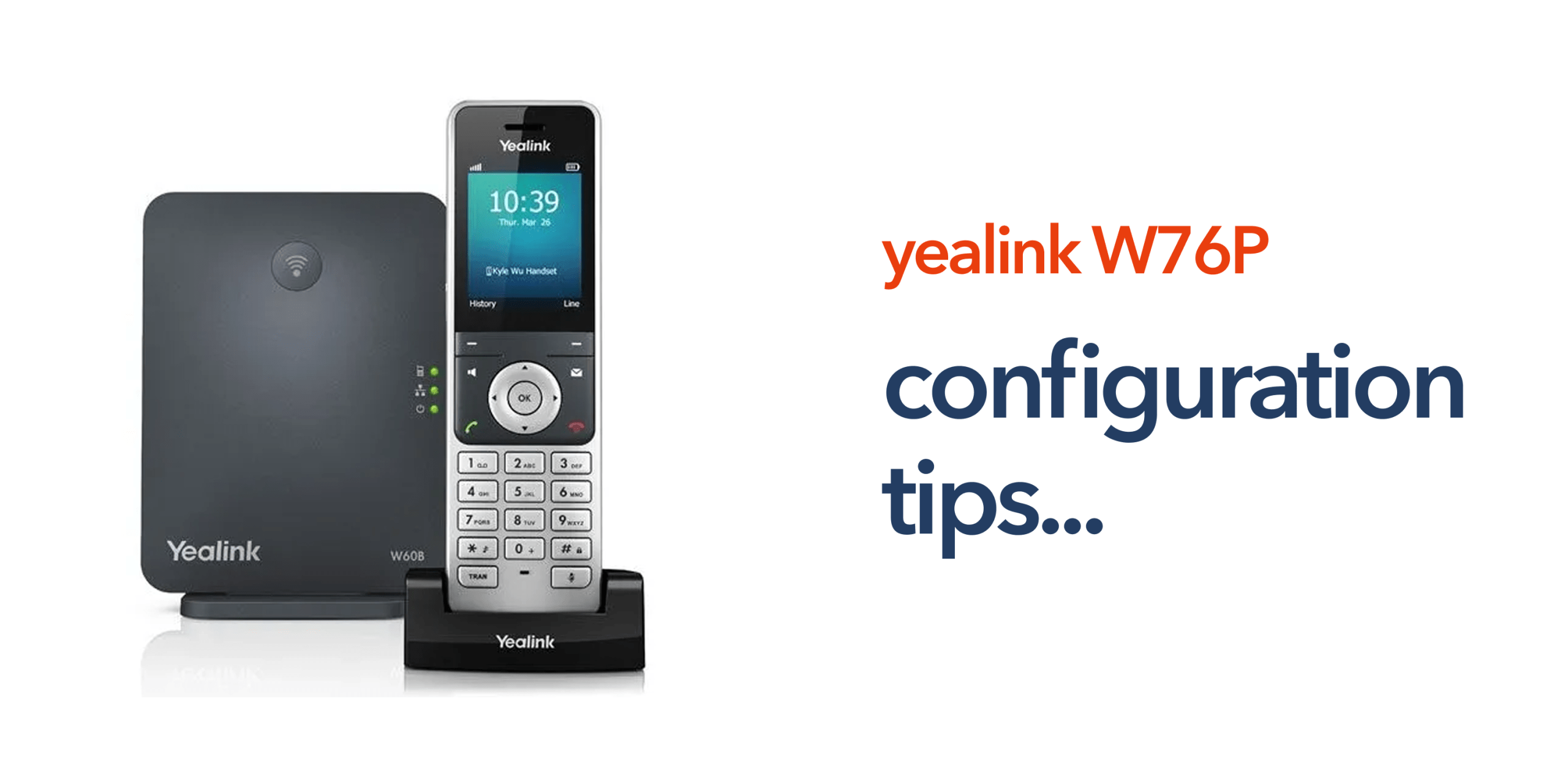
Deploying a new VoIP phone system is only the first step in building a reliable business communication network. Once devices are installed, proper configuration is essential to ensure consistent call quality, robust security, and a smooth user experience across the organisation. Without careful setup, even high-quality hardware like the Yealink W76P may not perform to its full potential.
For organisations using the Yealink W76P, several key configuration settings can have a significant impact on system performance. From registering handsets and optimising network settings to configuring call routing and enabling security features, these adjustments help maximise both efficiency and reliability. Administrators who understand and apply these settings can ensure that the wireless phone system supports mobility, scalability, and seamless integration with cloud-based VoIP platforms.
This guide highlights the most important Yealink W76P configuration tips that every administrator should know, providing practical advice to maintain a high-performing, secure, and user-friendly business telephone system.
Understanding the Yealink W76P Configuration Interface
The Yealink W76P DECT phone system is managed through a web-based administration interface. Administrators can access the interface by entering the base station’s IP address into a web browser. This management portal allows configuration of:
- VoIP account settings
- Handset registrations
- Network configuration
- Security features
- Call routing behaviour.
The interface gives administrators full control over how the device operates within a cloud telephony environment.
Configure VoIP Accounts Correctly
One of the most important parts of Yealink W76P configuration is connecting the device to the correct VoIP service provider. Most providers supply several key details, such as the SIP server address, authentication username, extension number, and account password. Entering these details correctly ensures the device can register with your VoIP phone system and handle incoming and outgoing calls. If the credentials are incorrect, the device will fail to register with the server.
Optimise Network Settings for VoIP Traffic
Reliable call quality depends heavily on the network connection. During Yealink W76P configuration, administrators should ensure the device is connected to a stable business broadband or business internet connection. Best practices include using a wired Ethernet connection for the base station, avoiding congested network segments, and enabling Quality of Service (QoS) on the network where available. These steps help prioritise voice over internet protocol traffic, improving call clarity and reducing latency.
Register Multiple Handsets Properly
The W76P base station can support multiple cordless handsets. Administrators should register each handset individually through the handset registration settings. This allows teams to build a scalable wireless phone system across departments. Some common examples include reception teams, warehouse staff, retail employees, and office departments. Each handset can be assigned its own extension within the business phone system.
Configure Call Handling Features
Modern VoIP phone systems offer a range of advanced call management capabilities, and the Yealink W76P configuration panel allows administrators to set up features such as call forwarding, voicemail access, call waiting, and extension dialing. Properly configuring these options can significantly improve communication efficiency across the organisation. For example, calls can be routed directly to the appropriate departments or team members, ensuring that enquiries are handled promptly and reducing delays in internal and external communication.
Update Firmware Regularly
Firmware updates are an often-overlooked but essential part of Yealink W76P configuration. Manufacturers periodically release updates that enhance security, improve performance, and ensure compatibility with VoIP platforms. Administrators should regularly check for firmware updates through the device interface or via their telecom provider. Keeping the firmware current helps maintain a secure, reliable, and high-performing business telecom environment, reducing potential vulnerabilities and ensuring the system continues to operate smoothly.
Secure the Device Network Access
Security should always be considered when configuring any VoIP device. This is why administrators should ensure:
- Default passwords are changed
- Remote access is restricted where possible
- Devices are placed on secure business networks.
These measures help protect the business telephone system from unauthorised access.
Configure DECT Coverage for Larger Offices
Because the Yealink W76P uses digital enhanced cordless telecommunications, wireless coverage depends on the physical office environment. Large buildings or multi-floor offices may require additional DECT repeaters to extend coverage. This ensures employees remain connected as they move around the workplace.
Test Call Quality After Configuration
Once the Yealink W76P configuration process is complete, administrators should thoroughly test the system to ensure it operates reliably. Key checks include making and receiving inbound and outbound calls, testing internal extension calls, and verifying call transfer functionality.
If any issues with call quality arise, administrators should review network performance, VoIP server settings, and wireless coverage to identify and resolve potential problems. Conducting proper testing helps ensure that the wireless phone system delivers consistent performance and seamless communication across the organisation.
Why Proper Configuration Matters for Business Telecoms
Devices such as the Yealink W76P business phone play a central role in modern cloud telephony infrastructure. When configured correctly, they provide businesses with flexible communication options, support for remote and hybrid working, and a scalable telecom setup that can grow with the organisation. As companies transition away from the public switched telephone network (PSTN), properly configured VoIP systems like the W76P become essential for maintaining reliable, high-quality communications across all teams and locations.
Reliable VoIP Infrastructure With circle.cloud
Configuration is only one part of a successful telecom deployment. circle.cloud helps UK organisations implement reliable VoIP phone systems, business broadband, and cloud telephony platforms that support devices like the Yealink W76P. Our approach focuses on simple, reliable communications designed for modern businesses. If your organisation is upgrading its telecom infrastructure or preparing for the PSTN switch-off, our team can help you deploy a system that works today and scales for the future. Speak to our experts and modernise your business communications.
FAQs
What is included in the Yealink W76P configuration process?
Yealink W76P configuration involves the process of setting up VoIP accounts, network settings and call management features within the device’s administration interface.
How do administrators access the W76P configuration panel?
Administrators can access the configuration interface by entering the base station’s IP address into a web browser.
Can the Yealink W76P support multiple handsets?
Yes. The base station supports several cordless handsets, allowing businesses to expand their wireless phone system.
Does network quality affect VoIP call quality?
Yes. Reliable business internet connectivity is essential for maintaining clear and stable VoIP calls.
Is the Yealink W76P suitable for SMEs?
Yes. Many SMEs use the device because it provides a flexible DECT business phone system that integrates easily with modern cloud telephony.