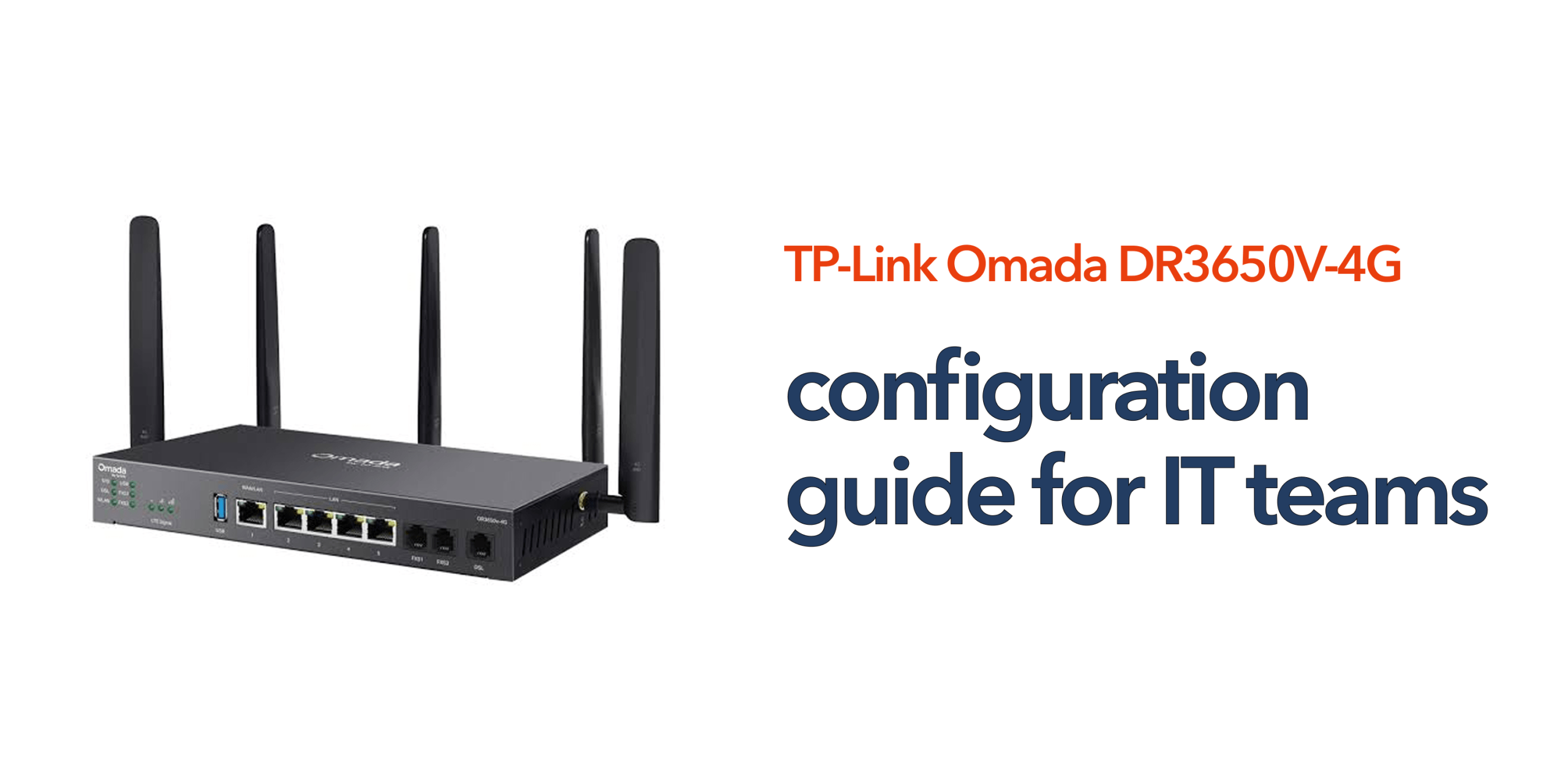
Reliable connectivity is now a fundamental requirement for modern businesses. Cloud applications, hosted phone systems, Microsoft 365, video conferencing, and remote working tools all depend on a stable network infrastructure. For IT teams, simply providing internet access is no longer enough. Networks must be secure, resilient, easy to manage, and capable of supporting business continuity when unexpected issues occur. The TP-Link Omada DR3650V-4G is designed to address these requirements by combining broadband routing, integrated 4G backup, VPN capabilities, and cloud-based management within a single platform. Understanding the best approach to DR3650V-4G configuration can help IT teams maximise performance, improve resilience, and simplify network administration across multiple locations.
Understanding the DR3650V-4G Architecture
Before beginning configuration, it is worth understanding what makes the DR3650V-4G different from many traditional business routers. The device supports multiple connectivity options, including DSL, Ethernet WAN, fibre broadband, and integrated 4G mobile connectivity. This flexibility allows organisations to build resilient network environments without relying on multiple standalone devices.
In addition to internet connectivity, the router supports VPN services, centralised cloud management, traffic control policies, and VoIP integration. For IT teams, this means fewer devices to manage and greater visibility across the network infrastructure.
Planning Your DR3650V-4G Configuration
Successful deployment starts before any settings are changed. IT teams should first identify the business requirements for the site being configured. A small office may only require basic internet access and failover protection, while larger locations may require VPN connectivity, multiple WAN policies, VoIP prioritisation, and segmented network access.
Understanding these requirements early helps ensure the configuration supports both current operations and future growth. It is also advisable to document IP addressing schemes, WAN priorities, security policies, and VPN requirements before deployment begins.
Configuring the Primary WAN Connection
The first stage of DR3650V-4G configuration is establishing the primary internet connection. The router supports several connection methods, including fibre broadband services delivered via Ethernet WAN, traditional DSL connections, and other compatible internet services.
Once the primary WAN connection has been configured, administrators should verify internet connectivity and confirm that DNS resolution, routing, and network access are functioning correctly. Establishing a stable primary connection creates the foundation for the remaining configuration process.
Configuring Integrated 4G Failover
One of the most valuable features of the DR3650V-4G is its built-in 4G backup capability. After installing a suitable Nano SIM card, the mobile connection can be configured as a secondary WAN service. The router continuously monitors the health of the primary connection and automatically redirects traffic to the mobile network if broadband connectivity is lost.
For many businesses, this feature significantly reduces the risk of operational disruption caused by ISP outages or infrastructure faults. IT teams should test failover functionality during deployment to ensure the transition process works as expected. A properly configured failover environment can help maintain access to cloud applications, VoIP services, and business-critical systems during connectivity incidents.
Integrating with Omada Cloud SDN
Many organisations deploy the DR3650V-4G as part of a wider Omada ecosystem. Integration with Omada Cloud SDN provides centralised management capabilities that simplify administration across multiple sites. Rather than logging into individual routers, administrators can monitor device health, review connectivity status, deploy policies, and troubleshoot issues through a single management interface.
This approach is particularly beneficial for businesses with remote offices, branch locations, or distributed workforces. Centralised management also improves visibility and can help reduce the time required to diagnose network issues.
Configuring VPN Connectivity
Secure remote access remains an important requirement for many organisations. The DR3650V-4G supports VPN technologies that allow users and sites to communicate securely across public internet connections. For businesses with remote employees, VPN access helps ensure staff can connect securely to internal systems and business resources. For multi-site organisations, site-to-site VPNs can provide reliable connectivity between locations while maintaining strong security controls. When configuring VPN services, IT teams should implement strong authentication policies and regularly review access permissions to maintain network security.
Optimising Traffic Management
As businesses become increasingly dependent on cloud applications, effective traffic management becomes more important. The DR3650V-4G allows administrators to prioritise certain types of traffic and optimise network performance for critical services.
For example, organisations using hosted VoIP can prioritise voice traffic to maintain call quality during periods of high network usage. Similarly, bandwidth-sensitive applications such as video conferencing can be protected from congestion through appropriate traffic management policies. These configurations help ensure important business services continue performing reliably even during peak demand periods.
Strengthening Network Security
Security should form a core part of any DR3650V-4G configuration strategy. Modern cyber threats continue to evolve, and business networks remain attractive targets for attackers. IT teams should ensure administrative access is protected with strong credentials and role-based permissions where available. Firmware updates should be applied regularly to maintain security and performance. Network segmentation can also be beneficial for organisations that support guest access, IoT devices, or multiple departments with different security requirements. A layered approach to security helps reduce risk while supporting business operations.
Testing and Validation
Once the configuration is complete, testing should never be overlooked. Every deployment should include validation of:
- Internet connectivity
- Failover functionality
- VPN connections
- Cloud management access
- VoIP performance
- Security policies
Testing provides confidence that the network will perform as expected during both normal operation and unexpected incidents. Regular reviews and periodic testing should also form part of ongoing network management.
Best Practices for Ongoing Management
A successful deployment does not end after installation. IT teams should monitor network performance regularly and review configuration settings as business requirements evolve. Changes such as new cloud services, additional users, remote working initiatives, or site expansions may require adjustments to network policies.
Routine firmware updates, connectivity monitoring, and failover testing can help ensure the DR3650V-4G continues delivering reliable performance over time. Organisations that adopt a proactive management approach are often better positioned to avoid downtime and maintain business continuity.
Why the DR3650V-4G Is Well Suited to Modern IT Environments
Many routers focus solely on connectivity. The TP-Link Omada DR3650V-4G goes further by combining broadband access, integrated 4G failover, VPN functionality, cloud-based management, and business continuity features within a single platform. For IT teams, this simplifies deployment, reduces infrastructure complexity, and improves network resilience.
As businesses become increasingly reliant on cloud-first communications and internet-based services, a well-planned DR3650V-4G configuration can help create a more secure, reliable, and future-ready network environment. Speak to circle.cloud for expert guidance on business connectivity, network configuration, and resilient communications infrastructure.
FAQs
What is the primary purpose of the DR3650V-4G configuration? The goal is to optimise connectivity, resilience, security, and management while ensuring the router supports the organisation’s operational requirements.
Does the DR3650V-4G support automatic failover? Yes. The router can automatically switch to a 4G connection if the primary broadband service becomes unavailable.
Can the DR3650V-4G be managed remotely? Yes. Integration with Omada Cloud SDN allows administrators to monitor and manage the router remotely.
Is the DR3650V-4G suitable for multi-site businesses? Yes. Centralised management, VPN support, and failover capabilities make it well-suited to organisations operating across multiple locations.
How often should configuration settings be reviewed? IT teams should review network settings regularly, particularly when business requirements, security policies, or connectivity needs change.