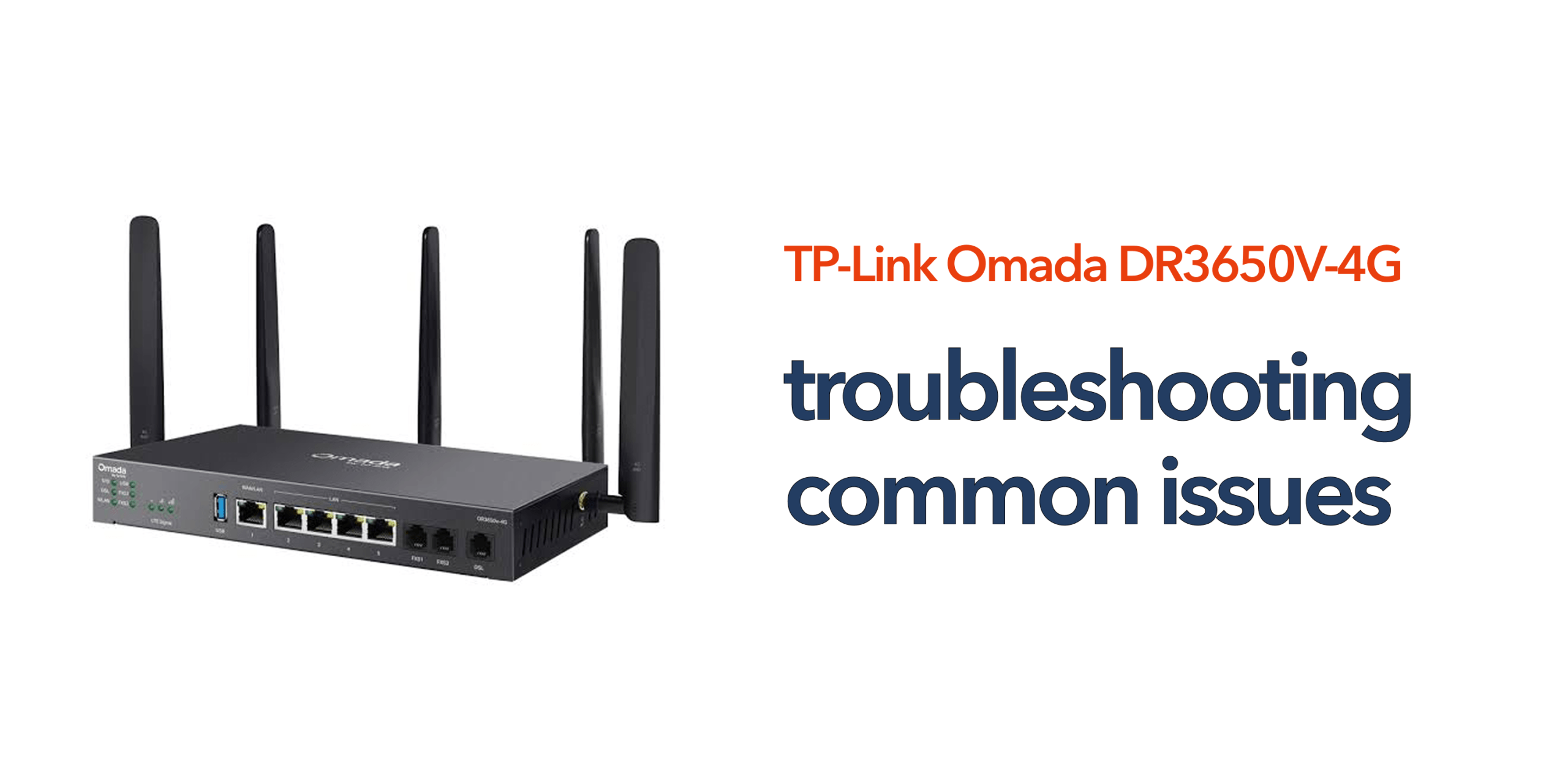
Reliable internet connectivity is critical for modern businesses. From cloud applications and hosted phone systems to video conferencing and remote working, organisations depend on stable network infrastructure to maintain productivity. The TP-Link Omada DR3650V-4G is designed to provide business-grade connectivity with advanced routing, VPN support, and integrated 4G failover. However, like any networking device, occasional problems can occur. Understanding how to identify and resolve common DR3650V-4G issues can help minimise downtime and keep business operations running smoothly.
Why Network Issues Matter for Businesses
Even minor connectivity problems can have a significant impact on day-to-day operations. Network disruptions can result in:
- Lost internet access
- Dropped VoIP calls
- Interrupted video meetings
- Reduced employee productivity
- Customer service delays
- Remote access failures
The faster issues are diagnosed and resolved, the lower the impact on the business.
Internet Connection Not Working
One of the most common DR3650V-4G issues is a complete loss of internet connectivity. When this occurs, businesses may lose access to cloud applications, hosted phone systems, email services, and other critical online resources. Identifying the root cause quickly is essential to minimise disruption and restore normal operations.
Possible Causes Several factors can contribute to internet connectivity problems. These include a broadband service outage from the internet provider, incorrect WAN configuration settings, authentication failures between the router and ISP, faulty network cabling, or firmware-related issues affecting the router’s performance. In some cases, the problem may stem from a combination of these factors rather than a single fault.
Troubleshooting Steps Begin by checking all physical cable connections to ensure they are secure and undamaged. Review the router’s status indicators for any warning lights or error conditions and confirm whether the internet service provider is reporting any outages.
It is also worth reviewing WAN configuration settings and checking router event logs for error messages. If no obvious issue is identified, rebooting the router can often resolve temporary connectivity problems and restore service.
Slow Internet Performance
Businesses occasionally experience slower-than-expected internet speeds, which can impact productivity, cloud application performance, and communication services. While internet access may still be available, reduced performance can be just as disruptive as a complete outage.
Common Causes Performance issues are often linked to network congestion caused by high bandwidth usage. Large file transfers, cloud backups, streaming services, outdated firmware, and poorly configured Quality of Service settings can all contribute to slower network performance. As businesses adopt more cloud-based services, bandwidth management becomes increasingly important.
How to Resolve It Review network usage to identify applications or devices consuming excessive bandwidth. Check Quality of Service settings to ensure business-critical traffic receives appropriate priority and review bandwidth allocation policies across the network. Monitoring active users, connected devices, and the router’s firmware version can also help identify performance bottlenecks. In many cases, a structured network assessment will reveal the underlying cause of slow internet speeds.
4G Failover Not Activating
One of the key advantages of the TP-Link Omada DR3650V-4G is its integrated 4G backup capability. This feature is designed to maintain connectivity during broadband outages. However, some organisations experience situations where the failover connection does not activate when expected.
Possible Causes Failover issues may result from incorrect configuration settings, SIM card installation problems, weak mobile signal strength, network restrictions imposed by the mobile provider, or incorrect APN settings. Any of these factors can prevent the router from establishing a backup connection when the primary service fails.
Troubleshooting Process Verify that the SIM card is installed correctly and that the router is successfully registered on the mobile network.
Review signal strength levels to ensure adequate coverage and confirm that APN settings match the requirements of the mobile provider. It is also important to check failover rules within the router configuration.
Once these settings have been verified, conduct a controlled failover test by disconnecting the primary broadband connection and confirming that the router automatically switches to the 4G network.
VoIP Call Quality Problems
Many businesses use the DR3650V-4G to support hosted VoIP services and cloud communications platforms. Poor call quality is among the most frequently reported DR3650V-4G issues because voice traffic is highly sensitive to network performance problems.
Symptoms VoIP-related issues can appear in several ways. Users may experience choppy audio, delays during conversations, dropped calls, one-way audio, or call jitter. These symptoms can affect both internal communications and customer interactions, leading to frustration and reduced productivity.
Potential Causes Most call quality problems are linked to network congestion, insufficient available bandwidth, SIP ALG interference, poorly configured Quality of Service settings, or performance issues with the internet service provider. Because VoIP traffic relies on real-time transmission, even minor network problems can have a noticeable impact on call quality.
Recommended Actions Ensure that voice traffic is prioritised through appropriate Quality of Service policies. Many hosted VoIP providers also recommend disabling SIP ALG, as this feature can interfere with call setup and routing.
Testing call quality during peak usage periods can help identify whether network capacity is contributing to the problem and highlight areas where optimisation may be required.
VPN Connectivity Issues
Businesses with remote and hybrid workers frequently use VPN services to provide secure access to internal systems and company resources. When VPN connectivity problems occur, employees may be unable to work effectively or access critical business applications.
Common Problems VPN issues can present themselves as failed connection attempts, slow performance, authentication failures, or unexpected disconnections during active sessions. These problems can affect productivity and may create challenges for remote teams.
Troubleshooting Steps Review VPN credentials to ensure users are entering the correct authentication details. Check firewall policies to confirm VPN traffic is permitted and verify that protocol settings match the requirements of the VPN service. It is also important to confirm internet connectivity and ensure firmware versions are compatible with the VPN deployment. Following any configuration changes, VPN functionality should always be tested thoroughly.
Unable to Access the Management Interface
Occasionally, administrators may find themselves unable to access the router’s management portal. Without administrative access, diagnosing or resolving network issues becomes significantly more difficult.
Potential Causes Access problems may be caused by incorrect IP addressing, browser-related issues, forgotten administrator credentials, or recent network configuration changes that have altered management access settings. In some situations, multiple factors may contribute to the issue.
How to Fix It Start by confirming local network connectivity and verifying that the device attempting to connect is using the correct IP configuration. Clearing the browser cache or trying a different browser may resolve interface-related issues. Administrators should also verify that they are using the correct login credentials. If access remains unavailable, consult the device documentation before considering a factory reset, as resetting the router may remove existing configurations.
Firmware-Related Problems
Outdated firmware can contribute to a wide range of DR3650V-4G issues. Firmware acts as the operating system for the router, and older versions may contain bugs, compatibility limitations, or security vulnerabilities that affect performance.
Signs Firmware May Be the Problem Indicators of firmware-related issues include random router reboots, unstable internet connectivity, malfunctioning features, and compatibility problems with newer applications or devices. These symptoms often develop gradually and may become more noticeable over time.
Recommended Solution Check the router’s current firmware version against the latest release available from TP-Link. Firmware updates often contain bug fixes, security improvements, performance enhancements, and new features that improve overall operation. Maintaining an up-to-date firmware version is one of the simplest ways to reduce software-related problems and improve network reliability.
Wi-Fi Performance Issues
Where the DR3650V-4G is used alongside wireless infrastructure, businesses may encounter Wi-Fi performance concerns that affect connectivity and user experience. Poor wireless performance can have a significant impact on productivity, particularly in busy office environments.
Typical Causes Wireless issues are often caused by signal interference from nearby devices, poor access point placement, high concentrations of connected users, or channel congestion within the surrounding wireless environment. These factors can reduce signal quality and network performance.
Improving Wireless Performance Review the wireless network design to ensure access points are positioned appropriately and provide sufficient coverage throughout the premises. Businesses with larger or more complex environments may benefit from a professional wireless survey, which can identify coverage gaps, interference sources, and optimisation opportunities that improve overall wireless performance.
Security and Firewall Issues
Firewall settings play an important role in protecting business networks, but overly restrictive policies can sometimes interfere with legitimate applications and services.
Common Symptoms Security-related issues may appear as blocked websites, failed application connections, VoIP registration failures, or VPN connectivity problems. These symptoms often indicate that traffic required by a business application is being unintentionally restricted.
Troubleshooting Approach Review firewall rules, content filtering policies, port forwarding configurations, and security logs to identify any restrictions affecting network traffic. When making changes, document all modifications and test thoroughly to ensure the desired outcome has been achieved without introducing new security risks. Balancing security with operational requirements is essential for maintaining a reliable business network.
Preventing Future DR3650V-4G Issues
Many network problems can be avoided through proactive management. Recommended practices include:
- Keeping firmware up to date
- Monitoring network performance
- Testing failover regularly
- Backing up configurations
- Reviewing security settings
- Performing periodic maintenance checks
Preventive maintenance helps reduce unexpected downtime and improve long-term reliability.
When to Escalate an Issue
Some problems require additional investigation. Consider escalating the issue if:
- Connectivity remains unstable after troubleshooting
- Hardware faults are suspected
- Configuration changes have not resolved the problem
- Multiple users are affected simultaneously
Having access to experienced networking and telecom specialists can significantly reduce resolution times.
Conclusion
Most DR3650V-4G issues can be resolved through a structured troubleshooting process. Whether the problem involves internet connectivity, VoIP quality, VPN access, firmware, or failover functionality, identifying the root cause is the key to restoring service quickly. For businesses that rely on cloud communications, hosted VoIP, and uninterrupted connectivity, maintaining a healthy network infrastructure is essential. Regular monitoring, firmware updates, and proactive maintenance can help prevent many common issues before they impact operations.
If troubleshooting hasn’t resolved the problem, speak to circle.cloud for hands-on network and telecom support.
FAQs
What are the most common DR3650V-4G issues? The most common issues include internet connectivity problems, VoIP call quality concerns, VPN failures, failover configuration errors, and outdated firmware.
Why is my DR3650V-4G not switching to 4G backup? This is often caused by incorrect failover settings, SIM card issues, APN configuration problems, or poor mobile signal strength.
Can firmware updates fix DR3650V-4G issues? Yes. Firmware updates frequently resolve bugs, improve performance, and address security vulnerabilities.
Why are VoIP calls dropping on my network? Dropped calls are commonly caused by network congestion, QoS misconfiguration, SIP ALG interference, or bandwidth limitations.
How can I improve the reliability of my DR3650V-4G deployment? Regular firmware updates, network monitoring, failover testing, and proactive maintenance can significantly improve reliability and performance.