Note: the Zoom Phone “officially certified” claim below is a specific, checkable statement attributed to Yealink. Please verify it against Yealink’s and Zoom’s current compatibility documentation before publishing — if it isn’t accurate, this section will need rewriting, not just editing.
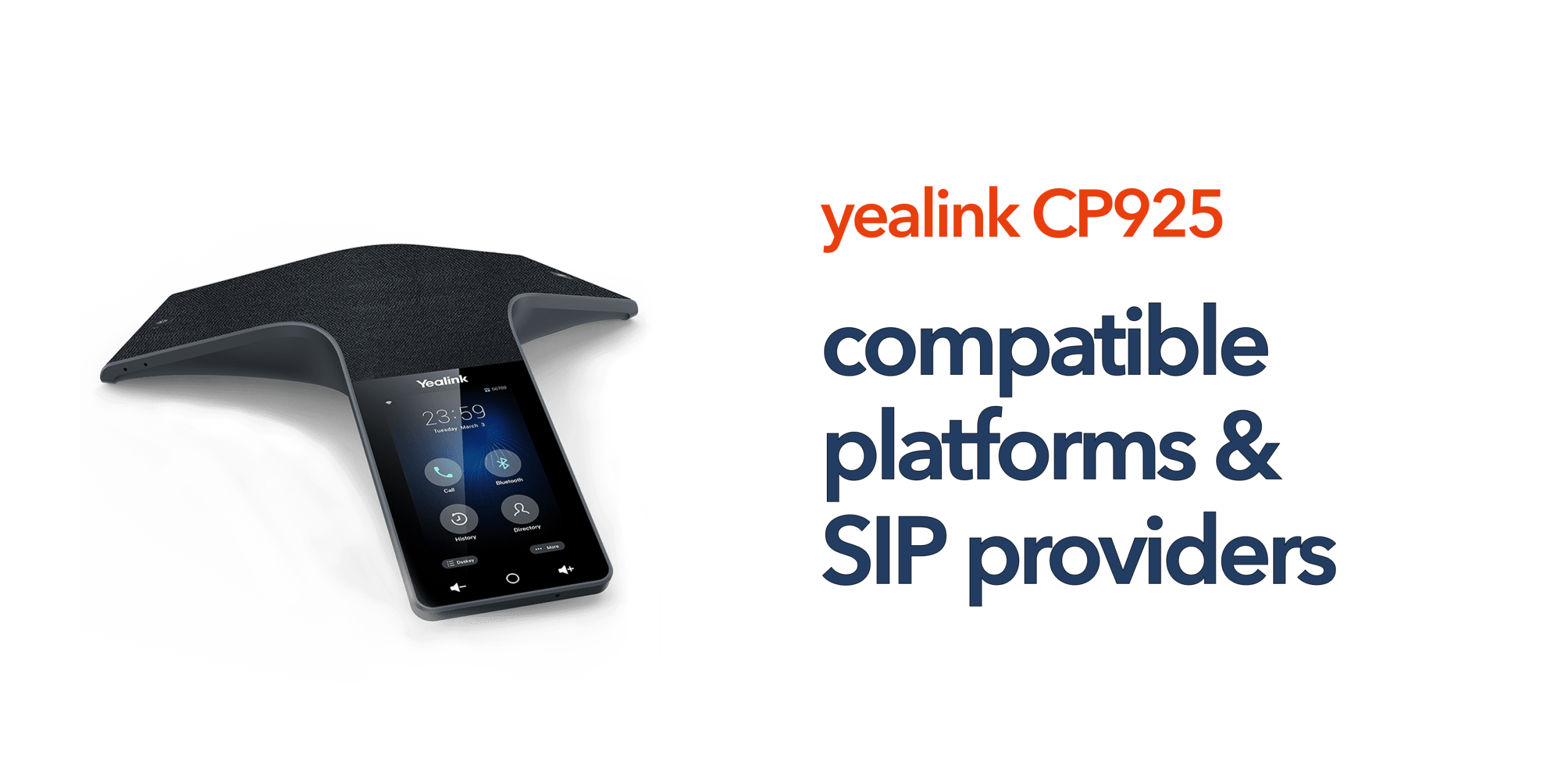
Businesses investing in conference room technology need confidence that their devices will work properly with existing phone systems and cloud communications platforms. Compatibility problems can lead to deployment delays, poor call quality, and unnecessary IT complexity. The good news is that the Yealink CP925 is designed to work with a wide range of hosted VoIP systems, SIP providers, and unified communications platforms. This guide explains Yealink CP925 compatible platforms and SIP providers in plain English so businesses can understand which systems the device supports and what that means in real-world use.
What Does Platform Compatibility Mean?
Conference phones are not standalone devices. They need to connect to a communications platform that handles:
- Calls
- Voicemail
- Extensions
- Conferencing
- User management
- Cloud telephony features
Compatibility simply means the phone can communicate properly with those systems. The Yealink CP925 uses SIP technology, which is the standard protocol behind many hosted VoIP and cloud phone systems. This makes the device highly flexible for modern business telecom environments.
What Is SIP?
SIP stands for Session Initiation Protocol. While the term sounds highly technical, the concept itself is relatively straightforward. SIP is the technology that allows VoIP phones and conference devices to make calls over the internet rather than relying on traditional phone lines. It also enables devices to connect to hosted phone systems, register user accounts, and manage conferencing features within cloud communications environments. Most modern business phone systems now use SIP technology because it offers greater flexibility, scalability, and support for remote working. For businesses preparing for the UK PSTN switch-off, SIP compatibility is becoming increasingly important when choosing communications hardware.
Why SIP Compatibility Matters
Not every conference phone works seamlessly with every communications platform. A SIP-compatible conference phone such as the Yealink CP925 gives businesses far greater flexibility when selecting telecom providers and cloud phone systems. It allows for easier deployment, better scalability, future-proof communications infrastructure, and fewer hardware restrictions. This means organisations are not tied to a single telecom provider or proprietary system, making it easier to adapt as business requirements evolve over time.
Microsoft Teams Compatibility
Many businesses ask whether the Yealink CP925 works with Microsoft Teams. The CP925 can integrate with Teams environments, typically via SIP gateway or Direct Routing connectivity rather than native Teams certification, so the exact deployment approach depends on your setup. For businesses already using Teams for messaging and collaboration, the CP925 can improve meeting room audio quality while still supporting wider hosted telephony infrastructure. Businesses should always confirm deployment and licensing requirements with their telecom provider or IT partner before implementation.
Zoom Phone Compatibility
The Yealink CP925 is designed to integrate well with hybrid conferencing setups, including Zoom Phone environments. This makes it particularly suitable for hybrid meeting rooms, remote collaboration environments, video conferencing spaces, and shared conference rooms. Many Zoom users choose the CP925 because it combines professional SIP telephony features with wireless device connectivity and strong audio performance for both in-room and remote participants.
3CX Compatibility
The CP925 is also widely deployed with 3CX phone systems. 3CX remains popular among SMEs because it offers hosted PBX functionality, flexible deployment options, remote working support, and lower infrastructure costs compared to traditional phone systems. Yealink devices are commonly used within 3CX environments because they support auto provisioning, reliable SIP registration, straightforward management, and strong interoperability. This compatibility can simplify deployment and reduce setup time for IT teams managing hosted VoIP environments.
BroadSoft and Hosted PBX Support
The CP925 supports BroadSoft-based hosted PBX systems, which are widely used across UK business telecom providers. BroadSoft compatibility enables important hosted calling features such as call routing, extension management, conferencing services, and business continuity functionality. Many hosted telecom providers operate BroadSoft infrastructure behind the scenes, so compatibility with these systems is important for businesses looking for long-term flexibility and stable hosted telephony performance.
Asterisk Compatibility
The device also supports Asterisk-based phone systems. Asterisk is commonly used in custom VoIP deployments, managed telecom environments, and open-source PBX systems where businesses require more control or customisation. For organisations with more advanced communications infrastructure or bespoke deployment requirements, Asterisk compatibility provides additional flexibility and wider integration options.
Can the CP925 Work With Cloud Phone Systems?
Yes. The CP925 is specifically designed for cloud-first communications environments and works well with hosted VoIP providers, cloud PBX systems, unified communications platforms, and hybrid work environments. This makes it particularly suitable for businesses moving away from ISDN, PSTN, legacy PBX hardware, and older conference phones. The device is built around modern cloud telephony infrastructure rather than traditional fixed-line communications technology.
Wireless Connectivity Across Platforms
One reason the CP925 works effectively across multiple platforms is its built-in Wi-Fi support and Bluetooth connectivity. These features allow businesses to connect smartphones, join hybrid meetings, use mobile conferencing applications, and reduce unnecessary cabling within meeting rooms. Wireless flexibility is especially valuable in agile working environments where conference spaces may serve multiple functions throughout the day.
Auto Provisioning and Remote Management
Platform compatibility is not only about making calls successfully. Businesses also need devices that are easy to deploy, manage, and maintain. The CP925 supports auto provisioning, allowing telecom providers and IT teams to configure devices remotely, apply updates, push configuration changes, and monitor deployment status from centralised management platforms. This is particularly useful for multi-site organisations, growing businesses, managed IT environments, and companies without dedicated in-house telecom engineers.
Security and Compatibility
Modern cloud communications environments require strong security controls alongside broad platform compatibility. The CP925 supports TLS encryption, secure provisioning, HTTPS management, and user authentication to help protect business communications. These security features help organisations maintain secure and stable operation across hosted VoIP and unified communications platforms. Compatibility is not only about functionality. It is also about ensuring reliable and secure integration within the wider telecom infrastructure.
Common Deployment Scenarios
The CP925 is commonly deployed in SME boardrooms, shared meeting spaces, hybrid work environments, executive offices, and client conference rooms. Businesses often use the device alongside hosted VoIP systems, Microsoft Teams, Zoom Phone, SIP trunking services, and unified communications platforms. Its flexibility and broad compatibility are key reasons why it remains popular among organisations modernising their telecom and conferencing infrastructure.
How to Check Compatibility Before Deployment
Before purchasing any conference phone, businesses should confirm:
- SIP provider compatibility
- Firmware support
- Provisioning requirements
- Network requirements
- Security policies
- Conference room size suitability
An experienced telecom provider can usually validate compatibility before deployment begins. This helps avoid configuration problems, unsupported features, audio quality issues, and delayed installations.
Final Thoughts
The Yealink CP925 compatible platforms list is extensive because the device is built around open SIP standards and cloud-first communications. For UK businesses, this flexibility is important. Modern telecom environments often combine multiple platforms, remote workers, hybrid meetings, and hosted VoIP infrastructure. A conference phone must work reliably across all of them. The CP925 delivers that flexibility while remaining relatively simple to deploy and manage. Working with a knowledgeable hosted telecom provider also ensures the device is correctly configured, securely provisioned, and integrated into your wider communications environment from day one.
circle.cloud can help you confirm compatibility and get your Yealink CP925 deployment set up correctly from day one.
FAQs
Does the Yealink CP925 work with Microsoft Teams? Yes. The device can support Microsoft Teams environments depending on the deployment configuration and SIP integration.
Is the CP925 compatible with hosted VoIP providers? Yes. The phone is designed for SIP-based hosted VoIP and cloud PBX systems.
Can the Yealink CP925 work with Zoom Phone? The CP925 is designed to integrate with Zoom Phone environments; check current certification status with Yealink for your specific deployment.
What does SIP compatibility mean? SIP compatibility means the phone can communicate with modern internet-based business phone systems.
Is the CP925 suitable for hybrid meeting rooms? Yes. Its Bluetooth, Wi-Fi, and conferencing capabilities make it suitable for hybrid work environments.