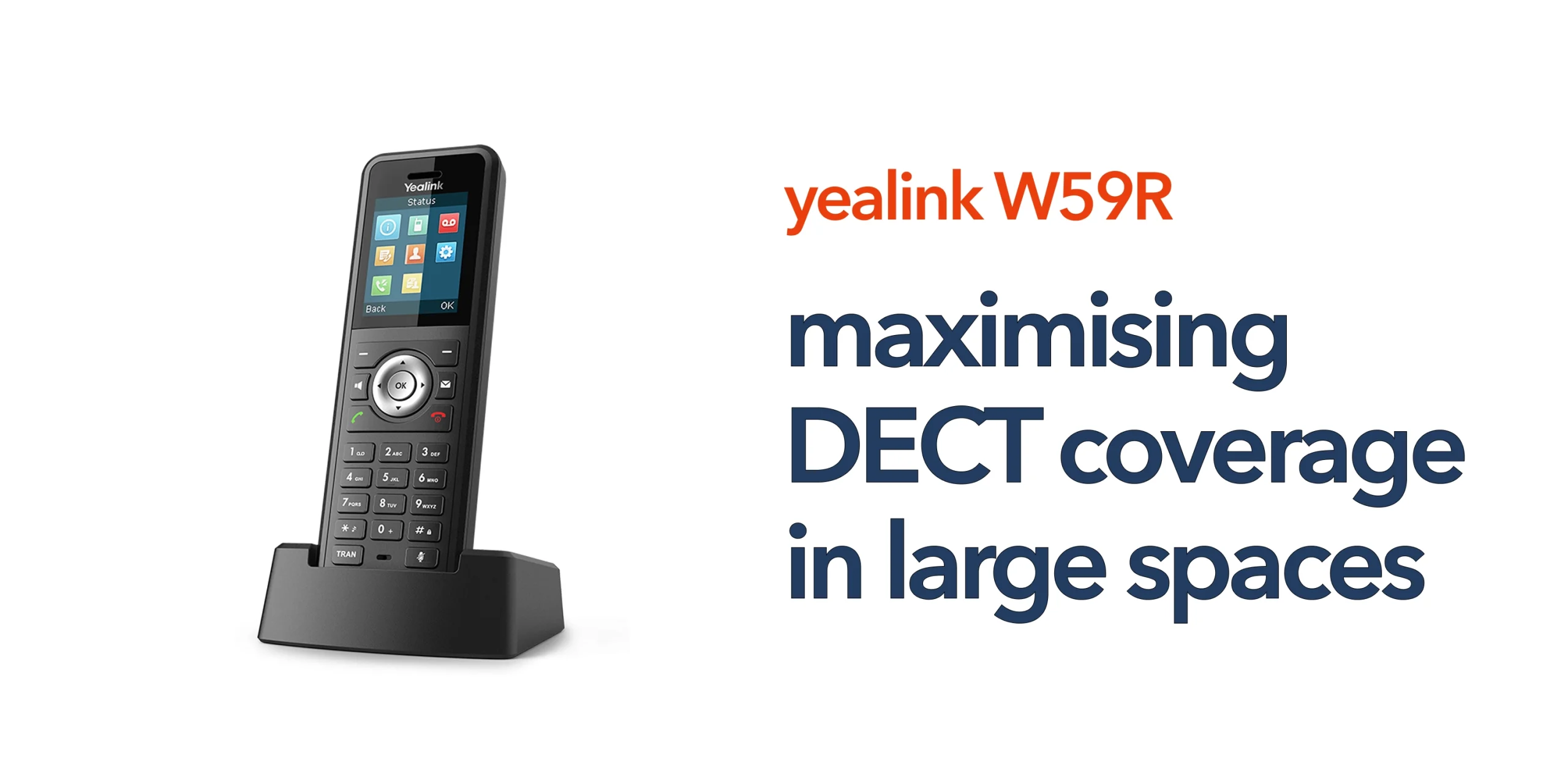
Poor wireless coverage is one of the most common issues businesses face when deploying VoIP handsets in large environments. Dropped calls, weak signals, and inconsistent performance can quickly impact productivity and customer experience.
The Yealink W59R is designed for mobility, but without proper DECT coverage planning, its performance will be limited. DECT technology provides reliable wireless communication, but its effectiveness depends on how well your environment is designed to support it. Large spaces such as warehouses, retail floors, and multi-level offices introduce challenges that basic setups cannot handle.
Maximising Yealink W59R DECT coverage requires a structured approach that considers layout, interference, and network integration.
Understanding DECT Coverage Limitations
Before improving coverage, it is important to understand why DECT performance often falls short in larger environments. Many issues are not caused by the device, but by how the space affects signal behaviour. Recognising these limitations helps IT teams plan more effectively and avoid common problems.
- Physical Barriers and Interference: Walls, metal structures, and equipment can weaken signals and create dead zones. Layout plays a key role in overall coverage.
- Coverage Range vs Real-World Performance: Manufacturer estimates are based on ideal conditions. In reality, layout and interference reduce actual range, so site testing is essential.
- Single Base Station Constraints: One base station may suit small offices, but larger spaces require multiple units to avoid weak signal areas and inconsistent call quality.
Strategies that Maximise Yealink W59R DECT Coverage
Maximising DECT coverage is not about increasing power, but about designing the environment correctly. A structured approach to placement and layout ensures the Yealink W59R delivers consistent performance across large spaces. These core strategies help eliminate weak spots and maintain reliable connectivity as users move around.
Understand Roaming and Handover Behaviour
Roaming and handover are critical for maintaining call continuity in large environments. Roaming allows devices to connect to the strongest base station, while handover ensures active calls transfer without interruption. If not configured correctly, users may experience dropped calls even with good coverage. IT teams should test movement across coverage zones to ensure smooth transitions. Optimising this behaviour improves both reliability and user experience.
Plan for Redundancy in Critical Areas
Some areas of your business require constant connectivity. Locations such as reception desks, operational zones, or customer-facing areas should have overlapping coverage from multiple base stations. This provides a level of redundancy if one unit fails or loses connection. It also strengthens signal reliability in high-demand areas. Planning redundancy ensures business continuity and reduces the risk of communication breakdowns.
Adapt Coverage to Environmental Changes
DECT coverage can change over time as your environment evolves. New equipment, shelving, partitions, or layout changes can affect signal strength. What worked during initial deployment may not remain effective long term. Regular reviews and testing help identify new dead zones or weak areas. Adapting coverage ensures the system continues to perform reliably as your business changes.
Position Base Stations Strategically
Base station placement has a direct impact on signal strength and stability. Units should be positioned centrally within their intended coverage areas to distribute the signal evenly. Avoid corners, enclosed rooms, or areas surrounded by dense materials. Mounting base stations at a higher level can also improve signal reach. Careful positioning reduces dead zones and ensures more consistent performance across the site.
Deploy Multiple Base Stations
Large environments cannot rely on a single base station for reliable coverage. Multiple units should be deployed to cover different areas of the building. Spacing them evenly helps maintain consistent signal strength and avoids gaps in coverage. This approach is essential for warehouses, retail spaces, and multi-floor offices. It ensures users remain connected as they move throughout the environment.
Maintain Coverage Documentation
Keeping clear documentation supports both current performance and future planning. Record base station locations, coverage areas, and signal test results. This makes it easier to troubleshoot issues and identify patterns if problems arise. It also helps when expanding or modifying your setup. Well-maintained documentation allows IT teams to manage the system more efficiently and with greater confidence.
Ensure Overlapping Coverage
Coverage areas should overlap slightly to support seamless handover between base stations. This allows calls to continue without interruption as users move between zones. Without overlap, devices may lose connection when switching between coverage areas. Planning overlap during deployment improves mobility and prevents dropped calls. It is a key factor in maintaining a smooth user experience.
Advanced Coverage Optimisation Techniques
Once the core setup is in place, further optimisation helps refine performance and eliminate remaining weak spots. These techniques allow IT teams to move from basic coverage to a more stable and reliable communication environment, especially in larger or more complex sites.
Conduct Site Surveys
A site survey provides a clear understanding of how DECT signals behave in your environment. It helps identify strong and weak coverage areas, as well as sources of interference. Testing before full deployment allows you to plan base station placement more accurately. This reduces the risk of missed coverage areas and avoids costly adjustments later. It is a practical step for ensuring a smooth rollout.
Plan for Base Station Capacity
Coverage alone is not enough when deploying DECT systems. Each base station supports a limited number of handsets and concurrent calls, which can impact performance in busy environments. If too many users connect to a single unit, call quality may drop even if the signal strength is strong. IT teams should assess both user volume and call activity during peak times. Proper capacity planning ensures consistent performance across the entire site.
Design Coverage Around Real Movement
Coverage planning should reflect how people actually move within the workspace. Staff rarely stay in fixed positions, especially in environments like retail or warehouses. Mapping coverage around workflows ensures users remain connected as they move between areas. This approach reduces the risk of dropped calls during transitions. It also creates a more practical and reliable communication experience for day-to-day operations.
Standardise Deployment Across Sites
For organisations with multiple locations, consistency is key. Standardising base station placement and configuration simplifies both deployment and ongoing management. It ensures similar performance levels across all sites, regardless of size or layout. This also makes troubleshooting and scaling much easier for IT teams. A consistent approach supports long-term growth and reduces complexity as the business expands.
Monitor and Adjust Post-Deployment
Coverage planning should continue after installation. Real-world usage often reveals issues that are not visible during initial setup. Monitoring call quality and gathering user feedback helps identify areas that need improvement. Small adjustments to base station positioning can significantly improve performance. Ongoing optimisation ensures the system continues to meet business needs.
Minimise Interference Sources
Interference from other wireless devices and electrical equipment can affect DECT performance. Routers, Wi-Fi networks, and industrial machinery can all disrupt signal stability. Position base stations away from these sources wherever possible. Reducing interference improves both signal strength and call clarity. This is particularly important in busy or equipment-heavy environments.
Aligning DECT Coverage with Business Telecoms
DECT coverage should be treated as part of your wider telecommunications strategy, not just a standalone device setup. The performance of your Yealink W59R depends on how well it integrates with the rest of your infrastructure, from your VoIP phone system to your underlying network. Without this alignment, even well-planned coverage can fall short in real-world use.
It should work alongside your business phone system, cloud telephony platform, business internet reliability, and overall network infrastructure. Each of these elements plays a role in call quality and consistency. Many coverage issues are not caused by the handset itself, but by limitations elsewhere in the system. A well-integrated approach ensures stable performance, supports mobility, and keeps communication reliable across your organisation.
Common DECT Coverage Mistakes to Avoid
Even well-planned deployments can fall short if key details are missed. Small oversights often lead to poor coverage, dropped calls, and ongoing performance issues.
- Relying on a single base station in large spaces creates uneven coverage and weak signal areas.
- Ignoring building layout and materials leads to blocked signals and unexpected dead zones.
- Skipping proper coverage testing before rollout results in gaps that affect day-to-day use.
- Failing to allow overlap between coverage zones causes call drops during movement.
- Placing base stations near interference sources, such as routers or machinery, reduces signal stability.
Avoiding these mistakes helps ensure your Yealink W59R DECT coverage remains consistent, reliable, and scalable as your business grows.
Conclusion
Strong DECT coverage transforms how your business communicates by allowing staff to move freely while staying connected, improving call reliability, and reducing the frustration caused by weak or inconsistent signals. For IT teams, it means fewer support issues and a system that performs consistently across all working environments. If your business operates in a large or complex space, proper coverage planning is essential to get the most from your Yealink W59R deployment. circle.cloud helps UK businesses design and implement wireless VoIP systems that are simple, reliable, and built for real-world use. Speak to our team to ensure your coverage is fully optimised and aligned with your wider telecom infrastructure.
FAQs
How far does Yealink W59R DECT coverage reach?
Coverage varies depending on the environment. Open spaces offer a greater range, while walls and interference reduce signal strength.
Do I need multiple base stations for large spaces?
Yes, most large environments require multiple base stations to ensure consistent coverage and avoid dead zones.
What causes poor DECT signal quality?
Common causes include interference, poor base station placement, and lack of coverage overlap.
Can DECT coverage affect call quality?
Yes, weak or inconsistent coverage can lead to dropped calls, audio issues, and unreliable communication.