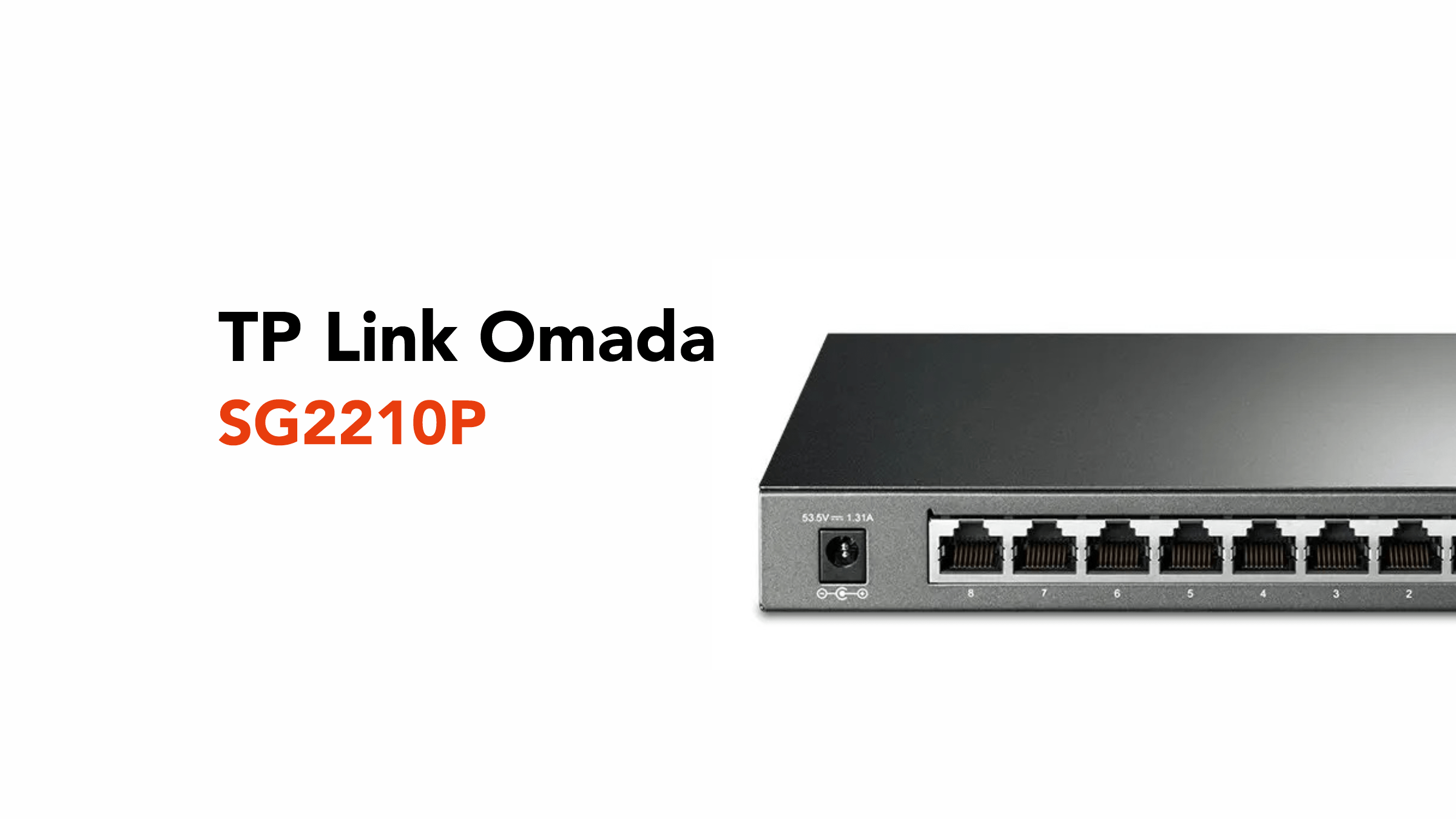
In a business network, your switch is the quiet operator that asks for no spotlight or applause. It just ensures it performs consistently and reliably.
Until something goes wrong.
According to the UK Government, 50% of UK businesses experienced a cybersecurity breach or attack in the past year, rising to 70% for medium-sized organisations. Many of these incidents lead to system disruptions, loss of access to services, or operational downtime.
Which is why network reliability isn’t just about speed anymore. It’s about stability, control, and resilience under pressure.
The TP-Link Omada SG2210P is exactly the kind of device designed for that environment.
Compact, capable, and built to give businesses proper control over how their network behaves when it matters most.
Before we talk about the SG2210P, let’s define exactly what a Power over Ethernet (PoE) switch does.
What Does a PoE Switch Actually Do?
A PoE (Power over Ethernet) switch is one of those simple ideas that makes you wonder why everything isn’t done this way.
Instead of running separate cables for power and internet, it sends both down a single Ethernet cable.
Normally, most devices need two connections:
- one for the internet
- one for power
A PoE switch rolls those into one clean, tidy line.
With something like the TP-Link Omada SG2210P, you can power everyday business tech like:
- Voice over Internet Protocol (VoIP) desk phones
- WiFi access points (the ones mounted on ceilings or walls)
- Security cameras
- Access control systems
And the best part? No need to have a plug socket nearby.
By using a PoE switch, businesses can expect:
- Fewer cables, cleaner setups
- More flexibility with placement
- Faster installations
- And easier to manage overall
It might not be the flashiest piece of technology, but it’s vital for any modern business operating in the UK.
Now, what sets the SG2210P apart from the competition in this field?
Key Features of The TP-Link Omada SG2210P
The SG2210P ensures that every network eventuality is handled without having to spend time overseeing it. Simply plug it in and let it get to work.
Here are some of its key headline features.
PoE+ Power
The TP-Link Omada SG2210P comes with 8 PoE+ ports, which means it can send both data and power down a single Ethernet cable. One cable in, job done.
Each port can deliver up to 30 watts of power, which is more than enough for most business devices.
Across the whole switch, you’ve got a total power budget of around 53W to 61W, depending on the model. Which means you can plug into this single device:
- VoIP phones on desks
- WiFi access points on ceilings
- Security cameras in corners or outside
- Access control systems for doors
To power up these devices, just switch them on and connect.
Gigabit Speed + SFP Uplinks
When we refer to this feature, it’s all about the speed and backbone of your business’s network.
The TP-Link Omada SG2210P gives you:
- 8 Gigabit Ethernet ports
- 2 SFP uplink slots
For those unsure what Gigabit ports are, they are the wired connection plugs. Each port can handle up to 1,000 Mbps (1 Gbps), which is more than enough for:
- VoIP calls
- Video conferencing
- File transfers
- Everyday business traffic
In short, everything runs smoothly without bottlenecks.
SFP stands for Small Form-factor Pluggable, which sounds technical, but the idea is straightforward.
It’s a slot where you plug in a fibre module, allowing the switch to connect via fibre-optic cables instead of standard Ethernet.
Fibre is useful when you need:
- Longer distances (across buildings or large sites)
- More stable connections over distance
- Less interference from electrical equipment
This setup gives you flexibility now and room to grow later.
- You can run your entire office on the Gigabit ports
- Then use the SFP slots to connect:
- Another switch on a different floor
- A separate building
- A server room or core network
No need to replace your switch as your network expands.
Smart Traffic Control or QoS
The TP-Link Omada SG2210P includes QoS (Quality of Service).
In simple terms, it decides what matters most on your network when things get busy.
Because not all traffic is equal.
- A video call needs to be smooth and uninterrupted
- A phone call needs to be crystal clear
- A file download can afford to take a bit longer
QoS makes sure the important stuff gets through first.
To break down what QoS does, it’s best to know what happens when it’s a feature that’s not around.
Without QoS everything is stuck in the same traffic, which means calls, downloads, and video are all competing for the same bandwidth.
With QoS, it prioritises certain functions into dedicated lanes, which means:
- Voice calls are in the fast lane
- Video meetings are in the fast lane
- While file downloads are relegated to the slower lane
So even if someone is downloading a huge file, your client’s Teams call doesn’t suddenly sound terrible.
Basically, QoS keeps your business networks focused on what matters.
Virtual Local Area Networks
A Virtual Local Area Network (VLAN) lets you split one physical network into separate, smaller networks without extra hardware.
Think of it like dividing a single office into different rooms using invisible walls.
Everyone’s in the same building, but not everyone has access to every room.
A real-world example would be using the TP-Link Omada SG2210P, you could create:
- A staff network for day-to-day work
- A guest WiFi network for visitors
- And a CCTV network for security cameras
These are all running on the same switch, but are kept separate from each other.
So guests can’t access internal files, cameras don’t interfere with office traffic, and most importantly, staff systems stay protected.
VLANs are important because they ensure:
- Better security
- Maintain network performance
- And allow you more control over your network.
At the end of the day, VLANs allow you to add additional network structure without adding more hardware.
Built-In Security Features
A business network isn’t just about connecting devices. It’s about controlling who gets in and what they can do once they’re there.
The TP-Link Omada SG2210P includes a set of built-in security tools that help you do exactly that.
Here’s what’s working behind the scenes:
- ACL (Access Control List) is like a network rulebook. You decide which devices or users can access certain parts of the network, and it oversees who is allowed in.
- Port security is about locking in a network port to specific devices, so random hardware can’t just plug in and connect.
- 802.1X authentication requires users or devices to log in before they’re allowed onto the network.
These security features work together so you can set clear rules about who can connect to your network, who can access specific files, and what remains locked from the public.
IGMP Snooping (Smarter Video Traffic)
IGMP snooping helps manage how video traffic moves across your network.
This smart traffic management feature ensures that video streams, such as CCTV footage, are sent only to the devices that need to see them.
Without it, every video stream could be sent everywhere, even to devices that don’t need it.
That creates unnecessary traffic.
By using IGMP Snooping, you can expect:
- Less network congestion
- Better performance
- Smoother video playback
Centralised Cloud Management (Omada SDN)
The SG2210P works with Omada SDN (Software Defined Networking), which might sound technical, but the idea is straightforward.
It gives you one central place to manage your entire network, whether you’re using a web browser or a mobile app, and whether you’re running a single office or multiple sites.
Instead of physically connecting to each device, you can monitor performance, update settings, and troubleshoot issues from a single dashboard. It’s a much simpler, more efficient way to stay in control of everything without the usual legwork.
Multiple Management Options
Not everyone manages networks the same way, and the SG2210P doesn’t box you into a single approach.
It gives you a few ways to work, depending on your comfort level and how hands-on you want to be.
You can use a web interface, a visual dashboard where you click through settings, or a CLI (Command-Line Interface), which involves typing commands for more advanced control.
It also supports SNMP (Simple Network Management Protocol), a standard method used by monitoring tools to track network performance.
What this means in practice is simple. If you’re new to networking, the web interface keeps things straightforward and easy to navigate.
For those who are more technically minded, you’ve got the flexibility to go deeper with command-based control.
And if you’re managing a larger or more complex setup, you can plug into monitoring tools to keep an eye on everything in real time. You’re not locked into one way of working.
The switch adapts to your setup, skill level, and preferred way of managing your network.
If you’re ready to install a TP-Link Omada SG2210P for your business, you can always contact us for help.
Build a Network That Just Works
If you’re planning to roll out VoIP, business WiFi, or a more structured network, the TP-Link Omada SG2210P is a solid foundation, but the real difference comes from how it’s set up.
That’s where circle.cloud comes in.
From network design and PoE deployments to VLAN configuration and a full Omada setup, we ensure everything is configured properly from day one. No guesswork or patch fixes later, you can expect to have a network that runs the way your business needs it to.
Talk to circle.cloud about your setup and get it right the first time.