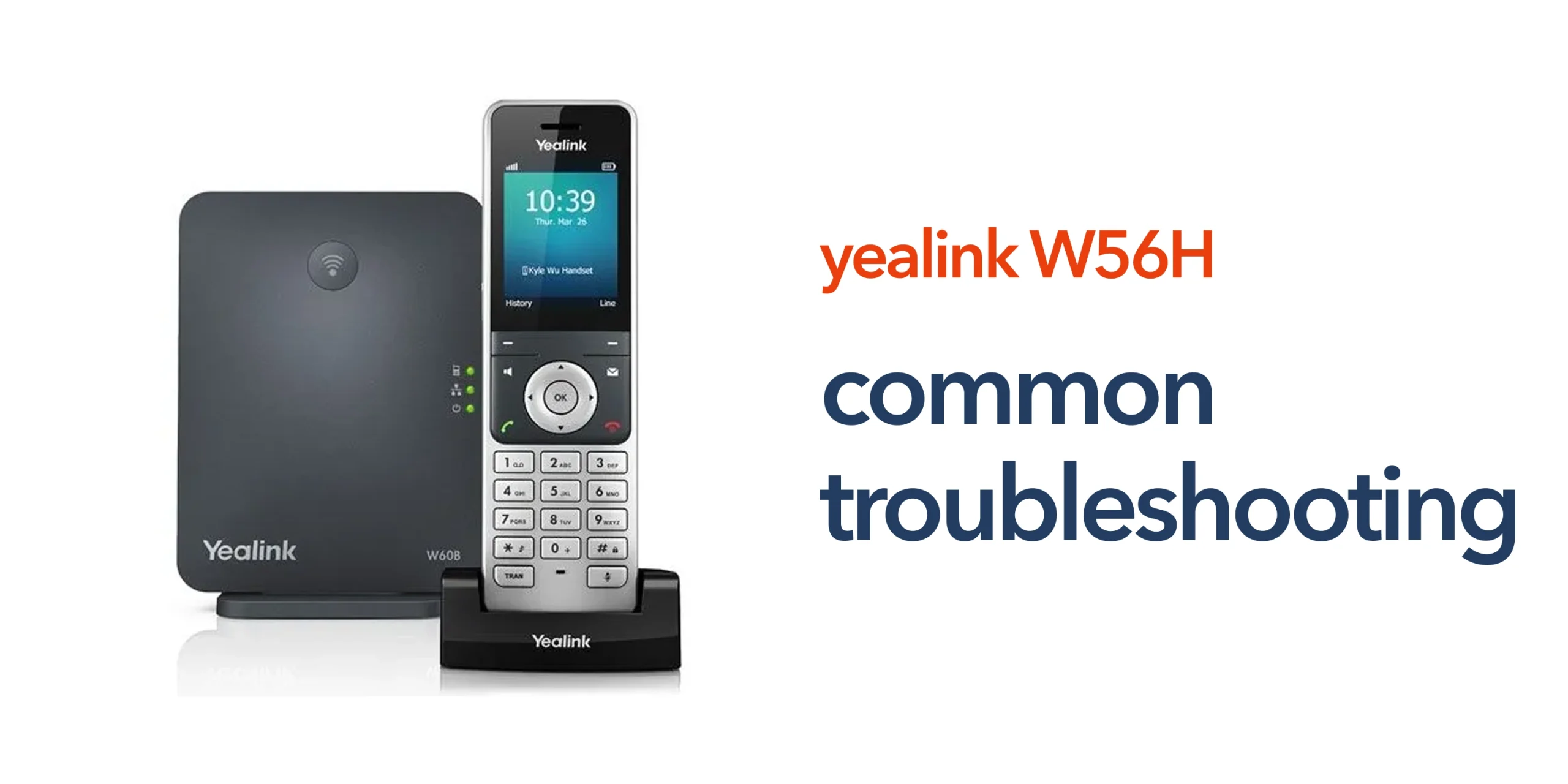
Many businesses rely on cordless VoIP handsets like the Yealink W56H for smooth and reliable day-to-day communication. However, like any wireless communication device, it can occasionally experience issues such as registration failures, poor audio quality, dropped calls, battery problems, or connection interruptions with the base station. When these issues occur, they can disrupt daily operations, slow down communication, and negatively impact customer experience.
This Yealink W56H troubleshooting guide is designed to help you quickly identify and resolve the most common problems in real-world business environments. It provides clear, practical steps to diagnose issues related to connectivity, call quality, handset registration, and device performance. Whether the problem is caused by network settings, DECT signal strength, or SIP configuration, this guide helps you restore stable performance efficiently without unnecessary complexity.
Common Yealink W56H Problems and What Causes Them
Understanding the root cause of issues is the fastest way to resolve them. Most Yealink W56H troubleshooting cases fall into a few common categories related to registration, call quality, power performance, and call connectivity.
Registration Issues
Registration problems occur when the handset fails to properly connect with the base station and may display as “unregistered” or show no active connection. This is often caused by incorrect SIP or registration credentials, the base station not being placed in pairing mode, recent changes in network or VoIP settings, or temporary syncing issues between the handset and base unit.
Poor Call Quality
Poor audio quality, including crackling sounds, delays, echoes, or dropped calls, is usually related to network conditions rather than the handset itself. Common causes include weak DECT signal strength, network congestion, insufficient bandwidth for VoIP calls, or missing Quality of Service (QoS) configuration on network devices that should prioritise voice traffic.
Battery and Power Problems
Battery-related issues such as fast draining, slow charging, or unexpected shutdowns can interrupt normal usage and productivity. These problems are typically linked to an ageing battery, incorrect charging dock setup, faulty power adapters, firmware inefficiencies, or heavy usage without proper charging cycles.
No Incoming or Outgoing Calls
When the handset cannot make or receive calls, the issue is often related to the VoIP or SIP system rather than the device itself. This may be caused by SIP account registration failures, firewall or security settings blocking VoIP traffic, incorrect call routing or dial plan configuration, or service disruptions from the VoIP provider.
How to Fix Yealink W56H Issues Step by Step
Most problems can be resolved quickly with a structured troubleshooting approach. Following these steps as part of Yealink W56H troubleshooting helps minimise downtime and restore stable performance without unnecessary complexity.
Check Base Station Connection
The first step is to ensure the base station is functioning correctly. It should be powered on, properly connected to the network, and correctly configured in your VoIP system. In many cases, simply restarting the base station can resolve temporary glitches, refresh the connection, and restore normal handset functionality.
Re-register the Handset
If the handset is not connecting or appears unregistered, re-registration is often required. This involves placing the base station into registration mode, accessing the handset settings, selecting “Register Handset,” and entering the correct PIN. This process usually resolves most pairing or synchronisation issues between the handset and the base unit.
Test Network Stability
Since VoIP communication depends heavily on internet performance, it is important to check your network stability. This includes reviewing broadband speed, router performance, and overall network traffic. If multiple devices are sharing the same connection, prioritising VoIP traffic through Quality of Service (QoS) settings can significantly improve call reliability and reduce disruptions.
Update Firmware
Outdated firmware can lead to compatibility issues, reduced performance, or security vulnerabilities. Keeping the device updated ensures improved stability, better feature support, and bug fixes that enhance overall performance. However, firmware updates should always be scheduled carefully in business environments to avoid unnecessary downtime during working hours.
Inspect Physical Environment
DECT performance can be affected by physical obstacles and environmental interference. Thick walls, metal structures, and heavy machinery can weaken the signal between the handset and base station. Adjusting the placement of the base station to a more central, open location can greatly improve coverage and ensure stronger, more consistent connectivity throughout the workspace.
When Issues Are Not Device-Related
Not all communication problems originate from the handset itself. In many cases, the issue lies within the broader VoIP infrastructure or network environment. This is an important part of Yealink W56H troubleshooting, as focusing only on the device can overlook the actual root cause of the problem.
- VoIP platform outages are affecting call connectivity and service availability.
- Incorrect SIP configuration or account setup within the phone system.
- Network firewall or security settings are blocking voice traffic or ports.
Because of this, effective troubleshooting should always evaluate the entire communication system, including network, VoIP provider, and configuration settings, not just the handset in isolation.
When to Seek Professional Support
While many common issues can be resolved through basic troubleshooting steps, some situations require expert technical support. Persistent faults, recurring errors, or system-wide disruptions often indicate deeper configuration or infrastructure problems that cannot be fixed through simple adjustments.
- Quickly identifying the root cause of complex or recurring issues
- Preventing repeated downtime and ongoing operational disruptions
- Reducing the impact on business communication and productivity
- Ensuring the VoIP system and devices are correctly configured and optimised
For businesses that depend heavily on VoIP communication, having access to proactive professional support is often more efficient and reliable than repeatedly addressing problems after they occur.
Is Your Setup Holding You Back?
If you are frequently dealing with handset or call issues, it may be a sign that your overall communication setup needs improvement. Modern cloud-based systems are designed to reduce these problems and provide more consistent performance. circle.cloud helps UK businesses simplify their communications with reliable, cloud-first solutions and direct access to expert support. Speak to our team to resolve ongoing issues and ensure your system is working the way your business needs it to.
FAQs
What is the most common issue with the Yealink W56H?
The most common issue is registration failure, where the handset cannot connect to the base station. This is usually caused by configuration errors or pairing issues.
Why is my Yealink W56H call quality poor?
Poor call quality is typically linked to network instability, low bandwidth, or signal interference.
How do I reset my Yealink W56H?
You can reset the handset through the settings menu. This restores factory settings and can resolve persistent issues.
Can network issues affect my Yealink W56H?
Yes. VoIP devices depend on your internet connection. Network problems are one of the leading causes of performance issues.