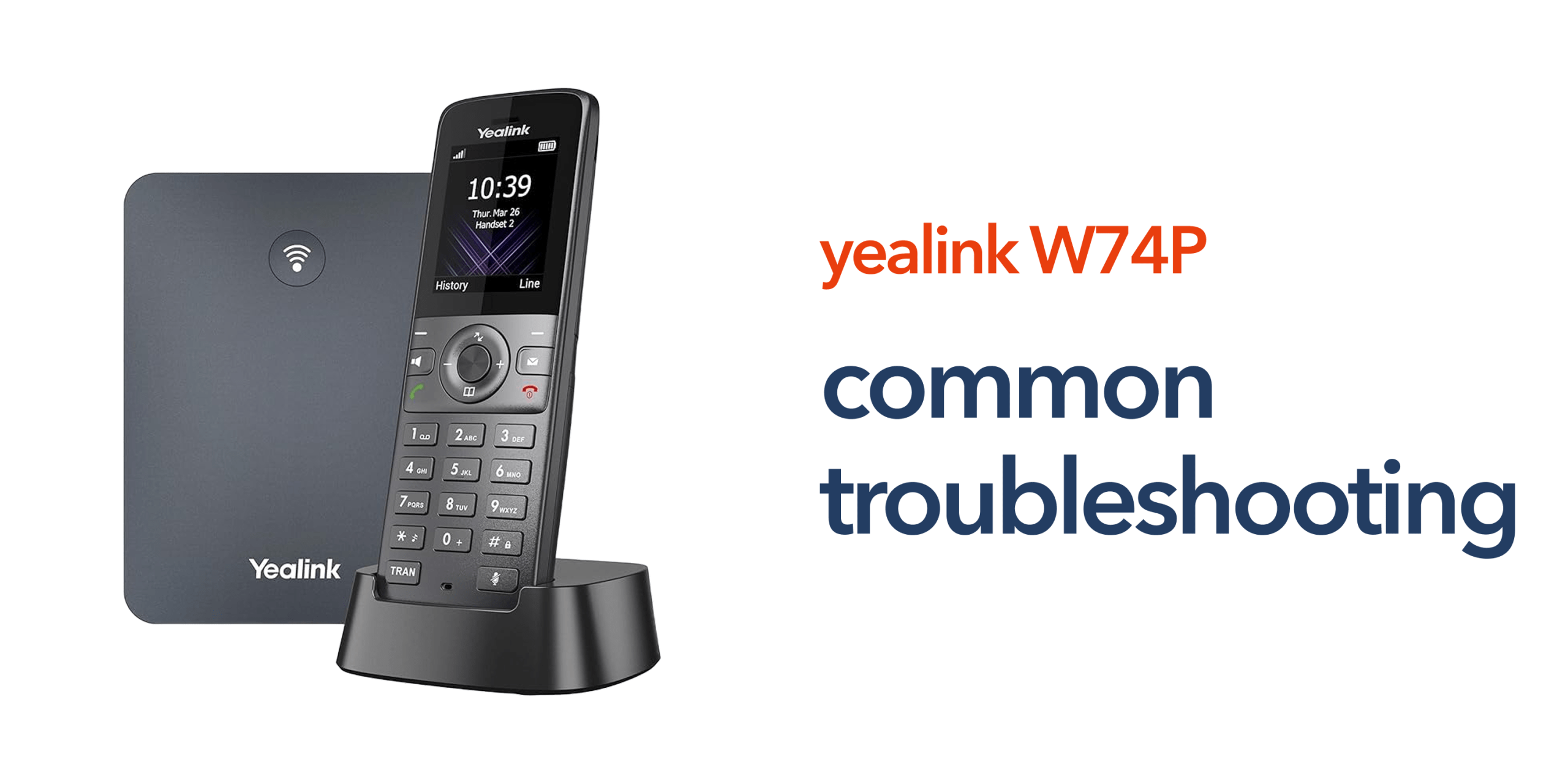
Business communication relies on consistency. This is why Yealink W74P troubleshooting is essential for maintaining consistent and reliable business communication. When your phone system starts dropping calls, losing connection, or delivering poor audio, the impact is immediate. Internal collaboration slows down, customer interactions suffer, and day-to-day operations become less efficient.
The Yealink W74P is built for dependable wireless VoIP communication, but like any business phone system, its performance depends on more than just the device itself. Factors such as network stability, DECT coverage, and correct configuration all play a critical role in how well the system performs in real-world environments. Most issues are not caused by faults in the handset. Instead, they are linked to setup, connectivity, or environmental factors that can be identified and resolved with the right approach.
Understanding the Yealink W74P troubleshooting process allows businesses to diagnose problems quickly, minimise downtime, and ensure their communication system continues to support daily operations without disruption.
Why Problems Occur in DECT VoIP Systems
Most issues with the Yealink W74P are not caused by hardware faults. In most cases, the handset and base station are working as expected, but the surrounding environment or setup is affecting performance. DECT VoIP systems rely on multiple components working together. This includes your wireless coverage, network connection, and cloud telephony platform. If any part of this setup is not optimised, it can lead to noticeable issues during everyday use. Common causes include:
- Network connectivity problems, such as unstable business broadband, high latency, or network congestion
- DECT coverage limitations where signal strength is weak or inconsistent across the workplace
- Incorrect configuration, including SIP credentials, extension setup, or call routing errors
- Interference or environmental factors such as building materials, electronic devices, or poor base station placement
Because the Yealink W74P connects to a VoIP platform, performance depends on both your internal network and your external connectivity. Even with a well-configured phone system, poor broadband or weak wireless coverage can still result in dropped calls, audio delays, or connection issues. Understanding how these elements interact makes it easier to diagnose problems and apply the right fixes, ensuring your communication system remains reliable and fit for everyday business use.
Common Yealink W74P Problems and How to Fix Them
Understanding the most common issues is the first step towards resolving them quickly and effectively. Many problems have straightforward causes that can be identified with a few simple checks. By recognising these patterns, businesses can minimise disruption and keep communication running smoothly. The following sections outline typical Yealink W74P problems and practical ways to fix them.
No Dial Tone or Registration Issues
If your handset cannot make or receive calls, it is often because it is not properly registered with your VoIP system. This is usually linked to incorrect SIP credentials, network connection problems, or misconfiguration within your VoIP platform. Even a small error in login details or network setup can prevent the device from connecting correctly.
To resolve this, start by confirming that all SIP details have been entered accurately. Check that the base station is securely connected to your business network and has a stable internet connection. Restarting the system can also help refresh registration and re-establish communication with the VoIP platform.
Poor Call Quality or Audio Issues
Issues such as crackling audio, delays, or dropped calls are typically caused by network instability or weak DECT coverage. These problems are common in environments where signal strength varies or where bandwidth is limited due to other network activity.
Begin by testing call quality in different areas of your workplace to identify coverage gaps. Ensure your business broadband is stable and capable of supporting VoIP traffic. Where possible, prioritising voice traffic on your network can help maintain consistent call quality, especially during busy periods.
Handset Not Connecting to Base Station
If a handset is not connecting, it is usually due to pairing or registration issues rather than a hardware fault. This can happen if the handset has not been properly registered, is out of range, or if the base station has reached its capacity.
Re-registering the handset with the base station often resolves the issue. Moving closer to the base station can also help confirm whether signal range is a factor. It is also worth checking that the number of connected devices has not exceeded the system’s supported limits.
Calls Dropping When Moving Around
Dropped calls while moving between areas are typically linked to inconsistent DECT coverage. This is especially common in larger offices, multi-room environments, or buildings with thick walls and structural barriers.
To address this, identify areas where signal strength is weak or inconsistent. Repositioning the base station can often improve coverage. Ensuring there is sufficient overlap in signal coverage between different areas helps maintain call stability as users move throughout the workplace.
Voicemail or Call Feature Issues
When features such as voicemail, call transfer, or call forwarding are not working correctly, the issue is usually related to your VoIP platform rather than the handset itself. These features rely on correct configuration within your cloud phone system.
Review the relevant settings in your VoIP platform to ensure features are enabled and configured correctly. Check that user extensions and permissions are set up properly, as incorrect permissions can prevent access to certain functions. Making these adjustments typically restores full functionality.
Base Station Not Powering or Connecting to Network
If the base station is not powering on or connecting to your network, the issue is usually related to power supply or connectivity rather than the device itself. Common causes include faulty Ethernet cables, incorrect power adapters, or network port issues.
Start by checking that the base station is receiving power and that all cables are securely connected. If you are using Power over Ethernet, confirm that your switch supports it and is functioning correctly. Testing with an alternative cable or network port can help quickly identify whether the issue is hardware or network-related.
Firmware and Software Issues
Outdated firmware can lead to a range of performance problems, including instability, feature limitations, or compatibility issues with your VoIP platform. These issues may develop gradually and are often overlooked during troubleshooting.
Keeping your Yealink W74P updated ensures the system benefits from the latest bug fixes, security patches, and performance improvements. Regular updates are a simple but effective way to maintain long-term reliability and reduce unexpected issues.
Network Latency and Jitter Issues
Even with an active internet connection, poor network quality can affect VoIP performance. High latency or jitter can result in delayed audio, echo, or broken conversations, particularly during peak usage times.
Monitoring your network performance and ensuring your business broadband can handle VoIP traffic is essential. In some cases, adjusting network settings or prioritising voice traffic can significantly improve call quality and consistency.
Incorrect Time or Display Issues
If the handset displays the wrong time or date, it is typically due to a configuration issue rather than a fault with the device. This often occurs when the system is not synchronised with the correct time server or regional settings.
Reviewing time and date settings within your system or VoIP platform and ensuring the correct configuration is applied will usually resolve the issue quickly.
Security or Access Issues
Access problems can arise if login credentials, permissions, or security settings are not configured correctly. Weak or outdated SIP credentials can also affect system access and create potential vulnerabilities.
Ensuring that authentication details are accurate and secure helps maintain both system performance and protection. Reviewing user permissions and access settings can also prevent feature restrictions or login issues.
Preventing Future Issues with Yealink W74P
Effective Yealink W74P troubleshooting is not just about fixing problems when they occur. It is about putting the right foundations in place to prevent issues from developing in the first place. A well-configured system reduces downtime, improves reliability, and ensures your business communication runs smoothly day to day.
- Maintain strong network connectivity by ensuring your business broadband is stable and capable of supporting VoIP traffic.
- Optimise DECT coverage by positioning the base station correctly and eliminating signal gaps across your workspace.
- Keep firmware updated to benefit from performance improvements, bug fixes, and security updates.
- Use the correct configuration by ensuring SIP credentials, extensions, and call routing are set up accurately.
Taking these steps helps reduce downtime, improve reliability, and keep your communication system running smoothly.
When to Seek Expert Support
Some issues can be resolved quickly with basic checks. However, ongoing problems often indicate deeper configuration or network challenges. Working with experienced telecom providers ensures faster issue resolution, proper system configuration, and ongoing support for your communication infrastructure.
circle.cloud supports UK businesses with reliable VoIP systems, business broadband, and expert support that keeps communication running smoothly. If your Yealink W74P is not performing as expected, speaking to telecom specialists can help identify the root cause and restore full performance.
FAQs:
Why is my Yealink W74P not connecting to the network?
This is usually due to incorrect configuration or network connectivity issues. Check your internet connection and SIP settings.
How do I improve call quality on my Yealink W74P?
Ensure strong DECT coverage and stable business broadband. Reducing network congestion can also help.
Can poor broadband affect my Yealink W74P?
Yes. VoIP systems rely on internet connectivity, so poor broadband will impact call quality and reliability.
Why do my calls drop when moving around?
This is typically caused by weak DECT coverage or poor base station placement.
Do I need professional help to fix issues?
Basic problems can often be resolved in-house, but persistent issues are best handled by experienced telecom providers.