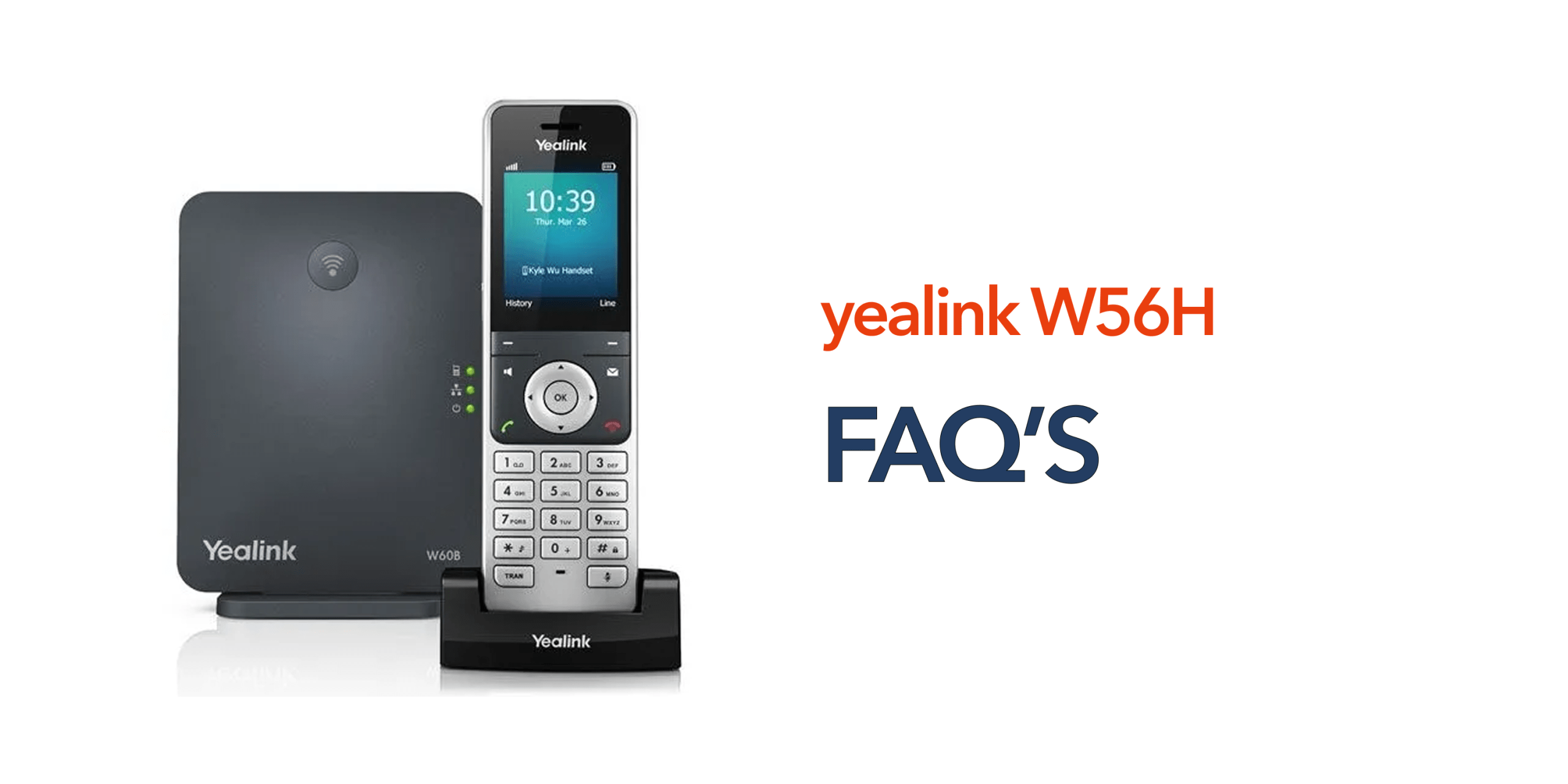
When businesses evaluate a cordless VoIP handset, they usually want clear, practical answers before making a decision rather than technical jargon. The Yealink W56H is a widely adopted solution in office, retail, and enterprise environments, but decision-makers often still have questions about how it performs in real-world use, how it integrates with existing systems, and whether it can support their day-to-day communication needs without complications.
The Yealink W56H FAQs section is designed to bring together the most common questions businesses ask about this handset in one place. It focuses on real operational concerns such as setup requirements, compatibility with DECT base stations, call quality, battery performance, range, and scalability. Instead of overwhelming technical detail, the aim is to provide straightforward, business-focused explanations that make it easier to compare options and understand practical usage.
By addressing these key areas, this guide helps simplify the decision-making process and gives a clearer picture of how the W56H performs in everyday environments. Whether you are upgrading an existing phone system or moving to a VoIP-based setup for the first time, these FAQs help you quickly determine whether the Yealink W56H is the right fit for your communication setup.
What Is the Yealink W56H?
The Yealink W56H is a professional-grade cordless handset designed specifically for business communication environments where reliability and mobility are essential. It is not a standalone phone on its own; instead, it connects to a DECT base station and operates as part of a larger VoIP phone system.
This setup allows businesses to benefit from modern internet-based calling while still giving users the freedom of a wireless handset. It is commonly used in offices, retail stores, warehouses, and service environments where employees need to stay connected while moving around. Built with mobility in mind, the Yealink W56H enables staff to handle calls away from their desks without losing connection quality, making day-to-day communication more flexible and efficient.
How Many Handsets Can the W56H Support?
The Yealink W56H connects to a DECT base station such as the W60B or W70B, forming part of a scalable business phone system. This setup is designed to support growing teams without requiring major changes to the infrastructure. In a typical configuration, a single base station can support up to 8 handsets and handle multiple simultaneous calls, depending on the model being used. This flexibility makes it easy to expand the system as your team grows, making it a practical choice for small to medium-sized businesses.
Does the Yealink W56H Require Wi-Fi?
The Yealink W56H does not rely on Wi-Fi for connectivity. Instead, it uses DECT technology, which operates on a dedicated wireless frequency specifically designed for voice communication. This helps avoid issues like network congestion and interference that can sometimes affect Wi-Fi-based devices, resulting in more stable and consistent call quality. However, the DECT base station itself still requires an internet connection to enable VoIP calling and connect to your phone system.
Is the Yealink W56H Reliable?
The Yealink W56H is built for consistent day-to-day business use and is widely regarded as a reliable cordless handset. It offers stable call quality, strong indoor range, and long battery life, all of which contribute to smooth communication throughout the working day. Its DECT-based design also helps minimise interference from other wireless devices. In most cases, any reliability issues are not caused by the handset itself but are linked to improper setup or poorly configured base station coverage.
Is the Yealink W56H Secure?
The Yealink W56H is designed with built-in DECT security to protect voice communication between the handset and its base station. This ensures that calls remain private and protected during transmission, making it suitable for business environments where confidentiality matters.
Its key security features include encrypted calls, secure handset registration, and isolated communication that is separate from Wi-Fi networks. When used alongside a properly configured VoIP system, it provides a strong and dependable level of security for most small and medium-sized businesses.
How Easy Is It to Set Up?
The Yealink W56H is relatively simple to install, especially in a managed IT or telecom environment. The basic setup process involves connecting the base station to your network, powering on the handset, and registering it with the base unit.
Because the system is designed for business use, many organisations prefer to have their telecom provider handle the installation. This ensures the device is correctly configured for optimal performance, coverage, and call quality from the start.
What Is the Battery Life Like?
The W56H is built to support full working days without frequent charging interruptions. It offers up to 30 hours of talk time and up to 400 hours of standby time, making it highly reliable for continuous daily use.
This long battery performance reduces the need for constant recharging and ensures that staff can stay connected throughout busy schedules without disruption.
Can It Be Used in Large Buildings?
Yes, the Yealink W56H can be used in larger buildings, but performance depends on how the system is set up. In wider environments, multiple base stations may be required to ensure full coverage across all areas.
Proper placement of base stations is also important, as walls, metal structures, and building layout can affect signal strength. In many cases, a site survey is recommended to identify optimal positioning and avoid weak signal zones.
Is It Suitable for Remote or Hybrid Work?
The Yealink W56H is primarily designed for on-site use in environments such as offices, retail spaces, and warehouses where mobility within a fixed location is needed. It is not intended as a remote working device on its own.
For remote teams, softphone applications or mobile-based VoIP solutions are generally more suitable. However, the W56H can still play a role in a hybrid setup, particularly for staff who split time between office-based and mobile on-site work.
What Features Do Businesses Use Most?
The Yealink W56H focuses on practical, everyday communication tools that businesses rely on most. Instead of unnecessary complexity, it provides a set of core features that support smooth and efficient call handling throughout the working day.
Commonly used features include HD voice quality for clear conversations, call transfer and hold for managing workflows, a built-in speakerphone for hands-free communication, directory access for quick contact lookup, and multiple line support for handling more than one call at a time. Together, these features ensure reliable day-to-day communication without adding operational complexity.
When Is the Yealink W56H the Right Choice?
The Yealink W56H is a strong fit for businesses that need dependable cordless communication within a defined workplace. It is particularly useful where staff mobility is important but still limited to a site such as an office, retail store, or warehouse.
It works best for organisations that want simple deployment, easy scaling, and smooth integration with an existing VoIP system. Because of its balance of performance and simplicity, it is especially effective for SMEs and growing businesses that need a reliable communication system without unnecessary overhead.
When Might You Need Something More?
While the W56H is highly effective in many environments, it may not be suitable for every business setup. If your team is fully remote, a softphone or mobile-based VoIP solution may be more appropriate.
Similarly, if you require ruggedised devices for harsh industrial conditions or operate across multiple large sites without proper DECT infrastructure planning, a more advanced or specialised communication system may be needed. In such cases, a broader and more tailored communication strategy is usually required to meet operational demands.
Final Thoughts
The Yealink W56H remains one of the most widely used cordless VoIP handsets for a reason. It is reliable, simple to use, and well-suited to everyday business environments. Most questions around the device come down to how it is deployed, not what it is capable of. If you align the setup with your business needs, it delivers consistent and dependable performance. For businesses looking to streamline communication further, we at circle.cloud can help by providing modern, cloud-based VoIP infrastructure that complements devices like the W56H. When paired correctly, this combination supports scalable, flexible, and efficient business communication systems.