Many UK businesses are moving away from traditional phone systems as the PSTN switch-off approaches. Legacy infrastructure was built for fixed locations and limited usage, making it difficult to support modern requirements such as hybrid working, multi-site operations, and scalable communication. Cloud PBX integration changes how businesses manage their telecoms. Instead of relying on on-site hardware that requires maintenance and limits flexibility, calls are handled through cloud telephony platforms. This allows organisations to manage users, routes, and features centrally while adapting quickly as the business grows.
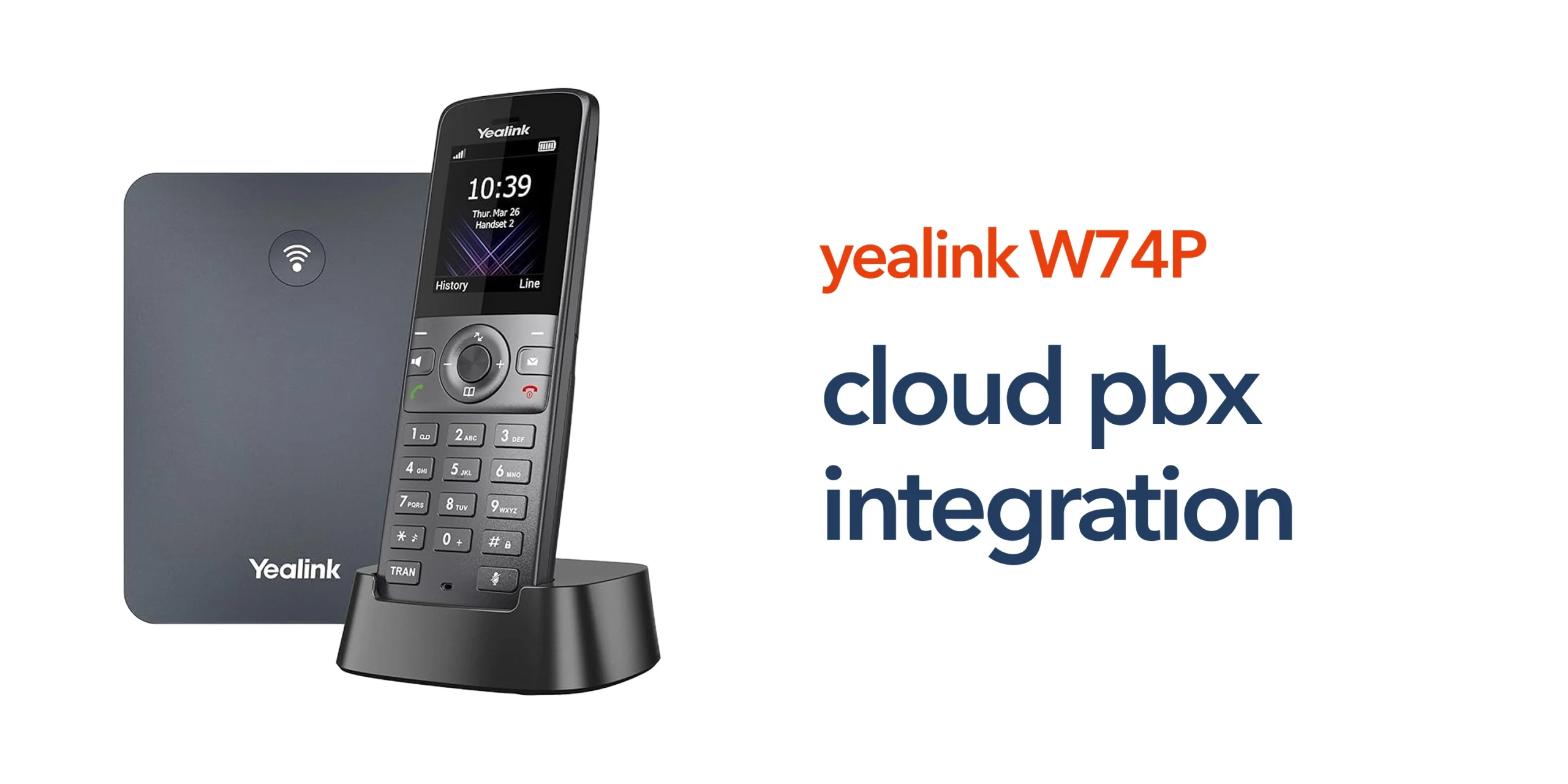
Devices like the Yealink W74P are designed specifically for this shift. Using DECT technology, they provide reliable wireless communication within the workplace while connecting seamlessly to cloud-based phone systems. This means employees can move freely around the building while still benefiting from features such as call transfer, voicemail, and call routing.
For businesses, this creates a more flexible and efficient communication environment. Teams stay connected wherever they are working, systems are easier to manage, and expansion no longer requires complex infrastructure changes.
How Cloud PBX Integration Works with the Yealink W74P
Cloud PBX integration connects your VoIP handset directly to a hosted phone system using your business’s internet connection. In practical terms, the process is straightforward.
1. Connecting the Base Station
The Yealink W74P base station connects to your business network using Ethernet, acting as the central link between your wireless handsets and the wider telecom system. It communicates directly with your cloud PBX platform over your business internet connection. Proper placement and stable connectivity are important to ensure consistent call quality and reliable coverage across your workspace.
2. Registering SIP Credentials
Each device is configured using SIP credentials provided by your cloud PBX platform. These credentials authenticate the system and allow the handset to make and receive calls securely. Accurate configuration is essential, as incorrect details can prevent registration or cause call issues. Using strong, unique credentials also helps protect your system from unauthorised access.
3. Handset Pairing and Extension Setup
Wireless handsets are registered to the base station and assigned individual extensions within your business phone system. This ensures each user can be reached directly and supports structured call handling across teams or departments. Clear extension planning makes it easier to manage users, route calls efficiently, and scale the system as your business grows.
4. Integration with Cloud Features
Once connected, the handset can access a wide range of features through the cloud platform, including call routing, voicemail, call transfer, and call queues. These features are managed centrally, allowing businesses to adjust settings without needing on-site changes. Many providers also support auto-provisioning, enabling devices to configure automatically once connected, which reduces setup time and simplifies deployment.
Key Benefits of Cloud PBX Integration for Yealink W74P
Cloud PBX integration is not just a technical process. It delivers clear operational benefits for businesses.
Flexible Workplace Communication
The Yealink W74P uses DECT technology to support mobility within the workplace. Staff can move freely while staying connected to the same system. This is particularly useful in retail, hospitality, and warehouse environments.
Scalable Business Phone Systems
Adding new users or handsets does not require new infrastructure. Businesses can scale their communication system as they grow. This makes it suitable for SMEs and multi-site organisations.
Centralised Management
Cloud PBX platforms allow administrators to manage users, extensions, and call routing through a central dashboard. This reduces the need for on-site maintenance and simplifies day-to-day management.
Consistent Communication Across Locations
For multi-site businesses, cloud PBX integration ensures all locations operate on the same system. Teams can communicate seamlessly regardless of where they are based.
Common Cloud PBX Integration Mistakes to Avoid
Cloud PBX integration is designed to simplify business communication, but poor planning or configuration can lead to performance issues and unnecessary disruption. Avoiding common mistakes helps ensure your system delivers consistent results from day one.
- Ignoring network readiness: VoIP relies on stable and high-quality business internet. Failing to assess bandwidth, latency, and reliability can lead to poor call quality and dropped connections.
- Using default or weak SIP credentials: Leaving default login details in place or using weak passwords increases the risk of unauthorised access and call fraud.
- Poor base station placement: Incorrect positioning of the Yealink W74P base station can result in weak DECT coverage, leading to call drops or inconsistent connectivity across your workspace.
- Lack of network configuration: Not separating voice and data traffic or failing to configure firewalls properly can affect both performance and security.
- No extension or user planning: Setting up users without a clear structure can make call handling inefficient and difficult to manage as the business grows.
- Choosing a non-scalable solution: Selecting a platform that cannot grow with your business can lead to costly changes later on.
Avoiding these issues ensures your cloud PBX integration is reliable, secure, and ready to support your business as it evolves.
Where Cloud PBX Integration Delivers the Most Value
Cloud PBX integration supports a wide range of business environments by improving flexibility, consistency, and communication efficiency across teams. It allows organisations to adapt their phone systems to how their people actually work, rather than being limited by fixed infrastructure.
- Retail and customer-facing environments: Staff can answer calls while assisting customers on the shop floor, improving responsiveness and overall service quality.
- Office-based businesses: Professional services such as accountants benefit from reliable communication, clear call routing, and structured handling of client enquiries.
- Multi-site organisations: Businesses with multiple locations can unify communication across sites, ensuring consistency without the need for complex on-site systems.
- Hybrid working environments: Cloud PBX integration supports flexible working by allowing teams to stay connected across different locations, not just a single office.
Aligning Integration with Modern Telecoms
Cloud PBX integration plays a key role in the transition from PSTN to VoIP. A well-integrated system combines reliable business broadband to support voice traffic and proper network configuration for stability and performance, secure device setup and authentication, and a trusted cloud telephony platform. This ensures your communication system is ready for long-term use and supports modern working practices.
Getting Cloud PBX Integration Right
Cloud PBX integration does not need to be complex. With the right approach, businesses can deploy systems quickly and with minimal disruption. Working with an experienced telecom provider helps ensure your system is set up correctly from the start. Devices are configured properly, networks are optimised for VoIP performance, and users and extensions are structured in a way that supports efficient call handling. This approach not only reduces issues during deployment but also ensures your system is ready to scale as your business grows.
circle.cloud helps UK businesses implement cloud-first communication systems that are simple, reliable, and built for modern work environments. If you are planning to deploy the Yealink W74P or upgrade your business phone system, getting your cloud PBX integration right is the first step towards a more flexible and efficient communication setup.
FAQs:
What is cloud PBX integration?
Cloud PBX integration connects your phone system to a hosted platform, allowing calls to be managed over the internet rather than through on-site hardware.
Is the Yealink W74P compatible with cloud PBX systems?
Yes. The Yealink W74P is designed for VoIP environments and works with most cloud PBX providers using SIP.
Do I need special infrastructure for cloud PBX integration?
No. Most businesses only need reliable business internet and compatible VoIP devices.
Can cloud PBX integration support multiple locations?
Yes. It allows businesses to connect multiple sites under one system, improving communication and management.
How long does it take to set up cloud PBX integration?
With auto-provisioning and proper configuration, many systems can be set up quickly with minimal disruption.