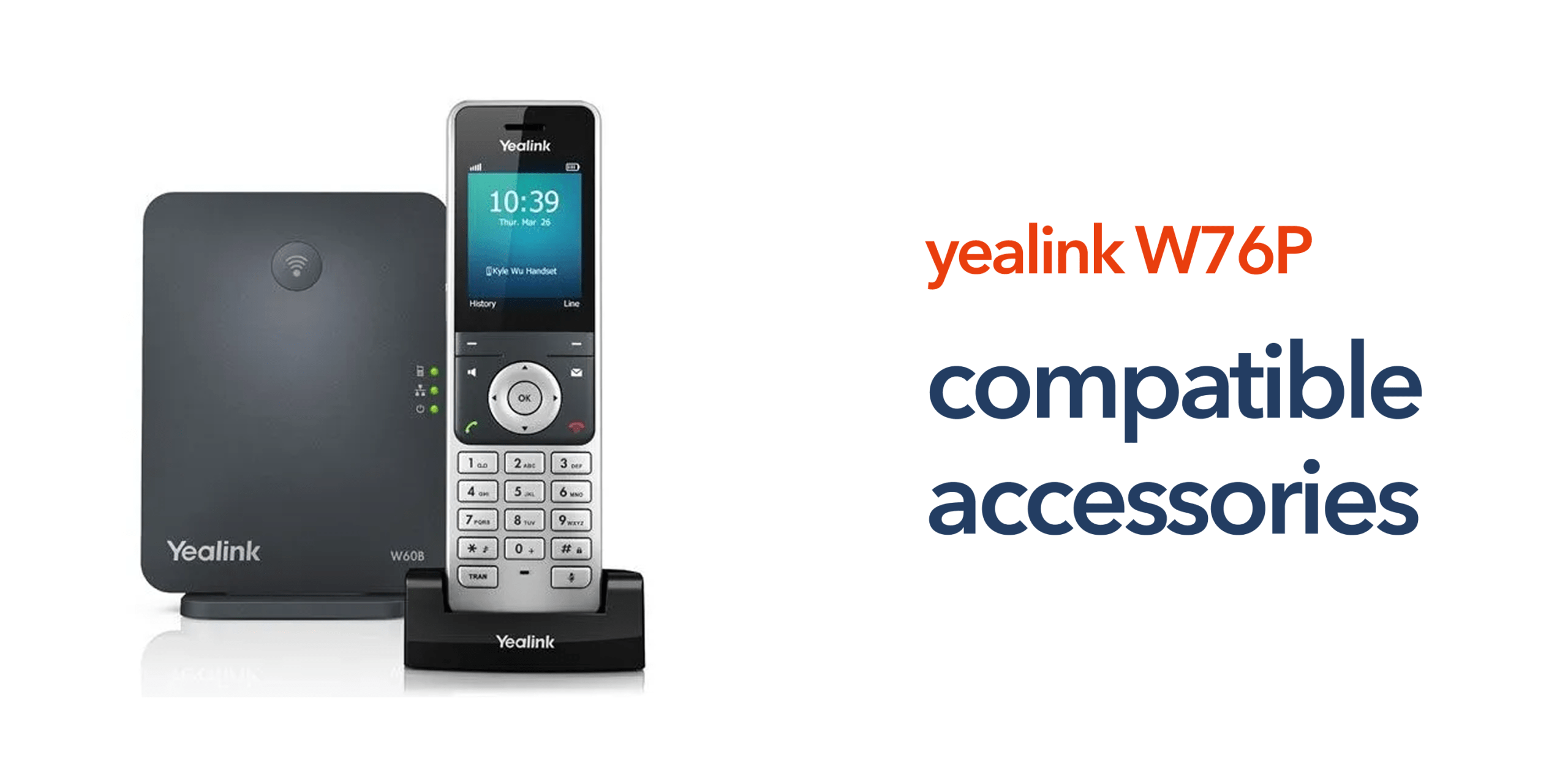
Modern businesses depend on fast, reliable, and crystal-clear communication. For teams that manage calls throughout the day, the right headset and accessories can significantly improve comfort, efficiency, and call quality. The Yealink W76P DECT phone system is widely used in offices, retail environments, and multi-site organisations because it combines wireless mobility with the reliability of a professional VoIP communication platform.
However, to get the most from the system, choosing the right compatible accessories is essential. The correct headsets, bases, and supporting equipment can enhance productivity, enable hands-free communication, and create a more comfortable working environment for employees handling high call volumes.
This guide explores the most common W76P-compatible headsets, bases, and accessories, and explains how they support modern business telecom systems.
Understanding the Yealink W76P
The Yealink W76P is a professional DECT wireless phone system designed for business environments where mobility is important. It combines the W70B base station with the W56H cordless handset, allowing employees to move freely while staying connected to the company’s business phone system. Typical use cases include reception desks, retail shop floors, warehouses and logistics sites, accountants/professional services offices, and healthcare/service businesses.
Because the device uses digital enhanced cordless telecommunications (DECT) technology, it offers stable wireless communication within office environments. When paired with a cloud telephony platform, the system becomes a flexible voice over internet protocol solution that can support hybrid work and multi-site businesses.
Why Businesses Use Headsets With the W76P
Using a headset with the W76P provides several practical benefits for teams who spend large parts of the day on calls.
Hands-Free Communication
A headset enables staff to take calls while continuing to work on a computer, manage documents, or assist customers. This hands-free capability is especially valuable for reception teams, support desks, accountants handling client queries, and retail staff assisting customers, allowing employees to stay productive without interrupting their workflow.
Improved Call Comfort
Long calls can quickly become uncomfortable when employees are holding a handset. A lightweight headset helps reduce strain on the neck and shoulders, allowing staff to work more comfortably and naturally throughout the day.
Better Call Quality
Professional business headsets enhance call quality by incorporating noise reduction features. These help minimise background distractions in busy offices or customer-facing environments, improving the overall communication experience for both employees and clients.
Types of W76P Compatible Headsets
Several headset types are compatible with the Yealink W76P, depending on how employees prefer to work.
Wireless DECT Headsets
DECT headsets provide the greatest mobility in office environments. The benefits include long wireless range, stable connection, strong battery life, and reliable call quality. They are ideal for businesses where staff move between desks or departments.
Bluetooth Headsets
Bluetooth headsets allow the W76P handset to connect with supported wireless headsets. This option is useful for professionals who already use Bluetooth devices, and hybrid workers switching between computer and phone calls. These headsets are also useful for smaller offices that want simple wireless connectivity.
Wired Headsets
Wired headsets connect directly to the handset via a cable. While they offer less mobility than wireless options, they provide several advantages:
- Cost-effective: A budget-friendly choice for businesses.
- Reliable: Consistent performance without interference or connectivity issues.
- Easy to deploy: Simple setup with minimal configuration required.
Many organisations prefer wired headsets for reception desks, call centres, or fixed workstations where mobility is not a priority.
Additional Yealink W76P Accessories
Alongside headsets, several accessories can enhance the functionality of the Yealink W76P business phone.
DECT Repeaters
For large offices or multi-floor buildings, a DECT repeater can be a valuable addition, extending wireless coverage and ensuring staff stay connected throughout the workspace. These devices are especially useful in environments such as warehouses, retail showrooms, distribution centres, and healthcare facilities, where seamless communication across larger areas is critical for efficiency and productivity.
Additional Handsets
The W76P base station supports multiple cordless handsets, enabling businesses to expand their telephone system without the need for additional wiring. This flexibility makes it easy to add new users as teams grow, or to equip different areas of the office with reliable, wireless communication.
Charging Cradles and Power Accessories
Extra charging cradles and power accessories ensure that handsets remain fully powered throughout busy workdays. They are particularly useful for teams sharing devices across shifts, helping maintain seamless communication without interruptions.
How the W76P Fits Into Modern VoIP Phone Systems
Many organisations are upgrading their communications ahead of the UK PSTN switch-off, which is gradually replacing the traditional public switched telephone network with internet-based alternatives. The W76P is designed to work with modern VoIP phone systems, allowing businesses to route calls through their business broadband or business internet connection. This approach provides several advantages, such as lower infrastructure costs, easier system scaling, remote and hybrid working support, and centralised management across locations.
For businesses transitioning from PSTN to VoIP, devices such as the W76P provide a straightforward path to modern communications.
Choosing the Right Headset & Accessories for Your Business
When selecting W76P-compatible headsets and accessories, businesses should consider how their teams work. Key factors include:
- Mobility Requirements: Staff who move around the office or shop floor will benefit from wireless headsets, while desk-based teams may prefer wired models.
- Call Volume: High-call environments, such as support teams, should prioritise comfort and noise reduction to reduce fatigue.
- Workspace Environment: Busy or noisy workplaces may require headsets with stronger noise isolation.
- Integration with Other Devices: Some professionals prefer headsets that work seamlessly with both their VoIP phone and computer.
Selecting the right headset ensures employees can communicate comfortably, efficiently, and effectively throughout the working day.
Reliable Business Telecoms With circle.cloud
The right accessories are only part of the picture. Reliable communications depend on the infrastructure behind them. circle.cloud helps UK businesses deploy modern cloud telephony, VoIP phone systems, and business broadband that support devices such as the Yealink W76P. Our approach focuses on simple, reliable communications that work for modern businesses.
With the right setup, organisations can move away from legacy phone systems and build a communication platform designed for long-term growth. If your business is upgrading its telecom infrastructure or preparing for the PSTN switch-off, our team can help you choose the right devices and accessories.
Speak to our experts today, and let’s upgrade your business phone system.
FAQs:
Are wireless headsets compatible with the Yealink W76P?
Yes. Many wireless headsets can work with the W76P, particularly DECT and Bluetooth models designed for Yealink devices.
Can I use a Bluetooth headset with the W76P?
Some Bluetooth headsets can connect to the W76P handset depending on configuration and compatibility.
How many handsets can the Yealink W76P support?
The W70B base station can support multiple handsets, allowing businesses to expand their business telephone system as teams grow.
Is the Yealink W76P suitable for retail environments?
Yes. The wireless DECT design allows retail staff to move around the shop floor while still answering calls.
Does the W76P work with cloud phone systems?
Yes. The device is designed to integrate with VoIP phone systems and cloud telephony platforms used by modern businesses.