Many UK businesses are moving away from traditional landline systems as the telecom industry transitions away from the public switched telephone network. As a result, organisations are increasingly adopting Voice-over-Internet-protocol technology and cloud-based phone systems to support modern communication needs.
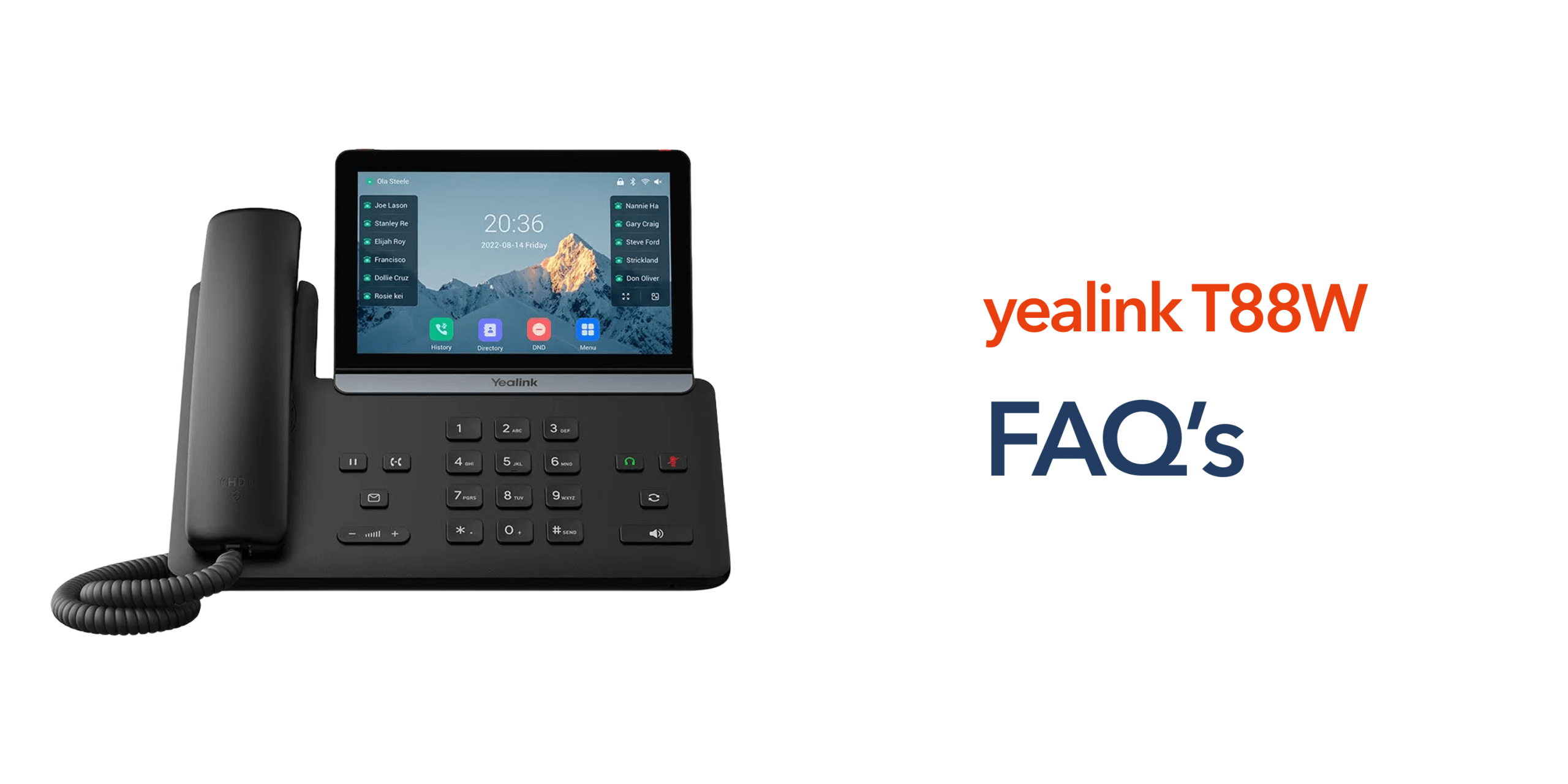
Devices such as the Yealink SIP T88W Pro are designed for this new telecom environment. The phone combines VoIP capability with wireless connectivity and a modern user interface, making it suitable for businesses that rely on flexible and reliable communication tools. Before deploying a new device, however, many organisations want clear answers to practical questions about how it performs in everyday business environments.
This guide covers common Yealink SIP T88W Pro FAQs, helping businesses understand the device and how it fits into modern VoIP phone systems.
What Is the Yealink SIP T88W Pro?
The Yealink SIP T88W Pro is a premium VoIP desk phone designed for organisations using cloud telephony platforms. Instead of connecting to traditional telephone lines, the device uses Voice over Internet Protocol technology to make and receive calls through internet connectivity.
This allows businesses to integrate their phones with modern telecom infrastructure such as cloud-based phone systems and unified communications platforms. The device is commonly used in offices where reliable voice communication is essential.
Does the Yealink SIP T88W Pro Require Internet Connectivity?
Yes. The Yealink SIP T88W Pro operates using VoIP technology, which means calls are transmitted over an internet connection rather than traditional PSTN telephone lines.
In most business environments, the device connects through the company network using business broadband. This can be done via a wired Ethernet connection or through wireless connectivity, depending on the office setup.
Reliable internet connectivity is essential for maintaining clear call quality and stable communication. A strong and consistent network ensures the phone can register with the VoIP system and deliver dependable day-to-day business communications.
Can the Yealink SIP T88W Pro Connect to WiFi?
Yes. One of the key advantages of the Yealink SIP T88W Pro is its built-in wireless connectivity. The device can connect directly to office WiFi networks without requiring a wired Ethernet connection. This provides greater flexibility when deploying the phone, especially in offices where network cabling is limited or where workspaces frequently change.
Businesses can install the device in flexible work areas, meeting rooms, or temporary desks without additional infrastructure. Wireless connectivity allows the phone to integrate easily into modern office environments while still supporting reliable VoIP communication.
Does the Phone Support DECT Technology?
Yes. The Yealink SIP T88W Pro supports digital enhanced cordless telecommunications (DECT) technology. This allows businesses to connect wireless handsets through a DECT base station, extending communication coverage across the workplace.
This capability is particularly useful in environments where employees are not always at a fixed desk. Common examples include retail stores, hospitality venues, warehouses and large office spaces.
With DECT expansion, staff can move around the workplace while remaining connected to the business phone system, helping teams stay reachable and maintain consistent communication throughout the day.
Is the Yealink SIP T88W Pro Compatible With Cloud Phone Systems?
Yes. The Yealink SIP T88W Pro is designed to integrate with modern cloud phone systems using SIP protocols. This allows the device to register with VoIP platforms and handle calls through internet-based infrastructure rather than traditional telephone networks.
Because of this compatibility, the phone works well with cloud telephony environments where businesses manage calls, extensions and voicemail through a central online platform. This makes it a practical option for organisations moving from PSTN infrastructure to modern cloud communications.
What Businesses Typically Use the Yealink SIP T88W Pro?
The Yealink SIP T88W Pro is commonly used by organisations that rely on clear voice communication and modern telecom infrastructure. Professional service firms such as accountants and consultants often use the device for reliable client communication, while retail businesses benefit from its wireless flexibility. It is also well-suited for multi-site organisations that use cloud phone systems to connect teams across different locations, making it a practical choice for workplaces where dependable communication supports daily operations.
Does the Phone Support Touchscreen Controls?
Yes. The Yealink SIP T88W Pro includes a touchscreen display that simplifies call management and navigation. The interface allows employees to quickly access features such as call transfers, voicemail, contact directories and call routing options. This intuitive design makes the device easy for teams to use without requiring extensive training.
Can the Yealink SIP T88W Pro Replace Traditional Desk Phones?
Yes. Many businesses are replacing traditional desk phones with VoIP devices as the telecom industry moves away from PSTN infrastructure. VoIP phones offer greater flexibility, easier scalability, and integration with cloud platforms, allowing organisations to manage communications more efficiently. For businesses preparing for the PSTN switch-off, devices such as the Yealink SIP T88W Pro are becoming a practical replacement for traditional landline phones.
Why Businesses Are Moving to VoIP Phones?
The shift toward VoIP is being driven by both changes in telecom infrastructure and evolving business communication needs. Traditional phone systems depend on physical telephone lines connected to the PSTN network, which is gradually being phased out across the UK.
VoIP technology allows businesses to run their communications through cloud-based platforms using internet connectivity instead of legacy telephone lines. This approach gives organisations greater flexibility, enabling them to support hybrid working, connect teams across multiple locations and scale their communication systems as the business grows.
Conclusion
Understanding Yealink SIP T88W Pro FAQs helps businesses evaluate whether the device is suitable for their communication needs. As organisations move away from traditional telephone infrastructure and adopt cloud-based telecom systems, devices like the Yealink SIP T88W Pro provide reliable VoIP functionality combined with modern connectivity features.
For businesses preparing for the transition from PSTN to cloud communications, choosing the right VoIP devices is an important step toward building a modern and flexible business phone system.