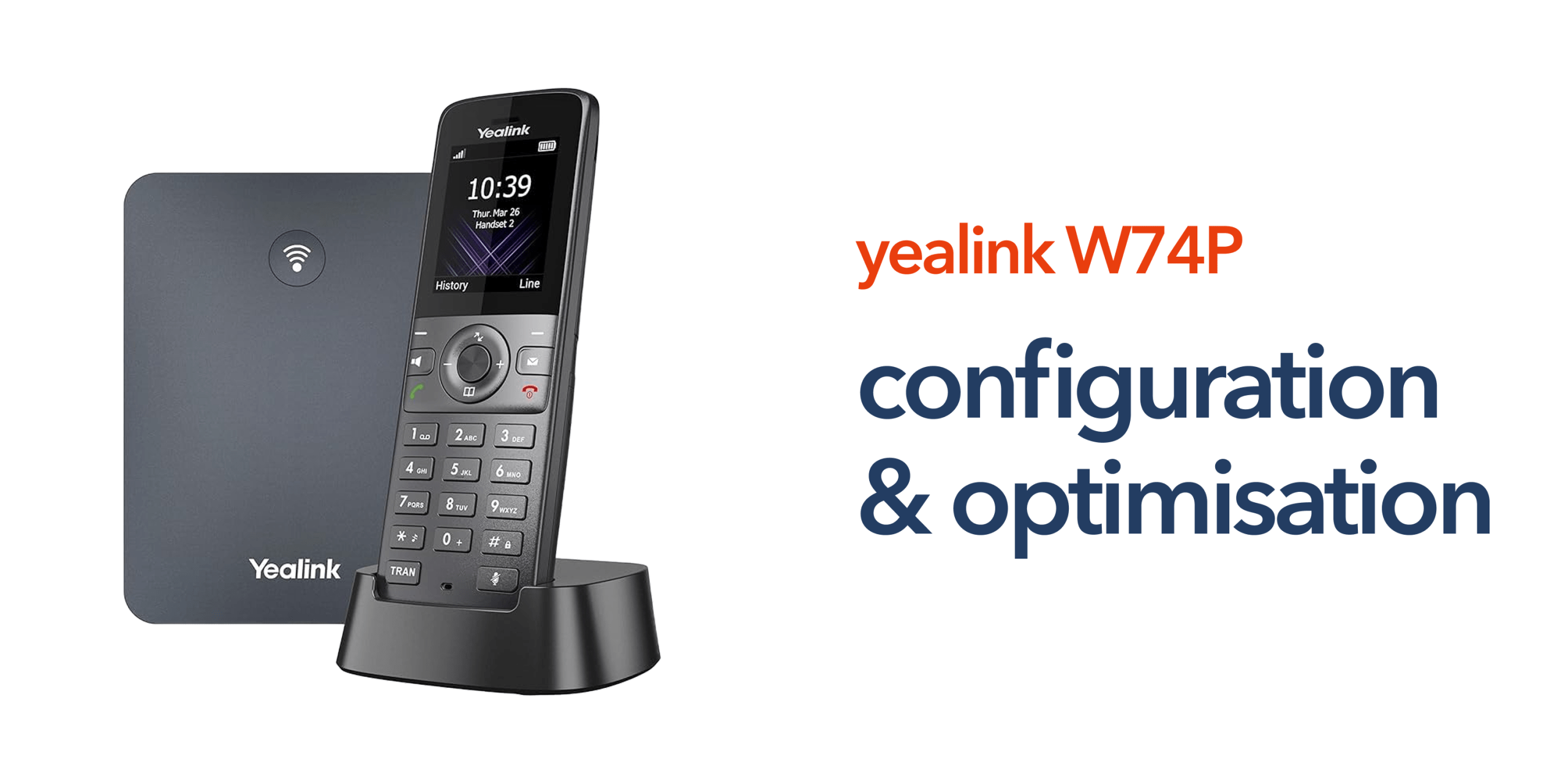
Many businesses assume that once a phone system is installed, the job is complete. In reality, the way your system is configured has a direct impact on call quality, reliability, and how effectively your team communicates each day. A basic setup may allow your phones to function, but it rarely delivers the level of performance modern businesses expect. Issues such as missed calls, inconsistent audio, or inefficient call handling often come down to configuration rather than hardware. This guide to Yealink W74P configuration focuses on helping you get the most from your system. It goes beyond initial setup to cover practical optimisation steps that improve performance, enhance user experience, and support long-term scalability.
Whether you are deploying in a single office, supporting mobile teams, or rolling out across multiple locations, the right configuration ensures your phone system works as a reliable part of your wider business telecoms infrastructure rather than becoming a source of ongoing issues.
Why Configuration Matters
A basic setup will get your phone system up and running, but it does not guarantee consistent performance. Proper configuration ensures your system operates efficiently under real business conditions, where call volumes, multiple users, and network demands all come into play. Without the right configuration, small issues can quickly affect day-to-day operations. Poor configuration can lead to:
- Dropped or poor-quality calls
- Missed enquiries due to incorrect routing
- Delays in internal communication
- Limited scalability as your business grows
These problems can impact both customer experience and team productivity. However, with the right approach, your Yealink VoIP phone becomes a dependable part of your wider business telecoms infrastructure. It supports clear communication, efficient call handling, and the flexibility needed to adapt as your organisation evolves.
Now let’s take a closer look at the key Yealink W74P configuration tips and optimisation steps that can improve performance and reliability.
Optimising Network and Connectivity
Your phone system is only as reliable as the network it runs on. Without a stable connection, even well-configured devices can struggle to deliver consistent performance. To get the most from your Yealink W74P configuration, your network should be designed to support voice traffic without interruption.
Key Considerations
- Use reliable business broadband or business internet to maintain stable connectivity.
- Prioritise VoIP traffic using QoS settings to prevent delays during peak usage.
- Avoid congested or shared network segments that can impact call performance.
A stable and well-managed network ensures clear audio, reduces latency, and supports consistent performance across your VoIP phone systems, even as usage increases.
Configuring SIP Settings for Reliability
Accurate SIP configuration is essential to ensure your system performs reliably. This is what connects your device to your VoIP platform and enables consistent call handling. Even small errors in configuration can lead to registration failures or unstable connections, so attention to detail is important.
Best Practices
- Double-check all SIP credentials before saving
- Use secure authentication settings to protect access
- Confirm correct server addresses and port configurations
Incorrect settings can prevent the device from registering or cause intermittent connectivity issues. A properly configured SIP account ensures your system remains stable, responsive, and ready to handle business communication without disruption.
Improving Call Handling and Routing
Call management has a direct impact on customer experience. How quickly calls are answered and routed can influence both customer satisfaction and internal efficiency. With the right Yealink W74P configuration, you can ensure calls are handled smoothly and reach the right person without unnecessary delays.
Optimisation Tips
The best optimisation tips for improving call handling and routing include setting up clear call routing paths to direct enquiries efficiently, using extension groups to organise departments or teams, and configuring voicemail to capture missed calls and avoid lost opportunities. These features help ensure calls are handled professionally, improve response times, and reduce internal bottlenecks, creating a more efficient communication flow across your business.
Enhancing DECT Coverage and Performance
Wireless performance is heavily influenced by how your system is deployed. Even with the right Yealink W74P configuration, poor placement can lead to weak signal coverage and inconsistent call quality.
Best Practices
- Position the base station centrally to maximise coverage
- Avoid physical obstructions such as thick walls or metal structures
- Test signal strength across key work areas before full deployment
DECT technology provides the flexibility for staff to move freely while staying connected. However, correct placement and testing are essential to ensure strong, reliable connections throughout your workspace.
Managing Multiple Handsets and Scalability
The Yealink W74P supports multiple handsets from a single base station, making it well-suited to growing businesses and teams that need flexible communication across different areas. With the right Yealink W74P configuration, you can organise users clearly and ensure the system scales as your organisation expands.
Configuration Tips
Some important configuration tips include assigning clear extensions to each user for easy identification and grouping devices by department or function to simplify call handling. You must also plan for future expansion when setting up users and structure. Taking a structured approach from the start ensures your business phone system can grow without disruption, avoiding the need for major reconfiguration as your team or locations increase.
Keeping Your System Secure
Security is often overlooked during configuration, but it plays a critical role in protecting your business communications. A poorly secured system can leave your network exposed to unauthorised access or disruption.
Key Measures
The key measures include using strong SIP passwords to prevent unauthorised access, disabling unused features to reduce potential vulnerabilities, and keeping firmware up to date to benefit from the latest security patches and performance improvements. These steps help protect your telecommunications infrastructure, ensuring your system remains secure, reliable, and capable of supporting sensitive business conversations.
Recommended Yealink W74P Configuration Settings
To get the best performance from your system, it is important to apply a set of baseline configuration settings that support reliability and call quality.
- Enable QoS settings to prioritise voice traffic on your network
- Use secure SIP authentication to protect access and data
- Configure correct time and region settings for accurate call logs
- Select appropriate codecs to optimise audio quality
- Keep firmware updated to maintain performance and security
Applying these settings helps ensure your Yealink W74P configuration delivers consistent performance, clear communication, and long-term reliability across your business phone system.
Top Signs Your Device Configuration Needs Improvement
Even if your system is operational, certain issues can indicate that your Yealink W74P configuration is not fully optimised. Common signs include frequent dropped or poor-quality calls, delays in call routing, or missed calls that should have been handled by the system. You may also notice inconsistent performance between users or difficulty adding new handsets as your business grows.
If these issues occur, it is often a sign that network settings, SIP configuration, or device placement need to be reviewed and adjusted.
Common Configuration Mistakes to Avoid
Even small configuration oversights can lead to ongoing performance issues. Addressing these early helps ensure your system runs reliably from day one.
- Using default credentials: Leaving default login details in place increases security risks.
- Ignoring network quality: Poor connectivity can cause dropped calls and inconsistent performance.
- Poor base station placement: Incorrect positioning reduces DECT coverage and signal strength.
- Overlooking firmware updates: Outdated firmware can lead to bugs and security vulnerabilities.
Avoiding these mistakes helps maintain consistent performance and reduces the need for ongoing support or troubleshooting.
Aligning Configuration with Modern Telecoms
Businesses across the UK are moving away from legacy systems such as PSTN as the shift to digital communications continues. This transition is not just about replacing hardware, but ensuring systems are configured to support modern ways of working. The Yealink W74P is built for cloud telephony and Voice over Internet Protocol, making it well-suited to today’s communication environments. With the right configuration, businesses can support hybrid working, connect multiple locations, and maintain consistent communication across teams.
Taking the time to configure your system properly ensures it is ready for long-term use. It allows your organisation to move confidently away from traditional infrastructure and adopt a more flexible, scalable approach to business telecoms.
Conclusion
A well-configured phone system does more than handle calls. It shapes how your business communicates, responds to customers, and operates day to day. By focusing on the right Yealink W74P configuration, businesses can improve reliability, streamline call handling, and build a communication system that supports growth across teams and locations. For organisations looking to get the most from their setup, working with experienced telecom specialists such as circle.cloud ensures your system is configured correctly from the start. With the right expertise, you can avoid common issues, maintain consistent performance, and create a business telecoms environment that is simple, reliable, and built for the future.
FAQs:
What is the difference between setup and configuration?
Setup refers to getting the device connected and operational. Configuration focuses on optimising settings for performance, reliability, and usability.
Can the Yealink W74P be used in multi-site environments?
Yes. When connected to a cloud phone system, it can support communication across multiple locations.
Does configuration affect call quality?
Yes. Network settings, SIP configuration, and device placement all impact call quality.
Do I need a VoIP provider for the Yealink W74P?
Yes. The device requires a VoIP or cloud telephony platform to function.
Can Yealink W74P configuration improve call quality?
Yes. Network settings, SIP configuration, and device placement all directly affect call quality and overall system performance.