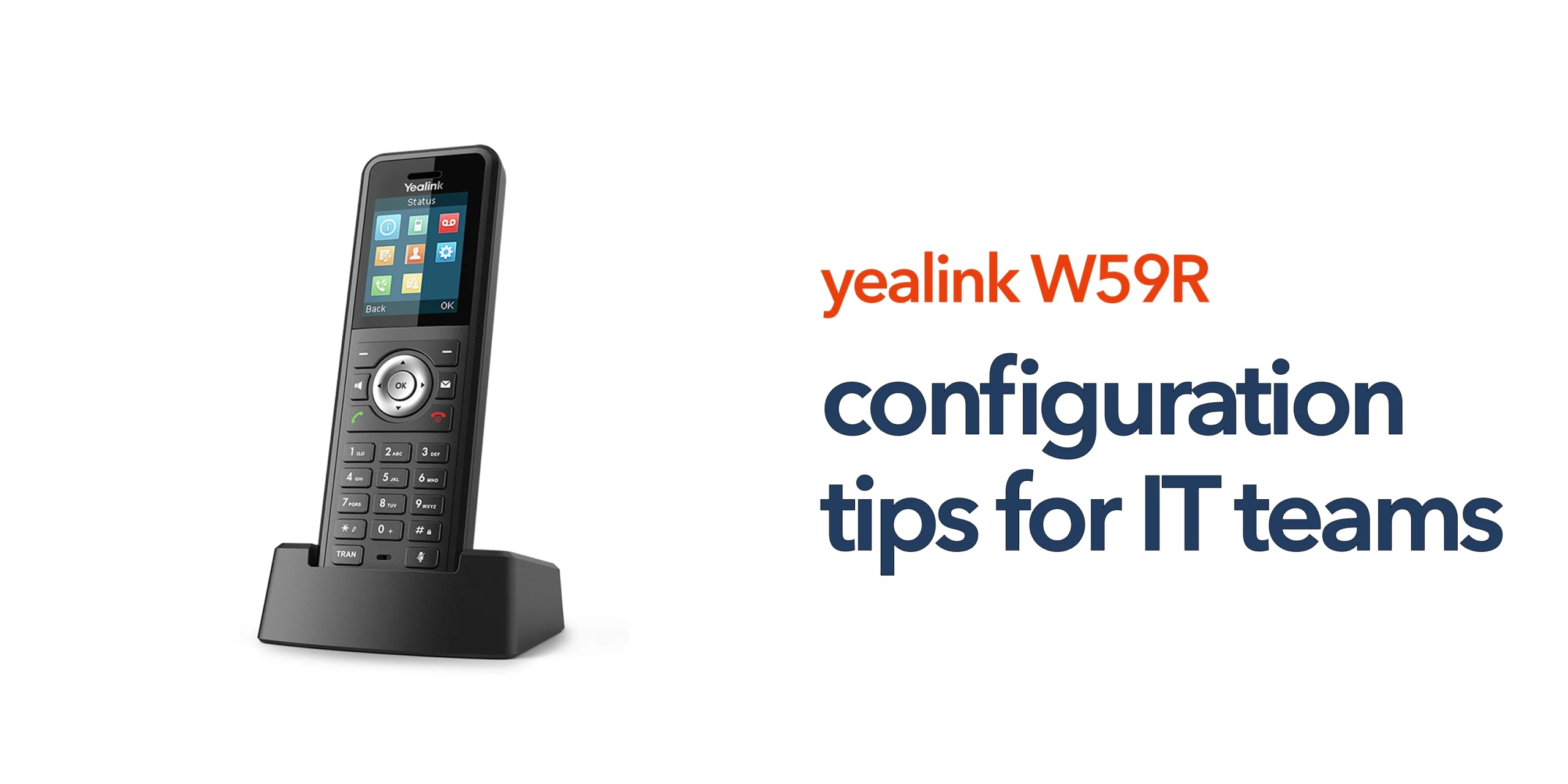
Many IT teams deploy wireless VoIP devices expecting quick results, only to face issues with call quality, connectivity, or user setup. The problem is rarely the handset itself. In most cases, it comes down to how the Yealink W59R configuration is handled. A well-configured device supports reliable communication across your business. A poorly configured one creates ongoing support issues.
The Yealink W59R is designed for demanding environments. It combines rugged hardware with DECT wireless technology and integrates with modern cloud telephony platforms. However, to get full value from the device, the configuration must go beyond basic setup. IT teams need to think about how the handset fits into the wider business telecoms environment, including VoIP platforms, network performance, and user structure.
Core Components of Yealink W59R Configuration
Getting the Yealink W59R up and running is straightforward, but getting it configured properly for business use requires a more considered approach. Each part of the setup plays a direct role in call quality, reliability, and day-to-day usability. For IT teams, focusing on the core configuration areas ensures the device performs consistently across real working environments.
- Base Station Setup: The base station connects your handsets to the network and impacts signal strength. Place it centrally for even DECT coverage. Avoid walls and interference sources. Poor placement leads to dropped calls and weak signal areas.
- SIP and VoIP Configuration: SIP credentials connect the device to your VoIP system. Enter accurate usernames, passwords, and server details. Ensure compatibility with your provider. Errors here often cause registration and call issues.
- Network and Connectivity: VoIP depends on a stable network. Use reliable business broadband and prioritise voice traffic where possible. Monitor latency and jitter. Poor network performance will affect call quality.
Advanced Configuration Tips for IT Teams
Advanced configuration is where IT teams move from basic setup to reliable, business-ready performance. Fine-tuning these areas helps prevent ongoing issues and ensures the Yealink W59R works consistently across your environment.
Optimise DECT Coverage
Optimising DECT coverage is essential for consistent performance. Digital enhanced cordless telecommunications systems rely on stable signal strength, so coverage should be tested across all working areas. Larger sites may require additional base stations to eliminate weak spots. Identifying dead zones early helps prevent call drops and ensures reliable communication, especially in environments such as warehouses, retail floors, and multi-level offices.
Structure Users and Extensions Properly
Structuring users and extensions properly improves both usability and call handling. Assign clear and logical extension numbers so users are easy to identify. Group devices by department to support efficient routing, and align call flows with how your business operates. A well-organised setup reduces confusion and makes day-to-day communication more efficient.
Firmware and Security Management
Firmware and security management should be part of ongoing maintenance. Regular updates help improve stability and fix known issues. Use strong SIP authentication to prevent unauthorised access, and disable any unused features to reduce risk. These steps help protect your telecommunications infrastructure and ensure long-term reliability.
Enable Quality of Service (QoS)
Quality of Service ensures that voice traffic is prioritised over other types of data on your network. This is essential in busy environments where bandwidth is shared across multiple applications. By giving VoIP traffic priority, you reduce the risk of delays, jitter, and packet loss. This results in clearer calls and fewer interruptions. IT teams should configure QoS rules at the router or switch level. This is especially important for businesses relying heavily on cloud telephony.
Use VLAN Segmentation
VLAN segmentation separates voice traffic from general network traffic, improving both performance and security. By isolating VoIP data, you reduce congestion caused by other applications such as file transfers or video streaming. This helps maintain consistent call quality across your organisation. VLANs also make network management easier, especially in larger environments. IT teams can monitor and troubleshoot voice traffic more effectively. It is a practical approach for businesses with growing or complex network setups.
Implement Auto-Provisioning
Auto-provisioning allows IT teams to deploy multiple Yealink devices quickly and consistently. Instead of configuring each handset manually, settings can be applied automatically from a central server. This reduces setup time and minimises the risk of human error. It also ensures all devices follow the same configuration standards. Updates and changes can be rolled out across all handsets at once. This is particularly useful for multi-site organisations or businesses scaling their operations.
Configure Call Handling Features
Call handling features should be aligned with how your business operates. Functions such as call groups, hunt groups, and call forwarding improve how calls are managed across teams. Proper configuration ensures calls are routed efficiently and not missed. This is especially important in customer-facing environments. IT teams should work with stakeholders to map out call flows. A well-structured setup improves both internal communication and customer experience.
Monitor Device and Network Performance
Ongoing monitoring helps maintain system reliability and identify issues early. IT teams should track metrics such as call quality, latency, and device status. Monitoring tools can highlight patterns that indicate underlying problems. This allows proactive fixes before users are affected. Regular checks also help ensure the system continues to perform as expected. For businesses relying on VoIP, consistent monitoring is essential for maintaining service quality.
Plan for Roaming and Handover
In larger environments, users often move between different coverage areas during calls. Proper planning ensures seamless handover between base stations without dropping calls. This requires careful placement of base stations and overlap in coverage zones. Testing movement across the site helps identify any gaps. Without proper planning, users may experience interruptions when moving around. This is particularly important for warehouses, healthcare settings, and large offices.
Secure Remote Access
Remote management of devices must be handled securely to protect your network. IT teams should use secure methods such as VPNs or encrypted provisioning servers. Avoid exposing devices directly to the public internet. Strong authentication and access controls should always be in place. This reduces the risk of unauthorised access or configuration changes. Secure remote access is essential for businesses managing devices across multiple locations.
Optimise Codec Selection
Audio codecs determine how voice data is compressed and transmitted over your network. Choosing the right codec helps balance call quality and bandwidth usage. High-quality codecs provide clearer audio but require more bandwidth. Lower bandwidth codecs can improve stability on limited connections. IT teams should select codecs based on network capacity and business needs. Proper optimisation ensures consistent performance across different environments.
Aligning Configuration with Your Business Telecoms
Aligning your Yealink W59R configuration with your wider business telecoms is essential for reliable performance. The device should not be treated in isolation, as it depends on how well it integrates with your business phone system, cloud telephony platform, VoIP infrastructure, and overall internet reliability. Many issues that seem device-related are often caused by gaps elsewhere in the setup, such as poor network performance or misconfigured systems. As UK businesses continue moving away from the public switched telephone network, your configuration should also support a smooth transition to cloud-based voice over internet protocol, ensuring your communications remain scalable and future-ready.
Common Configuration Mistakes to Avoid
Even experienced IT teams can miss small details that lead to ongoing issues. Addressing these early helps ensure stable and reliable performance.
- Using default credentials increases security risk
- Ignoring network quality leads to poor call performance
- Poor base station placement, causing weak coverage and dropouts
- Inconsistent user setup, making call handling inefficient
- Skipping firmware updates results in bugs and stability issues
Avoiding these mistakes helps ensure your Yealink W59R configuration runs smoothly and supports your wider business telecoms setup.
Conclusion
A well-executed Yealink W59R configuration does more than simply bring devices online. It ensures reliable call quality, consistent connectivity, and a communication system that can scale with your business. It also reduces ongoing IT support issues by getting the setup right from the start, allowing your team to focus on operations rather than troubleshooting.
If your business is deploying wireless VoIP devices or moving away from legacy systems, configuration plays a critical role in long-term performance. circle.cloud helps UK businesses implement telecom solutions that are simple, reliable, and built for modern work. Speak to our team to ensure your Yealink W59R setup is fully optimised and aligned with your wider communication infrastructure.
FAQs
What is the best way to configure a Yealink W59R?
The best approach is to combine correct SIP setup, strong network performance, and proper DECT coverage planning. Configuration should also align with your VoIP platform.
Does the Yealink W59R work with cloud telephony systems?
Yes, it is designed to integrate with modern cloud telephony platforms using SIP-based VoIP connections.
Why is my Yealink W59R not registering?
Common causes include incorrect SIP credentials, network issues, or misconfigured VoIP settings.
How can IT teams improve call quality?
Focus on network stability, prioritise VoIP traffic, and ensure consistent DECT coverage across your site.