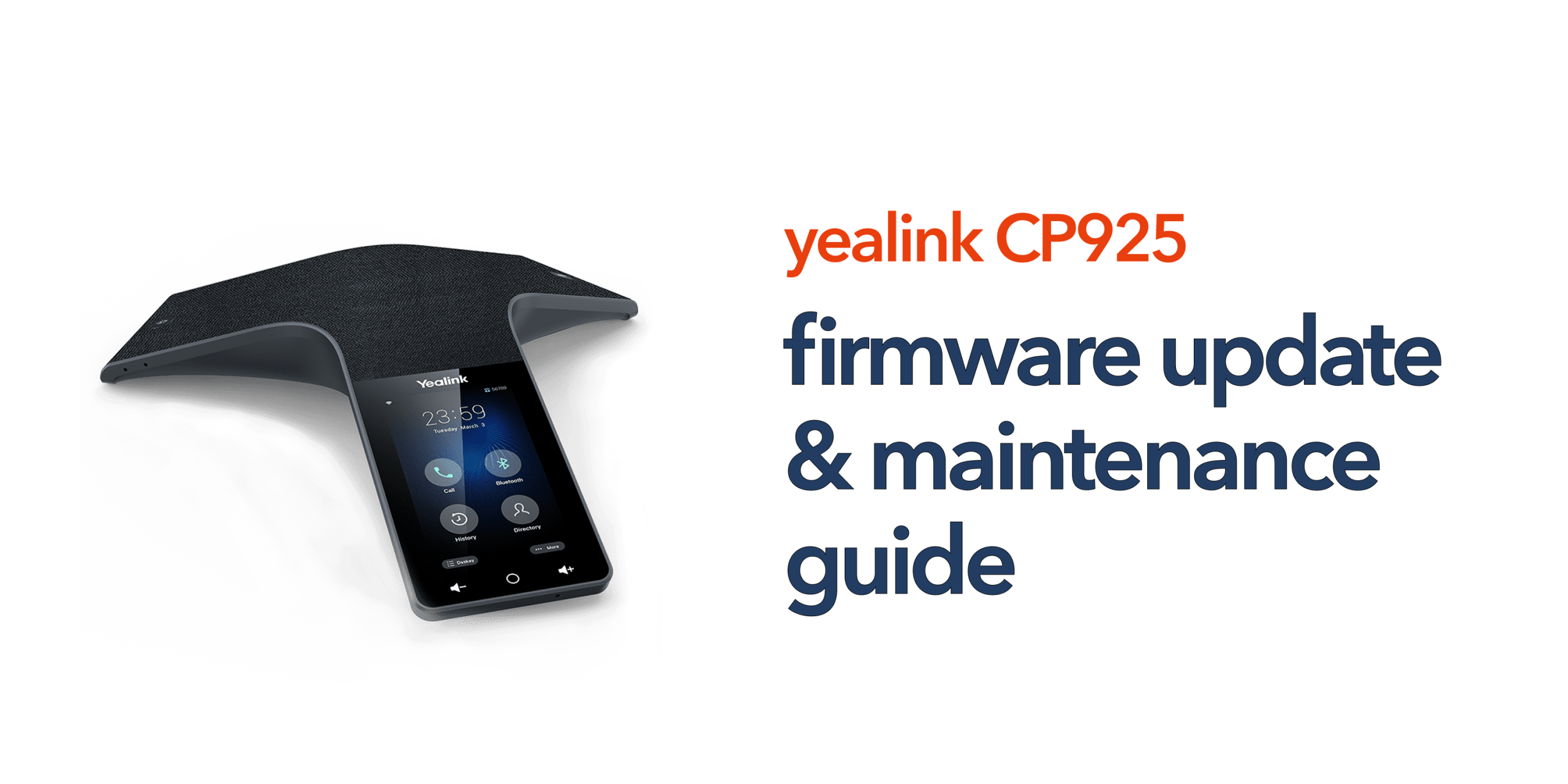
Outdated firmware is one of the most common causes of performance issues in business communication systems, including poor call quality, security vulnerabilities, and unexpected device behavior. In VoIP environments, even small firmware gaps can lead to instability or compatibility issues with cloud telephony platforms.
If you are using the Yealink CP925, keeping its firmware up to date is essential for maintaining reliable and secure meeting room communication. Regular updates ensure that the device continues to perform smoothly, remains compatible with modern VoIP systems, and benefits from the latest improvements and security patches.
This guide explains how Yealink CP925 firmware works, how to perform updates safely, and the best practices for long-term maintenance to keep your devices operating at peak performance across all meeting environments.
What Is Yealink CP925 Firmware?
The firmware of the Yealink CP925 is the internal software that controls how the device operates and interacts with your communication system. It plays a critical role in ensuring stable performance, secure connectivity, and reliable call quality across meeting environments.
- Call Handling and Audio Performance: Manages how the Yealink CP925 processes voice data, including call setup, audio clarity, and real-time communication quality during meetings.
- Network Connectivity: Controls how the device connects to wired or wireless networks, ensuring stable communication with VoIP or cloud telephony platforms.
- Security Protocols: Handles encryption, authentication, and secure data transmission to protect business communications from unauthorised access.
- Compatibility with VoIP Platforms: Ensures smooth integration with SIP-based and cloud communication systems used across modern business environments.
Firmware updates are regularly released by Yealink to enhance performance, fix known issues, improve security, and introduce new features that keep the Yealink CP925 up to date with evolving communication standards.
Why Firmware Updates Matter for Businesses
For UK businesses, firmware updates on the Yealink CP925 are not just a technical maintenance task; they directly impact the performance, security, and reliability of everyday communication systems. Keeping firmware up to date ensures that meeting rooms continue to operate smoothly and without interruption.
Regular updates improve overall reliability by fixing known issues that could otherwise lead to dropped calls or system instability. They also strengthen security by patching vulnerabilities that may be targeted in business communication networks. In addition, updated firmware ensures continued compatibility with evolving VoIP and cloud telephony platforms, helping the Yealink CP925 remain fully functional as systems change over time. In some cases, updates also introduce new features or enhancements that improve audio quality and overall meeting performance.
How to Update Yealink CP925 Firmware
Updating the firmware of the Yealink CP925 is a straightforward process, but it should always be carried out carefully to avoid service disruption. A structured approach ensures the device remains stable, secure, and fully functional throughout the update.
Step 1: Check Your Current Firmware Version
To begin, access the web interface of the Yealink CP925 by entering its IP address into a browser and logging in with administrator credentials. Once inside, navigate to the device settings section to check the currently installed firmware version. This helps you confirm whether an update is required and provides a reference point before making any changes.
Step 2: Download the Latest Firmware
Next, visit the official Yealink support portal to download the latest firmware file for the Yealink CP925. It is important to ensure that the file matches your exact device model and is sourced directly from Yealink to avoid compatibility issues or security risks. Using official firmware guarantees stability and proper functionality after the update.
Step 3: Upload the Firmware
Once the correct file is downloaded, log back into the device web interface. From there, navigate to the upgrade or settings section and upload the firmware file. Start the update process and allow the device to complete the installation. During this stage, the Yealink CP925 will reboot automatically, which is a normal part of the update procedure.
Step 4: Verify the Update
After the device restarts, log back into the interface to confirm that the firmware version has been successfully updated. Once verified, perform basic checks such as test calls and functionality tests to ensure the Yealink CP925 is operating correctly and all features are working as expected.
Best Practices for Safe Firmware Updates
In a business environment, firmware updates for the Yealink CP925 should always be planned and controlled rather than applied reactively. A structured update approach helps prevent downtime, avoids disruptions to meetings, and ensures consistent performance across all communication systems.
- Schedule updates outside working hours: Perform firmware updates during off-peak times to avoid interrupting meetings or critical business communications.
- Backup configuration settings: Always save existing device configurations before updating so they can be quickly restored if any issues occur after the upgrade.
- Update in stages: When managing multiple Yealink CP925 devices, test the firmware on a single unit first before rolling it out across all meeting rooms to reduce risk.
- Check compatibility: Verify that your VoIP or cloud telephony platform supports the new firmware version to ensure smooth operation after the update.
Ongoing Maintenance for Yealink CP925
Maintaining the Yealink CP925 is not limited to firmware updates alone. Regular maintenance ensures long-term reliability, consistent call quality, and smooth integration with your business communication systems. A proactive approach helps prevent issues before they affect daily operations.
Regular Checks
It is important to periodically review the firmware version and overall system status of the Yealink CP925 to ensure all devices are running the latest stable release. Regular checks help identify outdated software early and ensure that all meeting rooms remain aligned with the latest performance and security improvements.
Network Stability
Even the best-configured device will underperform if the network is unstable. Ensuring your business network is properly optimised for VoIP traffic is essential for the Yealink CP925 to function effectively. Consistent bandwidth, prioritised voice traffic, and stable connectivity all contribute to clear and uninterrupted communication.
Device Monitoring
Ongoing monitoring of the Yealink CP925 helps identify early signs of potential issues before they escalate. Indicators such as audio delays, intermittent connection drops, or SIP registration failures can point to firmware inconsistencies, network problems, or configuration errors. Addressing these signs early ensures continued reliability and reduces downtime in business communication.
When to Use Professional Support
While firmware updates and maintenance for the Yealink CP925 can often be handled internally, mistakes or misconfigurations can impact your entire communication system. For this reason, many businesses choose to involve professional telecom support to ensure stability and reliability.
- Manage updates across multiple devices: A telecom provider can centrally handle firmware updates for all Yealink CP925 units, ensuring consistency across different meeting rooms and reducing manual effort for IT teams.
- Ensure compatibility with your cloud phone system: Providers help verify that firmware versions and configurations remain fully compatible with your VoIP or cloud telephony platform, avoiding integration issues.
- Reduce downtime risk: Professional oversight minimises the chances of service disruption during updates or configuration changes, helping maintain continuous business communication.
- Provide support if issues occur: If problems arise, a telecom provider can quickly troubleshoot and resolve issues, reducing pressure on internal IT resources.
For multi-site or growing businesses, this level of managed support becomes increasingly valuable as communication systems scale in complexity and size.
Final Thoughts
Keeping your Yealink CP925 firmware up to date is a simple step that delivers long-term reliability. It protects your system, improves performance, and ensures your meeting rooms operate without interruption. If your business relies on conference calling, it is worth treating firmware updates as part of a structured telecom strategy rather than a one-off task. If you want expert support managing your business communication systems, speak to the circle.cloud team and keep everything running smoothly without the complexity.
FAQs
How often should Yealink CP925 firmware be updated?
Check for updates every few months or when your provider recommends it. Critical security updates should be applied immediately.
Can firmware updates cause downtime?
Yes, but only temporarily. The device will reboot during the update, which is why scheduling is important.
Is it safe to update firmware manually?
Yes, as long as you follow the correct steps and use official firmware files.
What happens if the firmware is not updated?
You may experience bugs, reduced performance, and potential security risks.
Do firmware updates improve audio quality?
In many cases, yes. Updates often include performance improvements that enhance call clarity.