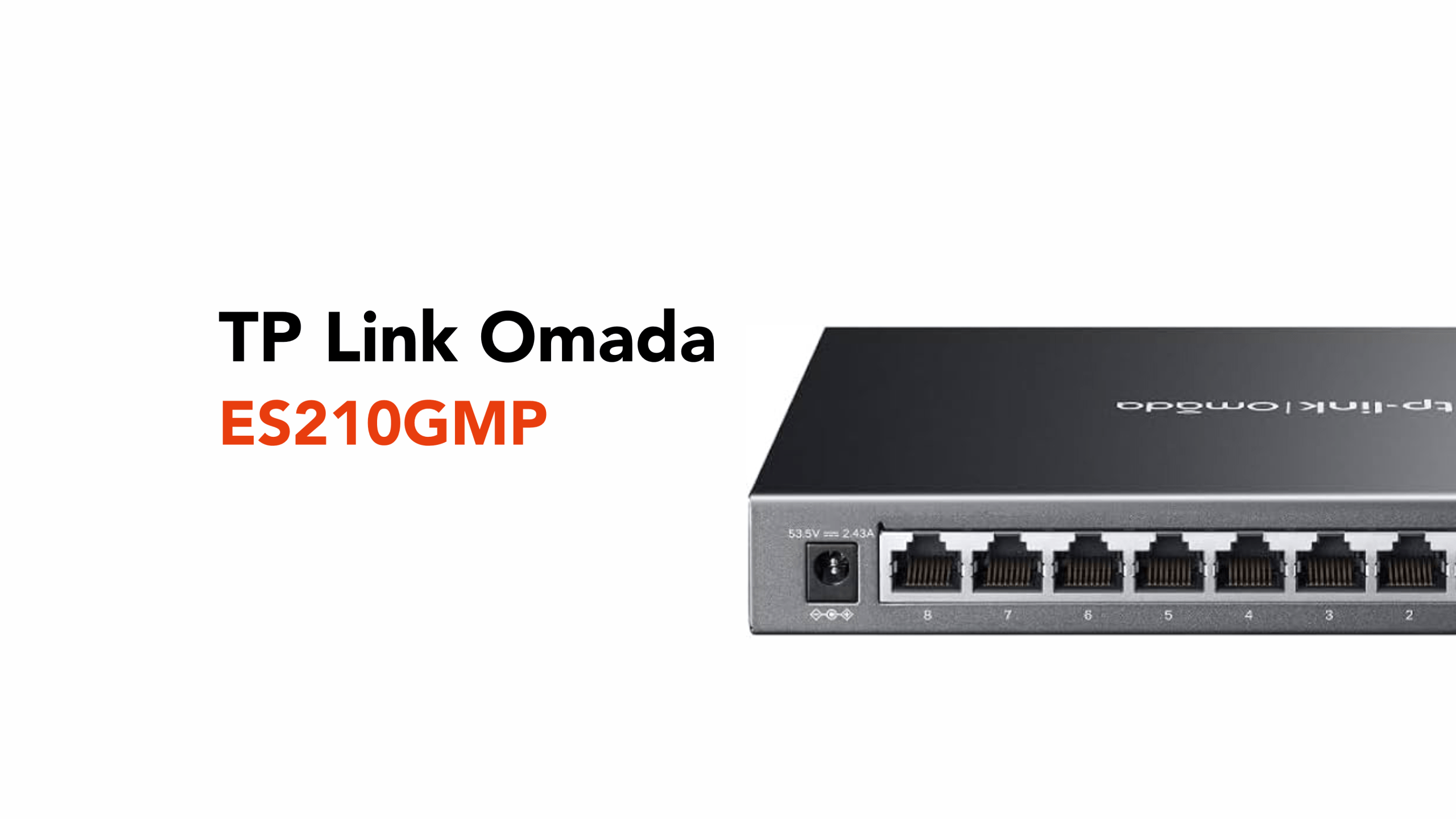
8-Port Managed PoE+ Switching for Business
A network that once handled a handful of devices can quickly become something far more demanding. Add a few access points, cameras, and connected systems, and suddenly, performance, power, and management all start competing for attention.
Without the right structure in place, things become harder to manage and less reliable over time.
The TP-Link Omada ES210GMP is designed for this exact moment, when a business needs more capacity, more control, and a cleaner way to keep everything running.
Before we discuss the ES210GMP, let’s define what a smart network hub is.
What is a Smart Network Hub?
As networks grow and more devices come into play, simply connecting everything is no longer enough. There’s a need for structure, visibility, and control.
A smart network hub is designed to bring all of that together. It connects multiple devices while giving you oversight of how they communicate, perform, and stay powered.
Rather than just passing data between devices, it allows you to monitor traffic, prioritise performance, and manage everything from a central platform.
It can also deliver power over the same cable, removing the need for separate power supplies and simplifying the overall setup.
In simple terms, it’s a compact way to connect and power multiple devices, while keeping your network organised, efficient, and easy to manage as it grows.
So, what are the ES210GMP’s key features?
TP-Link Omada ES210GMP’s Core Features Explained
The TP-Link Omada ES210GMP is built to handle growing networks that need more capacity, more control, and consistent performance under load.
Its core features go beyond specifications; each one is designed to solve a real operational challenge.
Power and Data Over a Single Cable (PoE+)
At the heart of the ES210GMP is its ability to deliver both power and data through a single Ethernet cable.
With 8 PoE+ Gigabit ports (802.3af/at-compliant) and a total power budget of 123W, it can support multiple powered devices simultaneously, with up to 30W per port. This makes it ideal for powering access points, IP cameras, and VoIP phones without the need for separate power supplies.
It also includes PoE Auto Recovery, which automatically restarts unresponsive devices, reducing downtime without manual intervention.
For larger spaces, the switch supports extended PoE transmission up to 250 metres in extended mode. Note: When Extend Mode is active, the data speed on those specific ports is limited to 10 Mbps..
The result is a cleaner, more flexible installation with fewer cables, fewer plug points, and far less complexity.
High-Performance Switching for Busy Networks
The ES210GMP has a 20 Gbps switching capacity, providing non-blocking throughput for all ports simultaneously.. The higher this number, the more traffic it can handle without slowing down. In practical terms, it means that multiple users, video calls, file transfers, and connected devices can all run simultaneously without creating a bottleneck.
It also supports jumbo frames (up to 15 KB), which means it can send larger chunks of data in one go rather than breaking them into smaller pieces. This is especially useful for things like large file transfers, backups, or video data, as it reduces overhead and improves efficiency.
Put simply, one keeps the network from getting congested, and the other helps move large amounts of data more efficiently, so everything feels faster and more stable under load.
Centralised Cloud Management (Omada SDN)
The ES210GMP integrates into the Omada ecosystem, allowing full network control through a centralised platform.
Using the Omada Cloud Controller, businesses can manage devices remotely, configure settings, and monitor performance across one or multiple sites.
Features like zero-touch provisioning and batch configuration make it easier to deploy and maintain networks at scale.
This reduces the need for on-site IT support while giving you consistent control across your entire infrastructure.
Advanced Traffic Management and Network Control
As networks grow, not all traffic should be treated equally.
The ES210GMP includes advanced QoS (Quality of Service) with 8 priority queues, allowing critical services like VoIP and video to take priority over less important traffic.
It also supports VLAN segmentation (802.1Q), allowing you to create isolated virtual networks for staff, guests, or surveillance systems.
Additional features such as bandwidth control, storm control, and port mirroring provide deeper visibility and control over how traffic flows through the network.
Built-In Stability and Network Protection
Network issues don’t always come from outside; they often start within the network itself.
The TP-Link Omada ES210GMP includes built-in protections to keep things stable. Features like loop prevention and loopback detection stop network loops, a common issue where data circulates endlessly and brings everything to a halt, before they can spread.
It also uses 802.3x flow control, which helps regulate traffic between devices. In simple terms, if one part of the network is overwhelmed, the switch can slightly slow traffic to prevent congestion and keep everything running smoothly.
For environments that handle video or surveillance, IGMP snooping ensures that multicast traffic (such as video streams sent to multiple devices) is delivered only where it’s needed. This reduces unnecessary load on the network and improves overall efficiency.
On the hardware side, ±6kV surge protection helps protect the switch from electrical spikes, such as power surges or lightning-related interference, improving reliability and extending the device’s lifespan.
Flexible Connectivity and Expansion Options
Beyond its PoE ports, the ES210GMP includes:
- 1× Gigabit RJ45 uplink port
- 1× Gigabit SFP/RJ45 combo port (allows for high-speed fibre uplinks to other buildings or server rooms).
This allows for flexible uplinks to other switches, routers, or fibre connections, making it easier to expand your network as needed.
Auto-negotiation and auto MDI/MDIX ensure compatibility with a wide range of devices without manual configuration.
Compact, Silent, and Practical Design
Despite its performance, the ES210GMP remains compact at 209 × 126 × 26 mm and features a fanless design for silent operation.
It supports both desktop and wall-mounted installation, making it easy to deploy in offices, retail environments, or back-of-house setups without needing dedicated rack space.
A physical security lock slot adds an extra layer of protection in shared or accessible environments.
Simple Deployment with Scalable Management
The ES210GMP is designed to be easy to deploy and manage over time.
With features such as automatic device discovery, cable diagnostics, and a web-based management interface, the ES210GMP reduces setup time while offering advanced tools for long-term network optimisation.
You don’t need a large IT team to run it, but it gives you the tools to scale as if you had one.
When Would You Need the TP-Link Omada ES210GMP?
You’ll typically need a switch like the TP-Link Omada ES210GMP when your network starts to outgrow a basic setup and needs to support multiple powered devices simultaneously.
In a growing office, that often means adding more access points, connecting additional staff devices, and needing better control over traffic management, all without slowing things down.
In retail or hospitality environments, the demand shows up quickly. POS systems, VoIP phones, and guest WiFi all need to run reliably together, without creating clutter or adding complexity behind the scenes.
For CCTV deployments, it becomes a practical necessity. With multiple cameras spread across a site, having enough ports and power in one place simplifies installation and keeps everything centrally managed.
And in multi-site setups, it lets you scale while maintaining visibility and control through Omada Cloud, without relying on constant on-site support.
It’s not about adding more hardware. It’s about having the right foundation in place so your network can grow without becoming harder to manage.
If you’re at the point where your network needs this level of structure and control, getting the design right from the start makes all the difference.
Ready to Upgrade Your Network?
If your setup is starting to feel stretched, it’s time to look at the bigger picture.
The right combination of design, hardware, and management makes all the difference.
Talk to circle.cloud about:
- Network planning and implementation
- Omada deployments
- Multi-site network control
- Business WiFi optimisation
Take the complexity out of your network and replace it with something built to scale.