Many businesses are replacing traditional landlines with modern internet-based communication systems. As the UK prepares for the retirement of the public switched telephone network, organisations are increasingly adopting voice over internet protocol technology to keep their communications running smoothly.
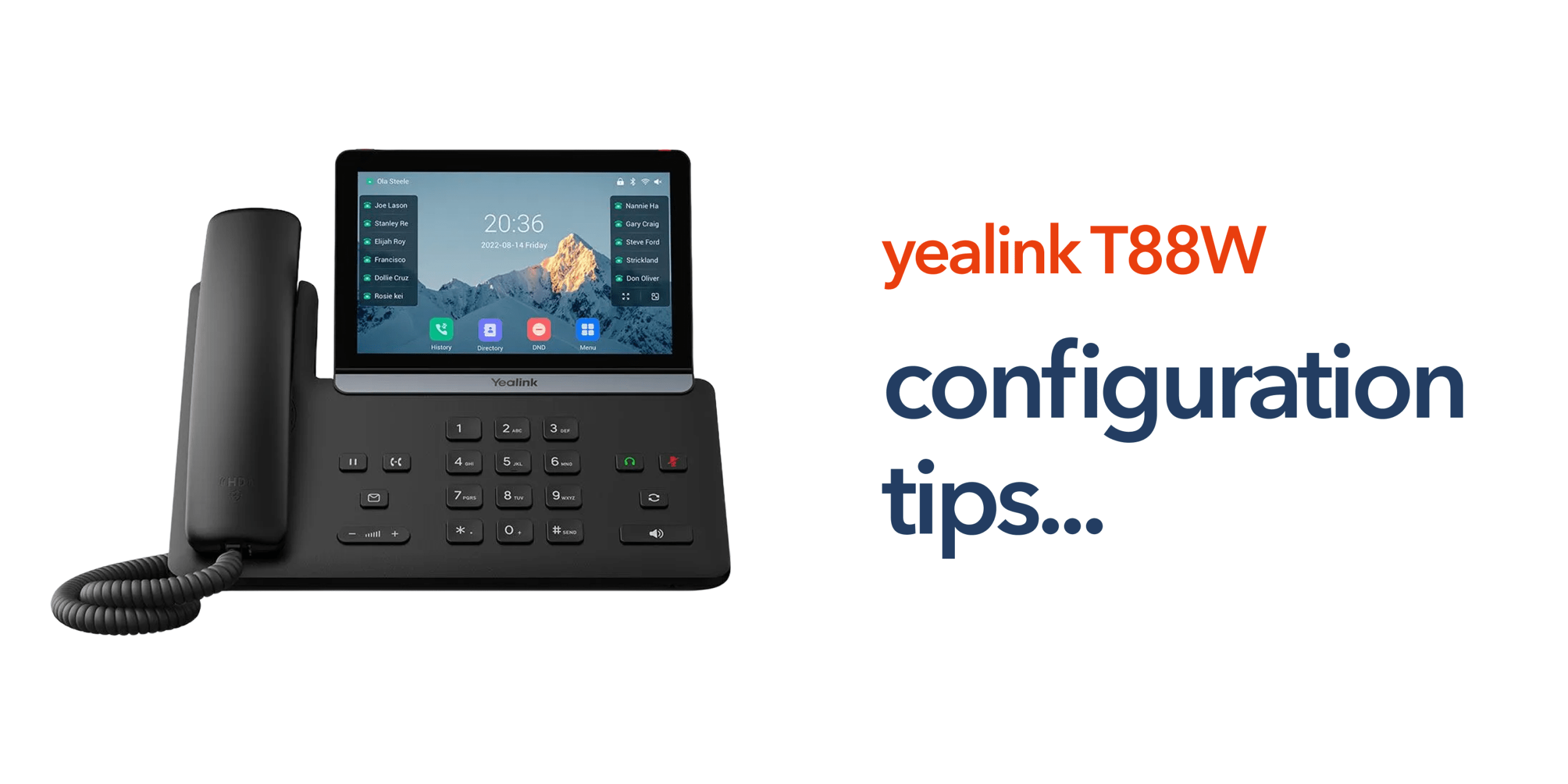
Devices such as the Yealink SIP T88W Pro are designed to support this shift. They provide advanced functionality, wireless connectivity and compatibility with modern cloud telephony platforms. However, even the most capable hardware will only perform well when it is configured correctly. Poor setup can lead to dropped calls, registration failures or unreliable audio quality.
Understanding the right VoIP phone configuration tips can help businesses deploy their devices correctly and maintain reliable communications across their organisation.
Understanding the Yealink SIP T88W Pro
The Yealink SIP T88W Pro is a premium business VoIP device built for modern telecom environments. It supports wireless connectivity, cloud telephony integration and expansion through digital enhanced cordless telecommunications technology. Key capabilities include a touchscreen interface for simplified management, support for wireless network connectivity, and integration with modern VoIP phone systems.
It also features compatibility with DECT expansion for cordless mobility and advanced audio technology for clear call quality. These features make the device suitable for businesses that rely heavily on phone communication. Professional services, retail operations and multi-site organisations can all benefit from reliable VoIP hardware that integrates easily with cloud communications platforms.
Why Configuration Matters for VoIP Phones
Traditional telephone systems connect directly to the PSTN infrastructure. VoIP phones operate differently because they rely on internet connectivity, network stability, and correct system configuration to function properly. If these settings are not configured correctly, businesses may experience several common issues:
- Poor call quality
- Delayed audio during conversations
- Dropped calls or unstable connections
- Device registration errors with the phone system
These problems usually occur when network settings, SIP credentials, or connectivity options are incorrectly configured.
Following the right VoIP phone configuration tips ensures the device registers correctly with the phone system and communicates reliably across the wider telecom infrastructure. When configured properly, VoIP phones deliver clear audio, stable connectivity, and consistent communication across the organisation.
Tip # 1: Ensure Reliable Business Internet Connectivity
One of the most important VoIP phone configuration tips is ensuring your network environment is stable. VoIP calls rely entirely on internet connectivity, so any instability in the network will immediately affect call quality and reliability.
Before deploying a Yealink VoIP phone, businesses should confirm that their network can support voice traffic. This includes having reliable business broadband, sufficient bandwidth capacity, low latency, and a stable internal network. Weak or congested networks often lead to poor audio quality, call delays, or dropped connections.
Many organisations also configure Quality of Service (QoS) settings on their routers or network switches. QoS prioritises voice traffic over other types of internet activity, helping ensure calls remain clear even when employees are using cloud applications, video conferencing, or large file downloads.
Tip # 2: Configure SIP Credentials Correctly
Another essential VoIP phone configuration tip is entering the correct SIP credentials during setup. VoIP devices connect to cloud phone platforms using these credentials, which allow the phone to register with the system and route calls properly.
Typical SIP configuration details include the SIP server address, user extension or account ID, and authentication password. If any of these details are entered incorrectly, the device may fail to register with the phone system, preventing calls from being made or received.
Before completing the configuration, businesses should carefully verify all settings provided by their telecom provider. Confirming these details ensures the Yealink VoIP phone connects successfully to the cloud phone system and operates reliably within the wider business telecoms environment.
Tip # 3: Choose the Right Network Connection
The Yealink SIP T88W Pro supports both wired and wireless connectivity, giving businesses flexibility when deploying the device. Choosing the right connection method is an important part of effective VoIP phone configuration tips, as it directly affects call stability and performance.
Ethernet connectivity
A wired Ethernet connection usually provides the most stable and consistent performance. For fixed office desks or permanent workstations, Ethernet is often the preferred option because it reduces the risk of signal interference and maintains reliable call quality.
Wireless connectivity
WiFi connectivity offers greater flexibility. It allows the phone to operate in locations where network cabling may not be available, such as flexible workspaces or temporary office setups. This can be useful for organisations with changing office layouts or hybrid working environments.
Selecting the appropriate connection method helps ensure the Yealink VoIP phone operates reliably within the wider business network.
Tip # 4: Configure DECT Expansion for Mobility
The Yealink SIP T88W Pro also supports digital enhanced cordless telecommunications (DECT) technology. This allows businesses to extend their phone system by connecting wireless handsets through a DECT base station, improving mobility across the workplace. DECT expansion can be particularly useful in environments where staff are not always at a desk. Common examples include retail stores, warehouses, hospitality venues, and large office environments.
With DECT-enabled handsets, employees can move around the premises while remaining connected to the business phone system. This helps maintain reliable communication between teams and ensures calls can still be answered even when staff are away from their desks.
Tip # 5: Test Call Performance After Setup
Once the device has been configured, it is important to test the phone thoroughly before rolling it out across the business. One of the most practical VoIP phone configuration tips is verifying that all core calling features work correctly. Businesses should test several areas of performance, including:
- Outbound call functionality
- Inbound call routing
- Voicemail access
- Speakerphone quality
- Headset compatibility.
These checks confirm that the Yealink SIP T88W Pro is correctly connected to the VoIP phone system and operating as expected. Testing also helps identify potential network or configuration issues early, allowing them to be resolved before the phone is deployed more widely across the organisation.
Tip # 6: Consider the Wider Telecom Infrastructure
VoIP phones are only one part of a complete business communication system. Reliable performance also depends on stable internet connectivity, secure network configuration, cloud telephony platforms, and reliable telecom support.
Businesses migrating from PSTN infrastructure should consider their entire communications setup when deploying VoIP devices. Working with experienced telecom providers can simplify this transition and ensure systems are configured correctly from the start.
Conclusion
Setting up a VoIP device correctly is essential for maintaining reliable business communications. Following the right VoIP phone configuration tips helps ensure the Yealink SIP T88W Pro connects properly to your phone system, delivers clear call quality, and operates consistently across your network.
By focusing on stable internet connectivity, accurate SIP configuration, the right network connection, and proper system testing, businesses can avoid common setup issues and get the most from their VoIP phones. With the right configuration in place, modern VoIP devices provide a dependable foundation for cloud-based communications and future-ready business telecoms.
Frequently Asked Questions
What is the most important step in VoIP phone configuration?
The most important step is ensuring reliable network connectivity. Without stable internet performance, even properly configured devices may experience poor call quality.
Can the Yealink SIP T88W Pro connect using WiFi?
Yes. The device supports wireless connectivity, allowing it to operate without a wired Ethernet connection when required.
Do VoIP phones require special internet connections?
Most modern business broadband connections support VoIP. However, stable bandwidth and low latency are essential for maintaining high call quality.
Can VoIP phones replace traditional PSTN systems?
Yes. VoIP phone systems are widely used as replacements for traditional PSTN infrastructure, particularly as the UK prepares for the PSTN switch-off.