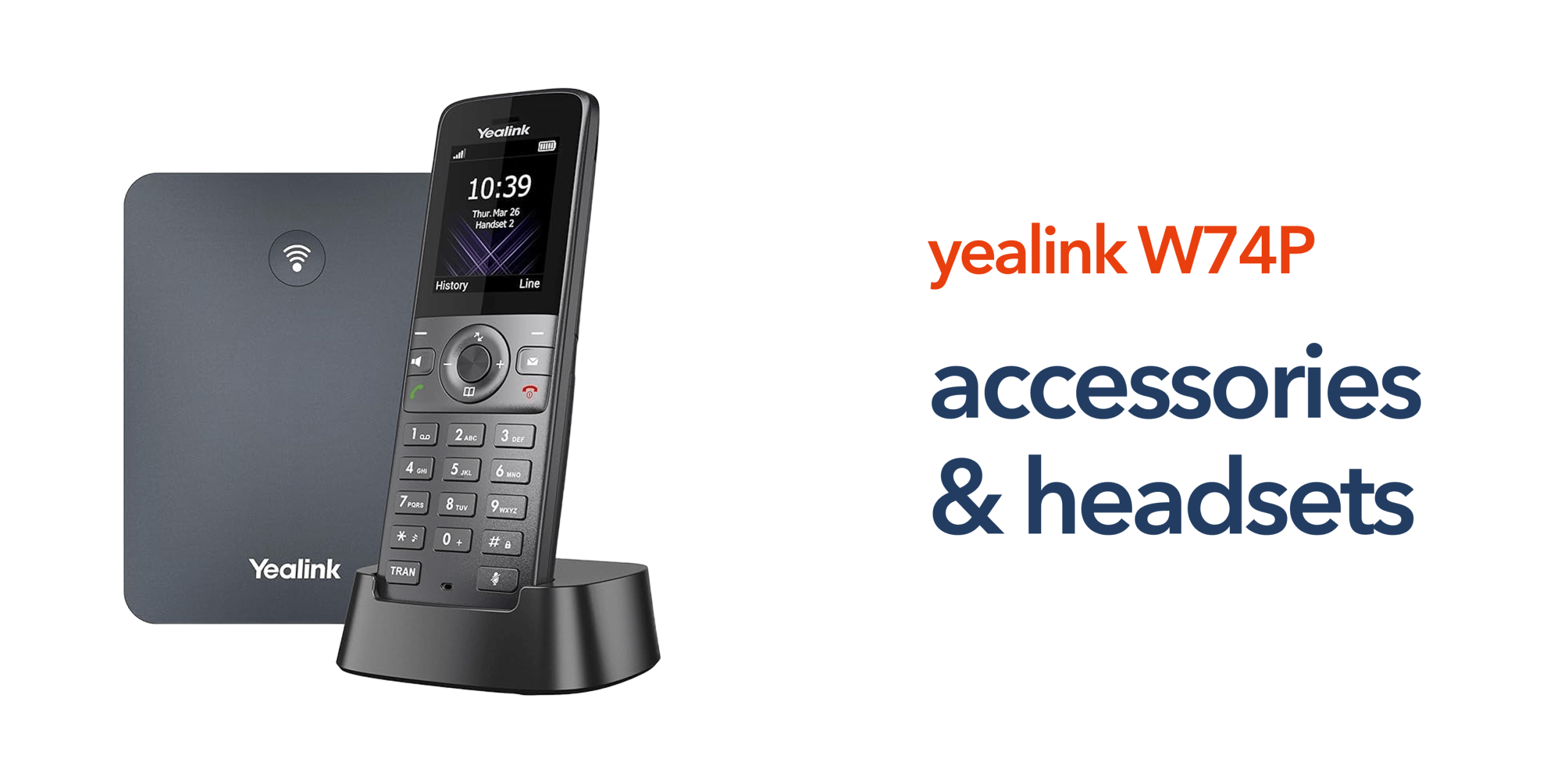
Many businesses invest in wireless VoIP phones like the Yealink W74P but overlook one important detail. The accessories that support how teams actually work. On paper, the handset delivers reliable DECT communication and integrates with modern cloud telephony platforms. In practice, without the right accessories, businesses often experience limitations. Audio can suffer in busy environments. Staff may struggle to stay mobile. Simple tasks can take longer than they should. This is where the right Yealink W74P accessories and headsets make a real difference.
High-quality compatible headsets improve call clarity and allow employees to work hands-free. Additional handsets extend coverage across departments without adding infrastructure. Charging solutions keep devices ready throughout the working day. Even small additions, such as carry accessories and headsets, can improve day-to-day usability. Together, these accessories transform the Yealink W74P from a standard wireless phone into a flexible business communication system. One that supports movement, improves efficiency, and aligns with how modern UK businesses operate.
For organisations moving towards VoIP and cloud-based business phone systems, getting the accessory setup right is not optional. It is part of building reliable, scalable business telecoms that support productivity across the entire organisation.
Why Yealink W74P Accessories Matter for Business Telecoms
The Yealink W74P is designed for modern business telecoms. It supports DECT wireless communication, integrates with cloud telephony platforms, and works seamlessly within VoIP phone systems. However, accessories play a critical role in how effectively the system performs in real environments. For UK businesses moving from PSTN to VoIP, accessories help ensure that communication remains reliable, flexible, and easy to manage. They allow teams to:
- Move freely across the workplace.
- Improve call clarity in busy environments.
- Adapt devices to specific roles or departments.
- Extend system coverage without complex infrastructure.
This is especially important for sectors such as retail, healthcare, and professional services where mobility and responsiveness are essential.
Key Yealink W74P Accessories to Consider
Choosing the right Yealink W74P accessories depends on how your team communicates day to day. Different roles require different levels of mobility, audio quality, and device availability. Understanding the key accessory options helps ensure your system supports productivity rather than limiting it.
Wireless and Corded Headsets
Compatible headsets are one of the most important Yealink W74P accessories. They allow employees to handle calls hands-free while continuing with daily tasks. This is particularly useful in customer-facing environments or where multitasking is required. Common options include:
- DECT wireless headsets for maximum mobility
- Bluetooth headsets for flexible connectivity
- Corded headsets for desk-based roles
For businesses using VoIP phone systems, high-quality headsets also improve call clarity, which directly impacts customer experience.
Additional Handsets
The Yealink W74P supports multiple handsets connected to a single base station, making it easy for businesses to expand communication coverage without installing additional infrastructure. By adding extra handsets, organisations can support teams across different areas such as multi-room offices, retail floors, warehouses, and care facilities. This approach creates a scalable communication setup that can grow alongside the business while maintaining consistent and reliable connectivity.
Charging Cradles and Docking Solutions
Charging accessories play a key role in keeping communication uninterrupted throughout the working day. Dedicated charging cradles can be positioned across different areas of the workplace, making it easy for staff to dock handsets between tasks without disruption. This ensures devices remain consistently powered, reduces the risk of missed calls due to low battery, and supports environments where teams rely on continuous availability.
Belt Clips and Carry Accessories
In fast-moving environments, simple accessories such as belt clips can make everyday communication more practical. They allow staff to carry handsets securely while moving between locations, keeping the device within easy reach at all times. This not only improves accessibility but also reduces the risk of drops or damage, making them a useful addition for roles that require constant mobility.
Compatible Headsets for Yealink W74P
Choosing the right headset for the Yealink W74P depends on how your team communicates throughout the day. In office environments, corded or Bluetooth headsets provide consistent audio for desk-based users. In more dynamic settings such as retail or hospitality, wireless headsets allow staff to stay mobile while managing calls efficiently. Headsets also play an important role in improving call clarity, particularly in busy or noisy environments where handset use may not be practical. For sectors like healthcare or logistics, hands-free communication can support faster response times and smoother workflows.
Compatibility is important. Not all headsets work seamlessly with DECT systems, so businesses should ensure devices are tested with Yealink phones before deployment. It is important to ensure headset compatibility with DECT systems and Yealink phones to avoid connectivity or performance issues. Choosing the right model helps create a more reliable and comfortable communication experience across your business.
How Accessories Support Modern VoIP and Cloud Telephony
Accessories are not just add-ons. They form part of a wider communication strategy for modern businesses. As UK organisations move away from the public switched telephone network and adopt VoIP and cloud telephony, the role of accessories becomes more important. They help improve the overall user experience across cloud phone systems, support hybrid and mobile working, enhance call handling efficiency, and maintain consistent communication quality. When combined with reliable business broadband and a properly configured VoIP infrastructure, the Yealink W74P becomes a complete and dependable business phone system.
Choosing the Right Accessories for Your Business
Not every business needs the same setup. The right combination of Yealink W74P accessories depends on factors such as your workplace layout, number of users, mobility requirements, type of customer interaction, and how the system integrates with your existing telecom infrastructure.
For SMEs, a straightforward setup with compatible headsets and additional handsets is often enough to support day-to-day communication. This provides the flexibility and coverage needed without adding unnecessary complexity, while still allowing the system to scale as the business grows.
Build a Complete Yealink W74P Setup
Choosing the right Yealink W74P accessories is about more than hardware. It is about creating a communication system that works for your business. At circle.cloud, the focus is on helping UK organisations build reliable, scalable telecom solutions that are simple to manage and designed for modern work. From VoIP phone systems to business broadband and cloud telephony, every part of the setup is aligned to support productivity and growth. If you are planning to deploy or upgrade your Yealink W74P system, speak to our team, and we will help you design a setup that fits your business.
FAQs:
What accessories are compatible with the Yealink W74P?
Common accessories include wireless headsets, additional handsets, charging docks, and carry accessories. Compatibility depends on the specific headset model and connection type.
Can I use Bluetooth headsets with the Yealink W74P?
Yes, but compatibility depends on the model. Some setups may require additional configuration or supported adapters.
How many handsets can the Yealink W74P support?
The system supports multiple handsets connected to one base station, making it suitable for growing businesses.
Do accessories improve call quality?
Yes. High-quality headsets and properly configured accessories can significantly improve audio clarity and reduce background noise.
Are Yealink W74P accessories suitable for all industries?
Yes. They are commonly used across retail, healthcare, offices, and multi-site organisations where mobility and reliable communication are important.