Note: the “Expansion Microphones” section below assumes the CP925 supports wired expansion mics. Please verify this against the current Yealink CP925 datasheet before publishing — this feature is more commonly associated with Yealink’s CP960/CP965 range, and if the CP925 doesn’t support it, this section (and the related FAQ) will need rewriting rather than just editing.
Conference room technology is no longer just about placing a phone in the centre of a table. Modern meeting environments often include hybrid collaboration, remote participants, unified communications platforms, wireless connectivity, and multi-device integration. The right Yealink CP925 accessories can improve audio performance, simplify deployment, and create a more professional meeting experience.
However, not every business requires the same setup. Understanding which accessories and compatible equipment actually add value helps avoid unnecessary spending and deployment complexity.
What Is the Yealink CP925?
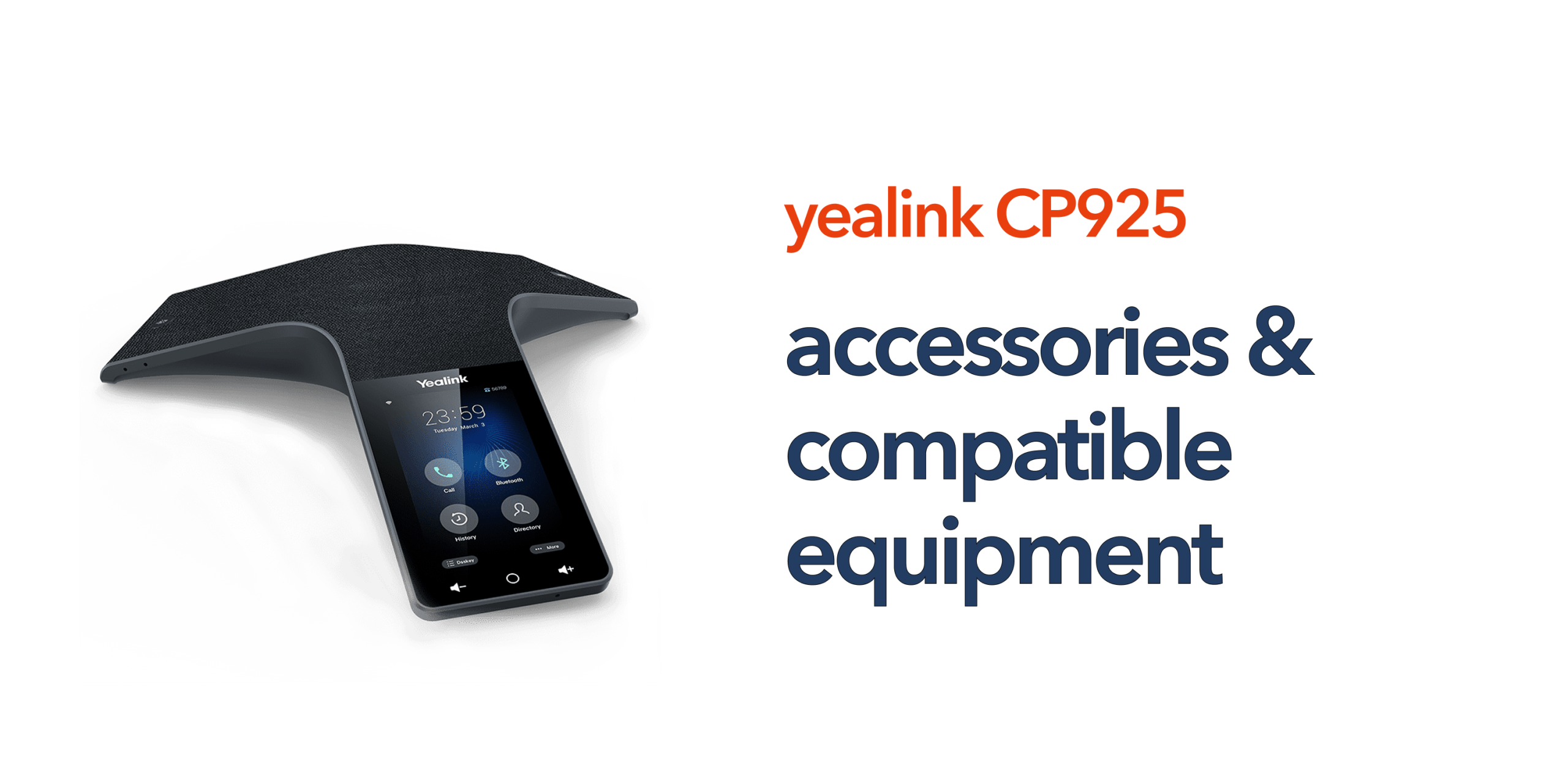
The Yealink CP925 is a premium SIP conference phone designed for small to medium-sized meeting rooms. It includes:
- HD voice quality
- 7-microphone array
- 360-degree voice pickup
- Noise cancellation
- Bluetooth support
- Wi-Fi connectivity
- Touchscreen controls
The device is designed for modern cloud-first business communications and works particularly well within hosted VoIP and unified communications environments.
Expansion Microphones
One of the most common Yealink CP925 accessories businesses consider is expansion microphones. These are particularly useful in larger meeting rooms where participants may sit further away from the conference phone and standard microphone coverage may not be sufficient. Additional microphones can improve voice pickup consistency, call clarity, participant coverage, and overall meeting inclusivity.
However, not every business requires them. Smaller meeting rooms often perform perfectly well using the built-in microphone array. Before investing in expansion microphones, businesses should assess room dimensions, seating layouts, average participant numbers, and overall room acoustics to determine whether extended audio coverage is genuinely necessary.
Power over Ethernet (PoE) Equipment
The Yealink CP925 supports Power over Ethernet, allowing both power and network connectivity through a single Ethernet cable. Compatible equipment may include PoE network switches, PoE injectors, and managed switches. Using PoE can simplify installation significantly by reducing cable clutter and removing the need for nearby power sockets. This helps create cleaner and more organised meeting room layouts while also making deployment easier to manage. Businesses deploying multiple conference phones across several meeting spaces often benefit most from structured PoE networking infrastructure.
SIP and Hosted VoIP Platforms
The CP925 is designed to operate within SIP-based telecom environments and works with a wide range of hosted VoIP and unified communications platforms. Compatible systems commonly include cloud PBX platforms, SIP trunking services, and hosted telephony solutions.
Before purchasing the device, businesses should confirm compatibility with their telecom provider and wider communications infrastructure. Some deployments may require SIP provisioning, firmware updates, VLAN configuration, or network optimisation to ensure reliable performance. Choosing compatible telecom infrastructure is just as important as selecting the conference phone itself.
Wireless Connectivity Accessories
The Yealink CP925 includes built-in Bluetooth and Wi-Fi support, helping businesses create more flexible and modern meeting environments. Wireless connectivity can support device pairing, simplified room deployment, flexible positioning, and reduced cabling requirements.
In some business environments, organisations may also benefit from upgrading wireless access points, adding network extenders, or implementing secure Wi-Fi segmentation to improve conferencing reliability. Reliable wireless infrastructure becomes increasingly important as hybrid working and remote collaboration continue to grow.
Conference Room Displays and Video Equipment
Although the CP925 is primarily an audio conferencing device, many businesses integrate it with wider meeting room technology. Common compatible equipment includes video conferencing cameras, large meeting room displays, collaboration screens, and wireless presentation systems. Combining these technologies creates a more complete hybrid meeting environment that supports both in-room and remote participants.
Businesses regularly hosting client presentations, remote collaboration sessions, video conferences, or multi-site meetings may benefit significantly from integrating the CP925 into a broader conferencing and collaboration solution.
Compatible Yealink Ecosystem Devices
Many organisations prefer to standardise equipment across their communications infrastructure to simplify management and improve consistency across teams. Compatible Yealink ecosystem products may include desk phones, DECT handsets, video conferencing systems, room panels, and collaboration devices.
Using equipment from the same ecosystem can simplify user training, device management, firmware updates, and support processes. This approach is particularly beneficial for multi-site businesses and growing organisations that want a scalable communications infrastructure without unnecessary operational complexity.
Broadband and Network Considerations
Conference phones rely heavily on stable and reliable network performance. Businesses investing in Yealink CP925 accessories should also assess the quality of their wider telecom infrastructure, including business broadband reliability, LAN performance, QoS configuration, network security, and Wi-Fi coverage.
Poor connectivity can reduce call quality, introduce latency, and negatively affect the overall conferencing experience. Even premium conferencing hardware performs poorly on unreliable networks, making stable business connectivity essential for high-quality communications.
Mounting and Cable Management Accessories
Physical deployment accessories are often overlooked but can make a significant difference to meeting room usability and organisation. Businesses may require cable management systems, Ethernet routing solutions, table access ports, network trunking, or power organisation accessories to create cleaner and more practical meeting environments. Well-organised meeting room layouts improve device accessibility, reduce visible clutter, create a more professional appearance, and simplify ongoing maintenance and troubleshooting.
Security and Management Tools
Modern conference phones form part of the wider business network and should be managed accordingly. Businesses should consider secure provisioning, firmware management, device monitoring, and network segmentation when deploying conferencing equipment. Managed telecom and IT support services can help reduce configuration errors, security risks, downtime, and compatibility issues. Ongoing management becomes increasingly important as organisations expand their communications infrastructure across multiple users, locations, or meeting spaces.
Avoid Buying Accessories You Do Not Need
Not every business requires a fully integrated enterprise conferencing environment. Many SMEs can achieve excellent conferencing performance using the Yealink CP925 itself alongside reliable hosted VoIP, stable broadband, and proper room placement. Overcomplicating deployment often increases costs without delivering meaningful improvements to meeting quality. The best approach is to choose accessories based on actual business requirements rather than adding unnecessary hardware or features.
Who Should Consider Additional CP925 Accessories?
Additional Yealink CP925 accessories are most valuable for:
- Multi-site businesses
- Hybrid working organisations
- Growing SMEs
- Client-facing businesses
- Large meeting environments
- Businesses standardising telecom systems
These organisations often require more advanced conferencing environments to support collaboration across multiple users, locations, and meeting spaces. Additional accessories can help improve scalability, usability, and long-term flexibility. However, smaller offices with basic conferencing requirements may only need minimal additional equipment to achieve reliable performance.
Why Support and Compatibility Matter
Conference room issues are often caused by compatibility problems rather than hardware faults. Poor provisioning, unsupported SIP configurations, or network limitations can quickly affect meeting quality and reliability.
Working with an experienced telecom provider helps ensure:
- Correct deployment
- SIP compatibility
- Reliable provisioning
- Ongoing support
- Easier troubleshooting
At circle.cloud, we help businesses build modern conferencing environments that are reliable, scalable, and simple to manage.
Final Thoughts
The right Yealink CP925 accessories can improve meeting quality, simplify deployment, and support more effective collaboration. However, businesses should avoid choosing equipment based purely on specifications or trends. The best conferencing environments are built around room size, team requirements, network quality, VoIP compatibility, ease of management, and long-term scalability.
Modern business communications should remain simple, reliable, and easy to support. Speak to circle.cloud to find the right conferencing setup for your business.
FAQs
What accessories are commonly used with the Yealink CP925? Common accessories include expansion microphones, PoE switches, conferencing displays, and SIP-compatible telecom systems.
Does the Yealink CP925 support Bluetooth? Yes. The device includes built-in Bluetooth support for wireless connectivity.
Can the Yealink CP925 work with Hosted VoIP? Yes. The CP925 is designed for SIP and hosted VoIP environments.
Do all businesses need expansion microphones? No. Smaller meeting rooms often achieve excellent coverage using the standard built-in microphone array.
Is the Yealink CP925 suitable for hybrid meetings? Yes. The device is designed to support modern hybrid and remote collaboration environments.