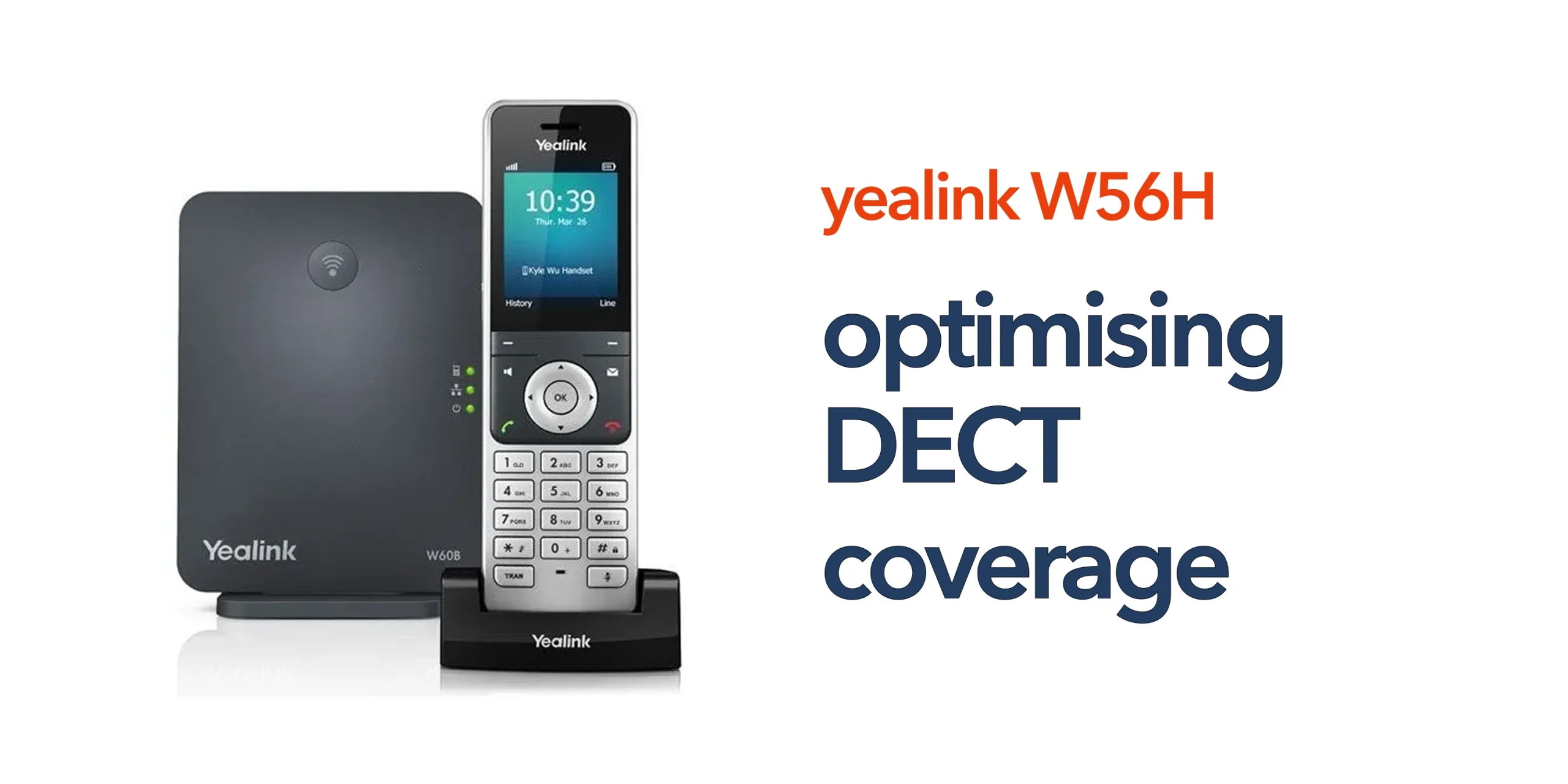
Poor signal coverage can quickly turn a reliable handset into a source of frustration for any business. When DECT coverage is not properly designed or optimised, it often results in dropped calls, weak or distorted audio, and persistent dead zones across the workplace. These issues are rarely caused by the handset itself, but instead point to gaps in how the DECT environment has been planned and deployed.
For businesses using Yealink W56H handsets, coverage is not just a technical consideration. It directly affects day-to-day communication, team responsiveness, and overall operational efficiency. Staff who cannot rely on clear, uninterrupted connectivity may struggle to collaborate effectively, especially in larger offices, warehouses, or multi-floor environments.
Understanding how DECT coverage works and how it behaves in real-world business settings is essential to achieving consistent performance. This guide explains how to approach optimising DECT coverage for Yealink W56H setups in a practical, business-focused way, helping ensure your communication system remains reliable, scalable, and fit for purpose.
Why DECT Coverage Matters in Business Environments
DECT technology is designed for stable, long-range communication. However, real-world environments often reduce its effectiveness. Common challenges include:
- Large office layouts
- Multi-floor buildings
- Warehouses with shelving or machinery
- Thick walls and structural barriers
Without proper planning, these factors lead to common Yealink W56H coverage problems such as signal dropouts and inconsistent call quality.
Understanding DECT Coverage Limitations
Before improving DECT performance, it is important to understand the factors that influence signal strength and overall coverage within a business environment. DECT systems are generally reliable, but their performance is still shaped by physical space, interference, and how the system is deployed.
Physical Barriers
Materials within a building can have a significant impact on DECT signal quality. Structures such as concrete walls, metal surfaces, reinforced flooring, and even thick glass can weaken the signal as it travels between the handset and the base station. The more obstacles placed in the signal path, the greater the reduction in coverage and stability, which can lead to weaker audio or dropped connections in certain areas.
Interference
Although DECT technology operates on a dedicated frequency designed to reduce disruption, interference can still occur in busy business environments. This can come from other electronic equipment, high-density network environments, or nearby wireless systems operating in close proximity. While interference is not always obvious, it can contribute to inconsistent performance, reduced clarity, or occasional call instability.
Base Station Placement
The location of the base station is one of the most important factors in achieving strong DECT coverage. Poor placement, such as positioning the unit in corners, enclosed rooms, or low-level locations, can significantly limit its effective range. This often results in uneven coverage across the workspace, creating dead zones where handset performance becomes unreliable. Proper positioning is essential to ensure consistent and balanced signal distribution throughout the environment.
How to Improve and Fix DECT Coverage Issues
Taking a structured approach is the most effective way to resolve and fix Yealink W56H coverage issues. By addressing placement, environment, and system design, businesses can significantly improve signal strength and overall call reliability.
Position the Base Station Strategically
Base station placement has the greatest impact on DECT coverage performance. A poorly positioned unit will almost always result in weak or uneven signal distribution, regardless of handset quality.
Best practice includes installing the base station in a central location within the building to ensure balanced coverage across all areas. It should be placed away from thick walls, enclosed cabinets, or areas with heavy obstruction, as these can reduce signal reach. Mounting the base station at a higher position also helps improve signal dispersion and reduces the likelihood of dead zones. When positioned correctly, a single base station can often deliver significantly more consistent coverage.
Assess Your Environment
Before making changes, it is important to understand how coverage behaves across your workspace. Walking through the building and actively testing handset performance helps identify problem areas.
Look for locations where calls drop unexpectedly, areas where audio becomes weak or distorted, and spaces where physical structures may be interfering with the signal. This type of real-world assessment provides a clearer picture of where improvements are needed and helps guide more effective adjustments.
Use Additional Base Stations or Repeaters
In larger or more complex environments, a single base station may not be sufficient to provide full coverage. Expanding the system can help eliminate weak zones and improve overall reliability.
Multi-cell DECT systems are often used in larger sites to provide seamless coverage across extensive areas. Alternatively, repeaters can be deployed to extend signal reach into harder-to-cover spaces. This is particularly beneficial in warehouses, multi-storey office buildings, or environments that require outdoor coverage.
Reduce Interference
Although DECT systems are designed to minimise disruption, interference can still affect performance in busy environments. Reducing potential sources of interference can help improve stability and call quality.
This can be achieved by positioning base stations away from other electronic equipment, avoiding congested network areas, and maintaining distance from Wi-Fi routers where possible. Even small adjustments in placement can have a noticeable impact on overall performance.
Keep Firmware Updated
Regular firmware updates play an important role in maintaining system performance. Updates often include improvements to signal handling, stability, and device compatibility, all of which contribute to a more reliable DECT experience. Keeping devices up to date ensures your Yealink W56H system continues to operate efficiently and reduces the likelihood of avoidable issues over time.
Scaling Coverage for Growing Businesses
As your business grows, your DECT setup needs to scale with it to maintain reliable performance. Systems designed for smaller environments can quickly struggle when demand increases or coverage areas expand.
Common signs you need to upgrade include a rising number of users placing more load on existing base stations, expansion into larger office spaces that create new coverage gaps, or multiple locations that require connected communication across sites.
A scalable DECT solution ensures consistent coverage and call quality as your business evolves, allowing you to expand users, extend range, and support new locations without disrupting day-to-day communication.
When Basic Optimisation Is Not Enough
If you are still experiencing issues after making adjustments, the problem may be with the overall system design rather than individual settings. Common scenarios include:
- Incorrect DECT architecture
- Insufficient base stations
- Poor network integration
At this stage, a more structured deployment approach is required.
Build a Reliable DECT Setup That Works Everywhere
Reliable communication should not depend on where someone is standing in your building. A properly optimised DECT system ensures your team can move freely without losing connection. circle.cloud helps UK businesses design and deploy DECT solutions that deliver consistent coverage across any environment. From small offices to multi-site operations, the focus is on making communication simple, reliable, and scalable. Speak to our team to optimise your DECT coverage and remove communication blind spots from your business.
FAQs
What is the ideal range for Yealink W56H DECT coverage?
Indoor coverage typically ranges up to 50 metres, while outdoor coverage can reach up to 300 metres. However, real-world conditions often reduce this range.
How can I improve weak DECT signal areas?
Repositioning the base station, reducing obstacles, or adding repeaters can significantly improve coverage.
Do I need multiple base stations for my business?
If your workspace is large or has multiple floors, multiple base stations or a multi-cell system is usually required.
Can walls affect DECT signal strength?
Yes. Thick walls, metal structures, and dense materials can weaken signals and create dead zones.